


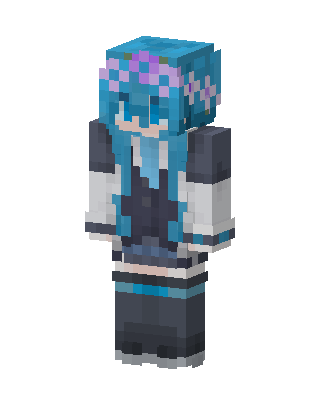
Hatsune Miku
Slim arms · mostly blue · first seen Oct 2026
1 viewLong teal twin tails with a purple flower crown, dark gray and white jacket, light blue tie, dark skirt, and striped dark boots.
How to use on Bedrock
- Download the skin.
- In Minecraft, open Dressing Room, then Classic skins.
- Choose Import, pick the file, then choose the slim (Alex) arms.
Similar skins
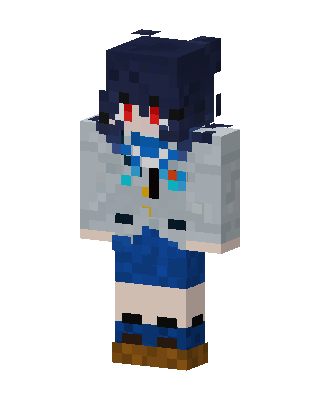 Blue Haired Anime39 views · Worn by 1
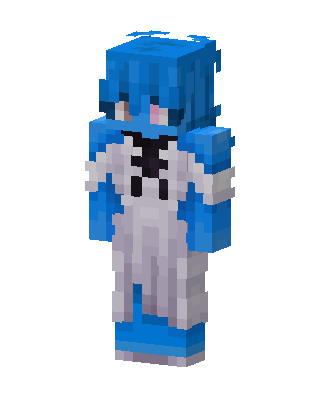 Blue Hoodie Hero35 views · Worn by 1
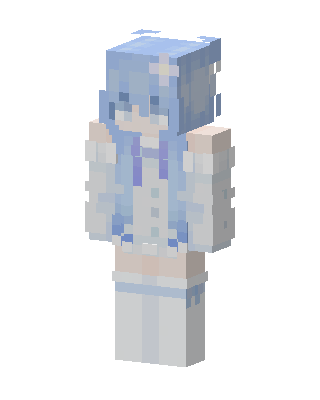 Frost Maiden78 views · Worn by 0
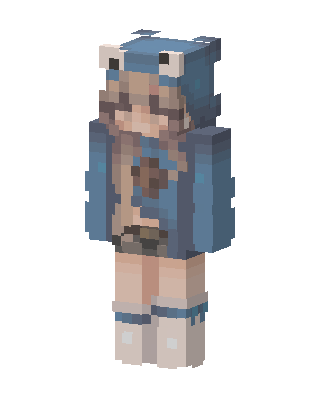 Frog Hoodie Girl12 views · Worn by 0
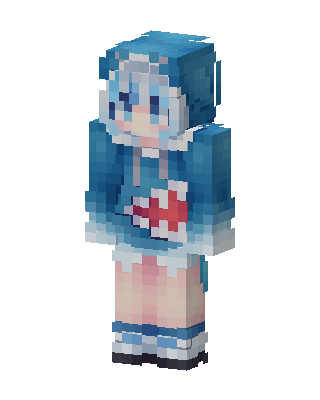 Gawr Gura10 views · Worn by 0
 Scene Girl10 views · Worn by 0
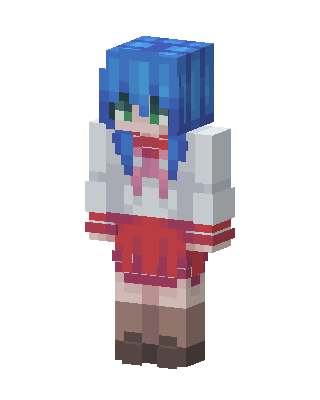 Konata Izumi9 views · Worn by 0
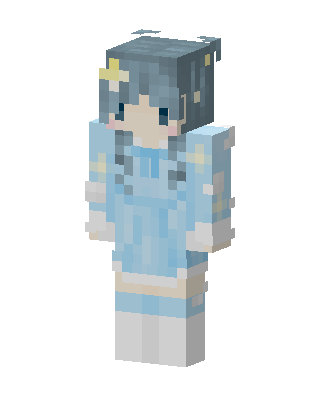 Starry Sky Girl8 views · Worn by 0
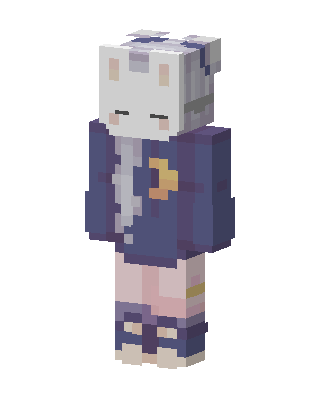 Sleepy Bunny8 views · Worn by 0
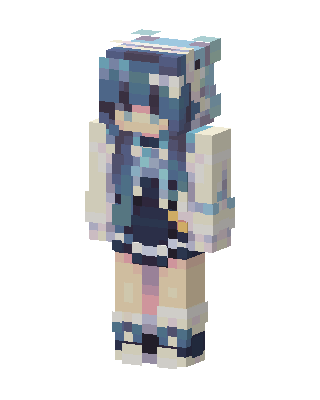 Blue Haired Girl8 views · Worn by 0
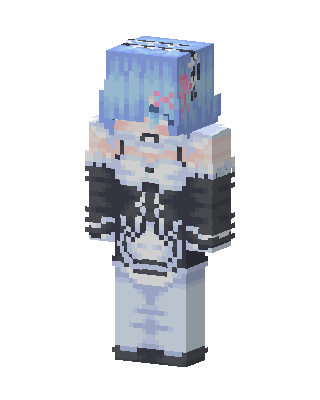 Rem8 views · Worn by 0
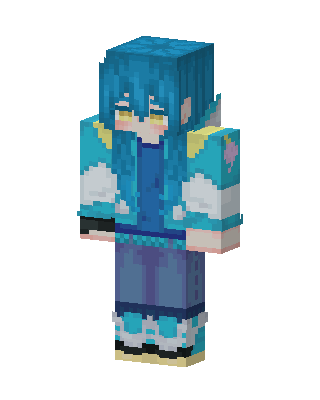 Aqua Hoodie Girl6 views · Worn by 0


