


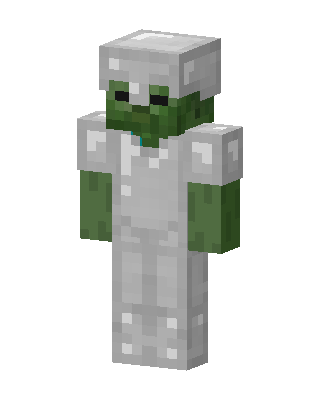
Iron Armor Zombie
Classic arms · mostly gray · first seen Oct 2026
1 viewA green-skinned Minecraft zombie with dark eyes, wearing a full set of shiny iron armor including a helmet, chestplate, leggings and boots.
How to use on Bedrock
- Download the skin.
- In Minecraft, open Dressing Room, then Classic skins.
- Choose Import, pick the file, then choose the classic (Steve) arms.
Similar skins
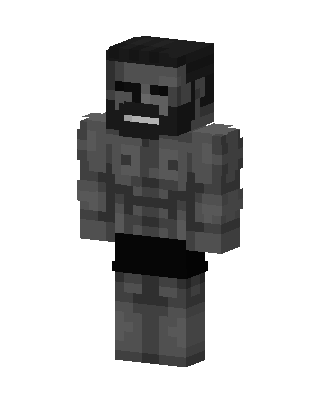 Stone Brute11 views · Worn by 0
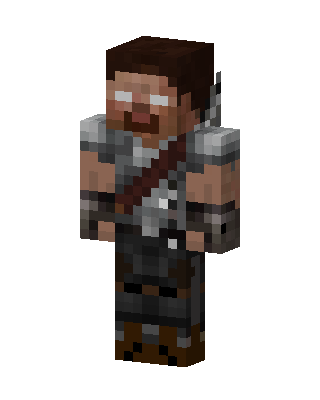 Armored Herobrine2 views · Worn by 0
 Mossy Creeper Explorer1 views · Worn by 0
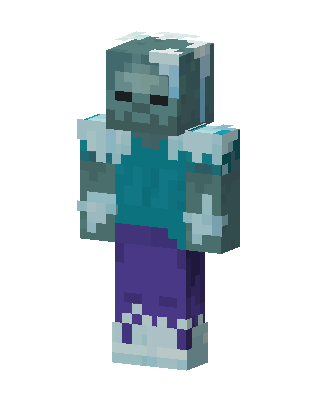 Frozen Zombie83 views · Worn by 2
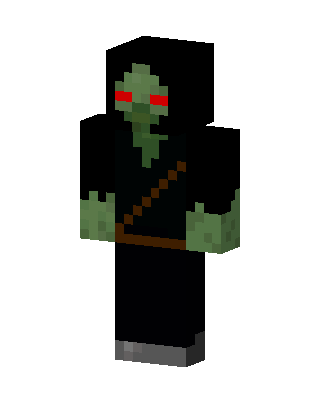 Hooded Zombie113 views · Worn by 1
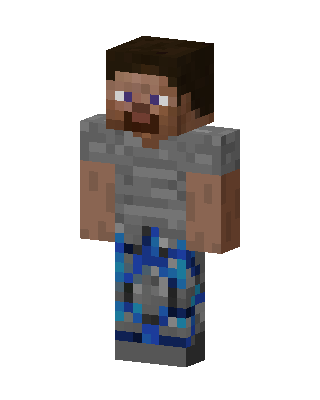 Steve In Stone32 views · Worn by 0
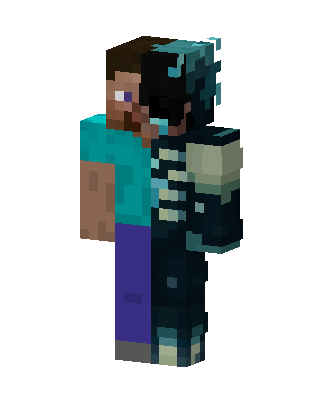 Steve Warden Split23 views · Worn by 0
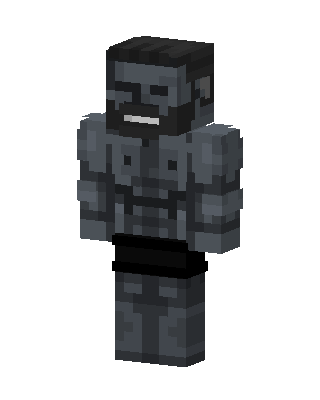 Stone Brute19 views · Worn by 0
 Mushroom Frog15 views · Worn by 0
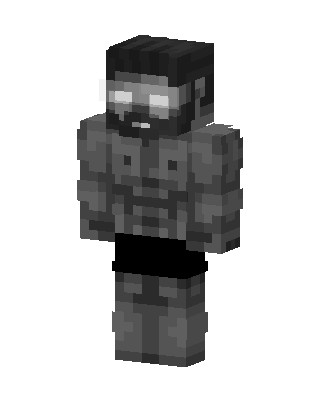 Stone Brute11 views · Worn by 0
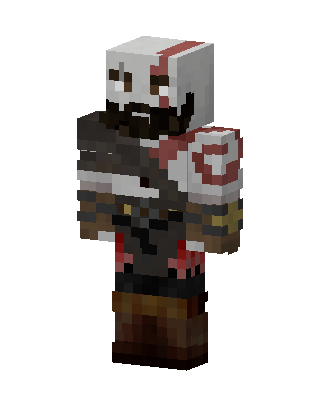 Kratos9 views · Worn by 0
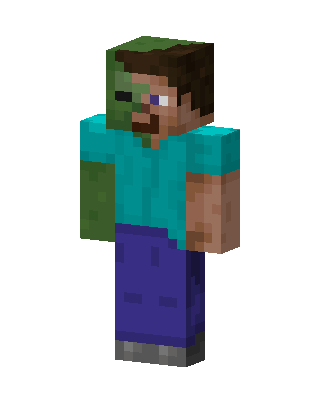 Zombie Steve6 views · Worn by 0


