


Half Shadow Steve
Classic arms · mostly black · first seen Oct 2026
3 viewsSteve split down the middle: the left side is normal with a cyan shirt and blue jeans, the right is a black shadow with a red glowing eye.
How to use on Bedrock
- Download the skin.
- In Minecraft, open Dressing Room, then Classic skins.
- Choose Import, pick the file, then choose the classic (Steve) arms.
Similar skins
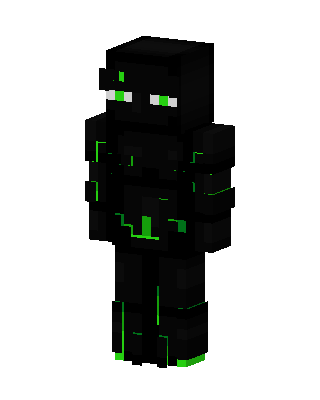 Neon Enderman54 views · Worn by 1
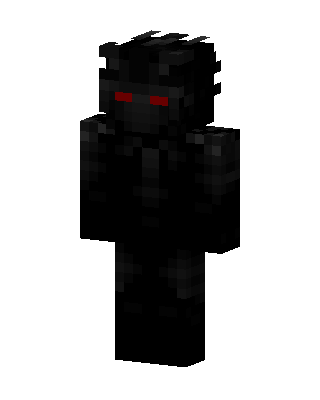 Shadow Demon13 views · Worn by 1
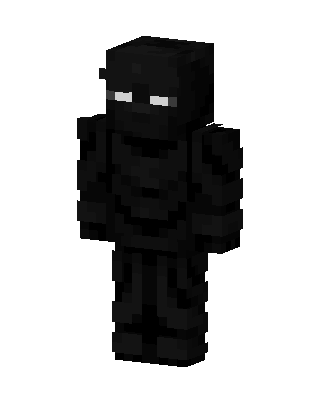 Shadow Knight29 views · Worn by 0
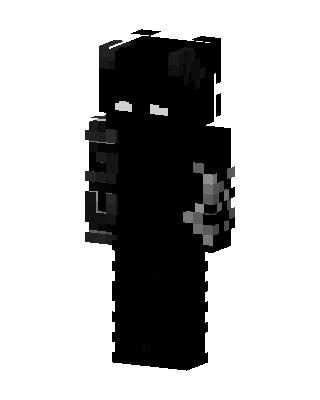 Shadow Cat21 views · Worn by 0
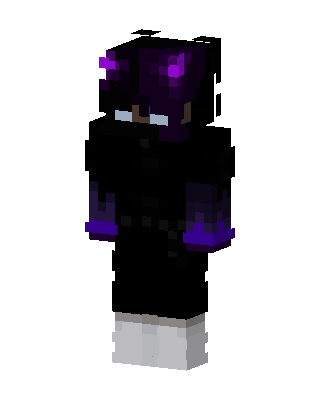 Ender Hoodie19 views · Worn by 0
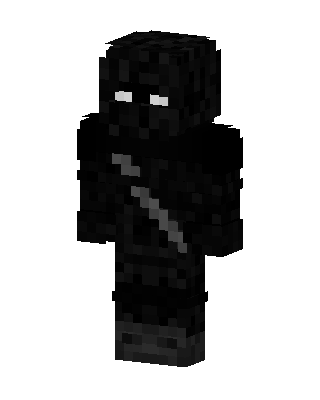 Shadow Assassin17 views · Worn by 0
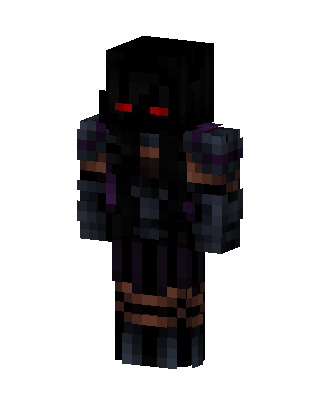 Shadow Knight16 views · Worn by 0
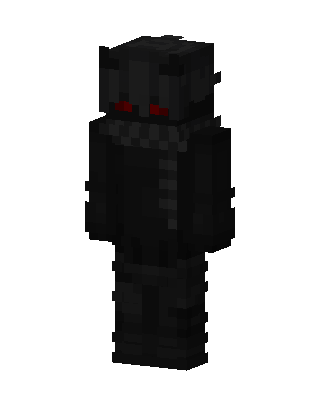 Black Ninja Boy13 views · Worn by 0
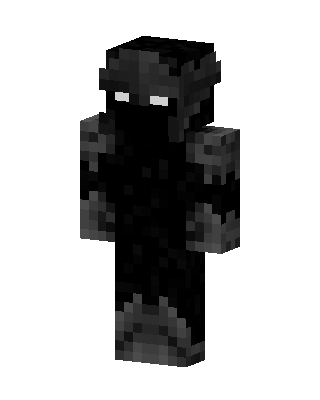 Black Ninja Boy11 views · Worn by 0
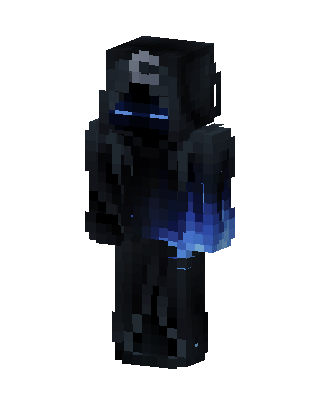 Shadow Wraith10 views · Worn by 0
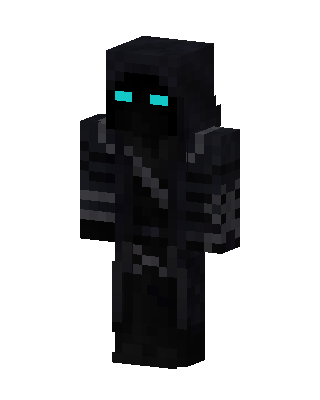 Shadow Wraith10 views · Worn by 0
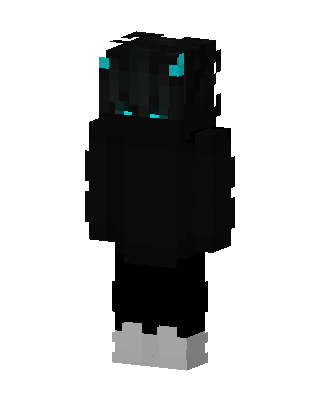 Shadow Imp6 views · Worn by 0


