


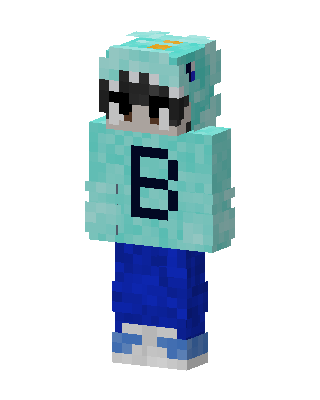
Shark Hoodie B
Slim arms · mostly cyan · first seen Oct 2026
0 viewsA player in a teal shark hoodie with white teeth and a dark letter B on the chest, dark sunglasses, blue pants and light blue sneakers.
How to use on Bedrock
- Download the skin.
- In Minecraft, open Dressing Room, then Classic skins.
- Choose Import, pick the file, then choose the slim (Alex) arms.
Similar skins
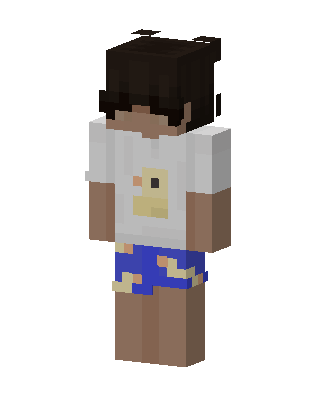 White Player Boy0 views · Worn by 0
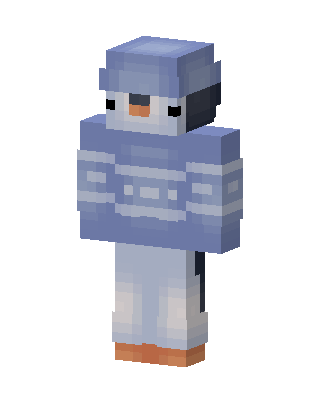 Blue Player Boy0 views · Worn by 0
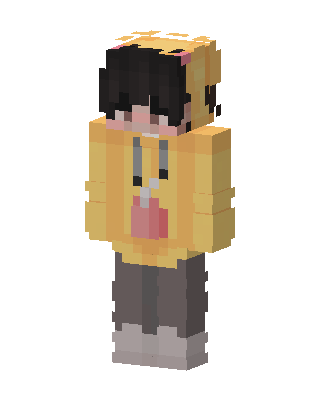 Yellow Hoodie Boy0 views · Worn by 0
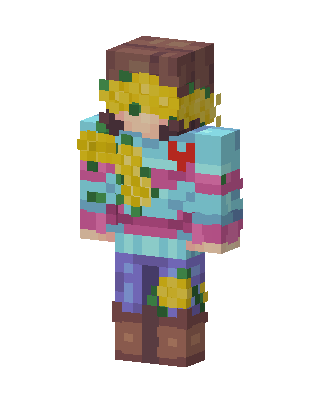 Sunflower Sweater0 views · Worn by 0
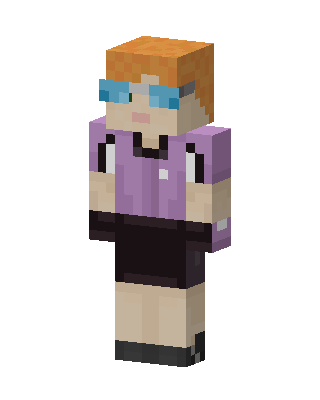 Goggles Girl83 views · Worn by 3
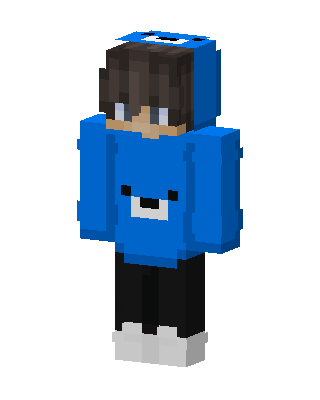 Blue Bear Hoodie13 views · Worn by 1
 Sunflower Hoodie13 views · Worn by 1
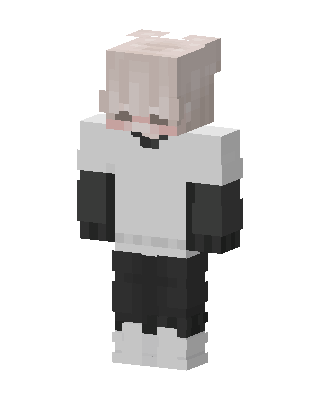 Pastel Hoodie Boy10 views · Worn by 1
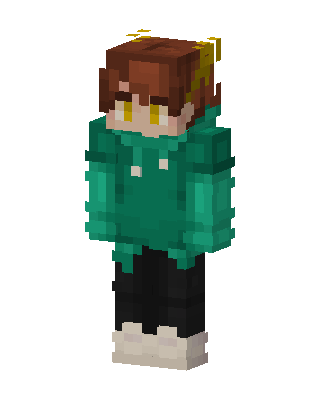 Green Hoodie Boy6 views · Worn by 1
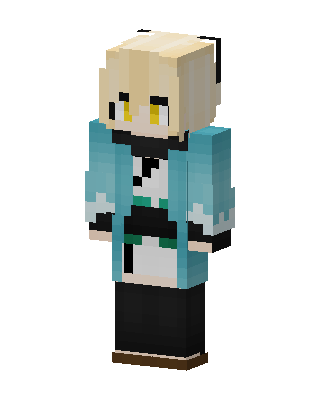 Okita Souji2 views · Worn by 1
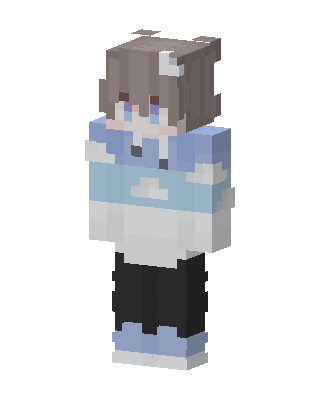 Cloud Hoodie14 views · Worn by 0
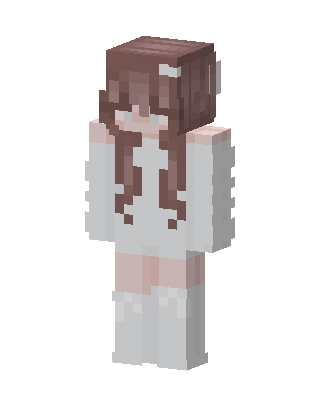 Angel Girl12 views · Worn by 0


