


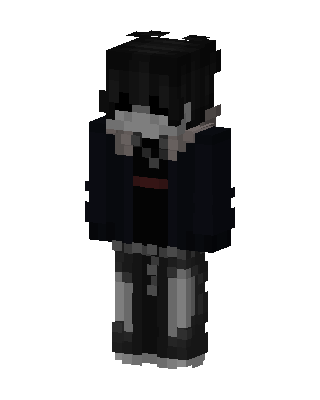
Gothic Hoodie Boy
Slim arms · mostly black · first seen Oct 2026
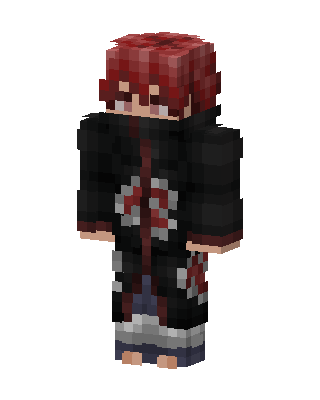
1 viewDark-haired character with a pale face wearing a black jacket over a black shirt with a red belt, and gray and black ripped pants.
How to use on Bedrock
- Download the skin.
- In Minecraft, open Dressing Room, then Classic skins.
- Choose Import, pick the file, then choose the slim (Alex) arms.
Similar skins
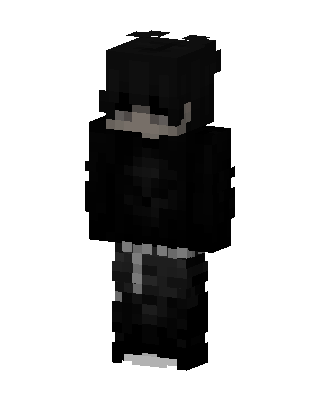 Shadow Hoodie1.6k views · Worn by 5
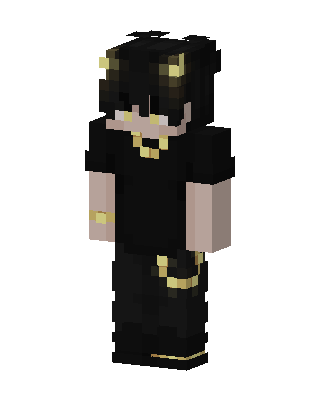 Golden Horn Demon651 views · Worn by 19
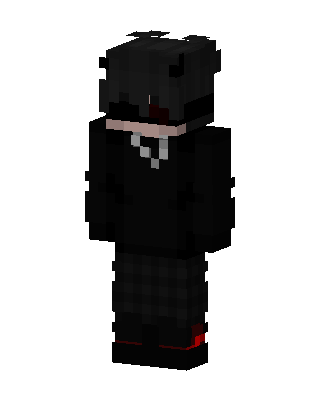 Black Ninja Boy140 views · Worn by 7
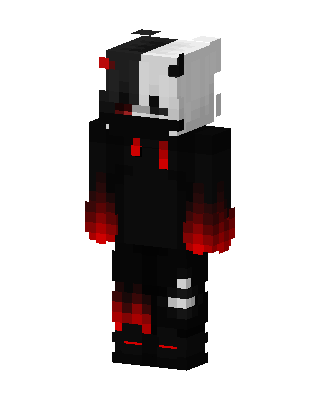 Monokuma Hoodie147 views · Worn by 6
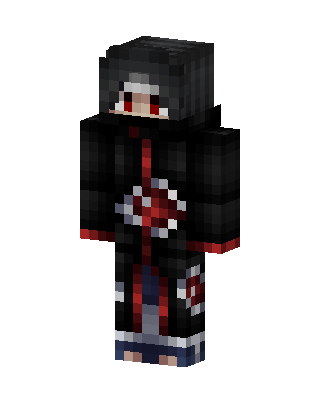 Itachi Uchiha323 views · Worn by 1
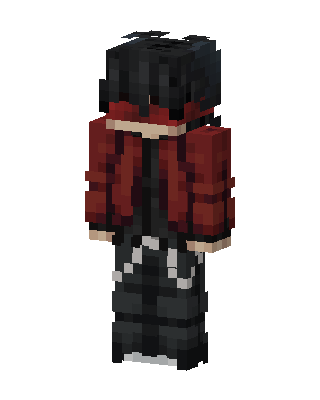 Crimson Hoodie179 views · Worn by 2
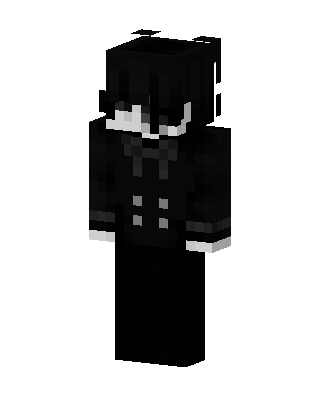 Monochrome Butler144 views · Worn by 2
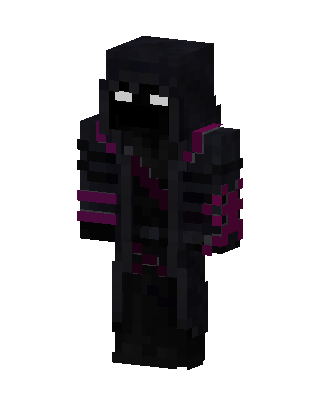 Void Reaper120 views · Worn by 1
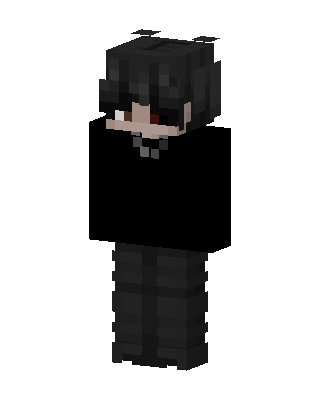 Black Villain Boy53 views · Worn by 2
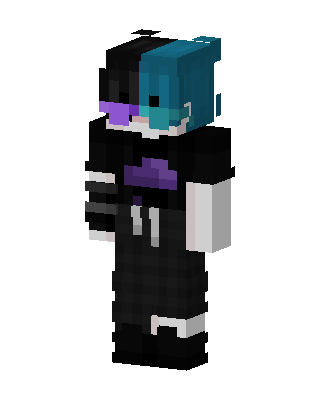 Split Hair Techwear32 views · Worn by 2
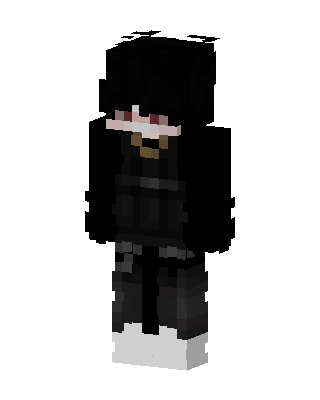 Shadow Hoodie81 views · Worn by 1
 Sasori79 views · Worn by 1


