


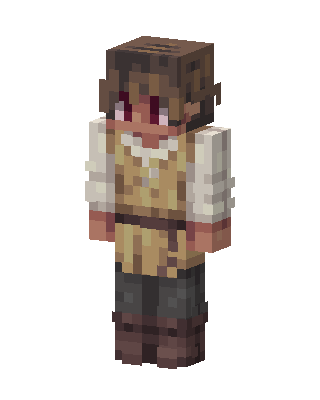
Medieval Peasant
Slim arms · mostly gold · first seen Oct 2026
1 viewBrown-haired character with red eyes in a cream tunic over a white puffy-sleeved shirt, brown belt, dark gray pants and brown boots.
How to use on Bedrock
- Download the skin.
- In Minecraft, open Dressing Room, then Classic skins.
- Choose Import, pick the file, then choose the slim (Alex) arms.
Similar skins
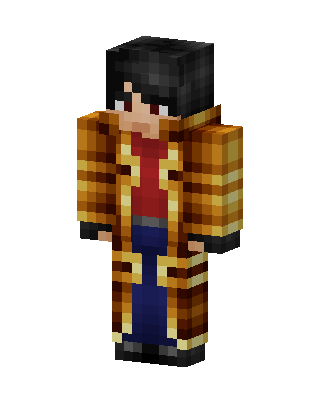 Pirate Captain36 views · Worn by 1
 Sunflower Gardener28 views · Worn by 1
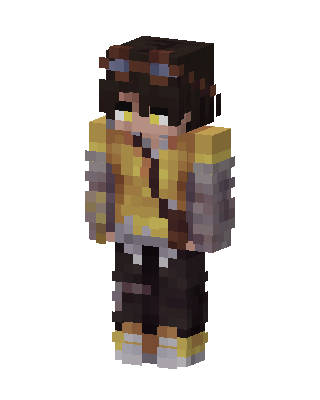 Goggle Tinkerer5 views · Worn by 0
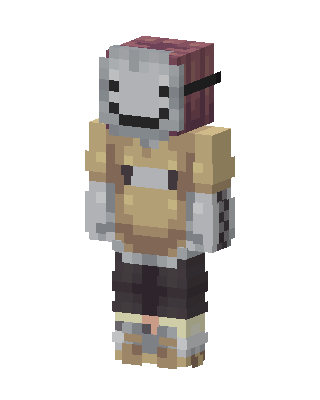 Cozy Smiley4 views · Worn by 0
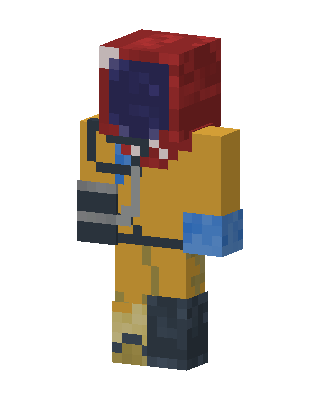 Gold Knight Boy4 views · Worn by 0
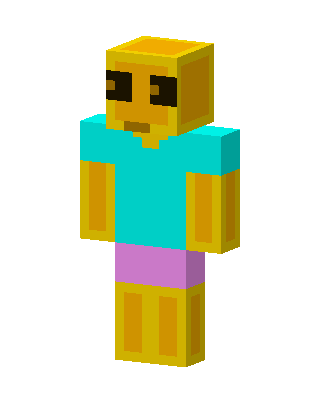 Golden Steve4 views · Worn by 0
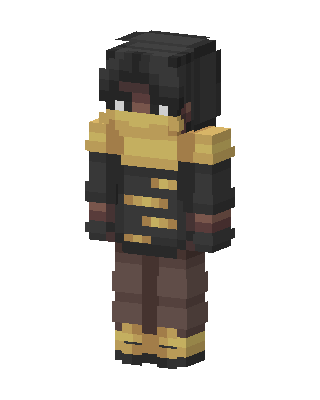 Golden Scarf Wanderer3 views · Worn by 0
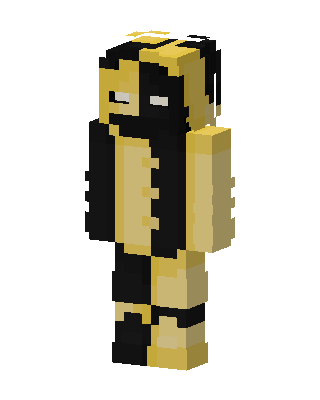 Gold Split3 views · Worn by 0
 Gold Player Boy2 views · Worn by 0
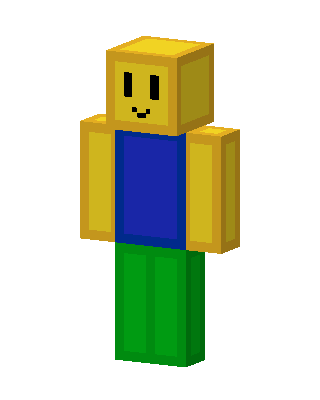 Roblox Noob2 views · Worn by 0
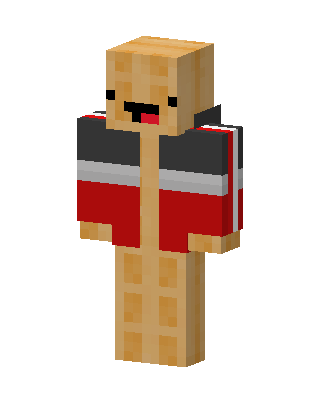 Waffle Jacket2 views · Worn by 0
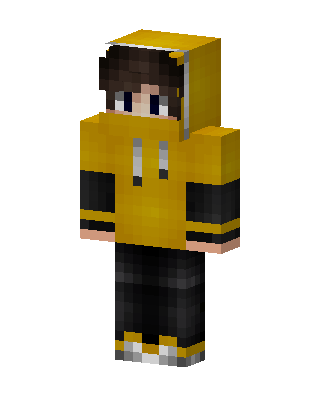 Yellow Hoodie Boy2 views · Worn by 0


