


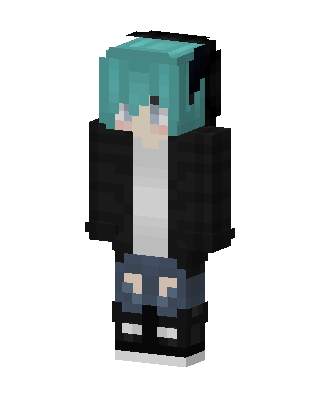
Teal Hoodie Boy
Slim arms · mostly teal · first seen Oct 2026
1 viewA character with teal hair and black headphones, wearing a black open hoodie over a white shirt, ripped blue shorts, and black and white sneakers.
How to use on Bedrock
- Download the skin.
- In Minecraft, open Dressing Room, then Classic skins.
- Choose Import, pick the file, then choose the slim (Alex) arms.
Similar skins
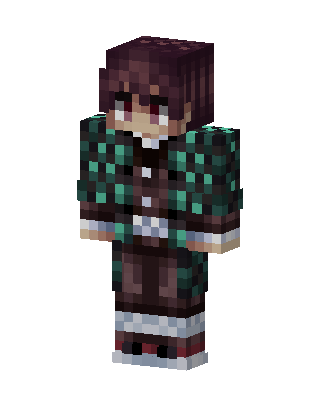 Tanjiro Kamado143 views · Worn by 3
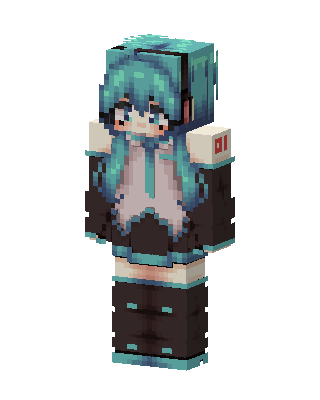 Hatsune Miku0 views · Worn by 0
 McDonald's Miku16 views · Worn by 0
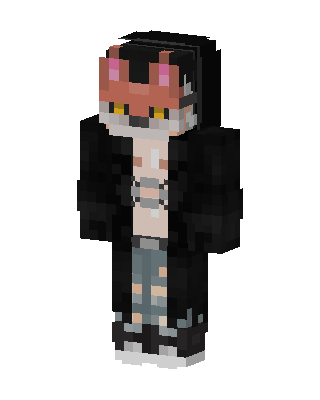 Fox Hoodie Boy8 views · Worn by 0
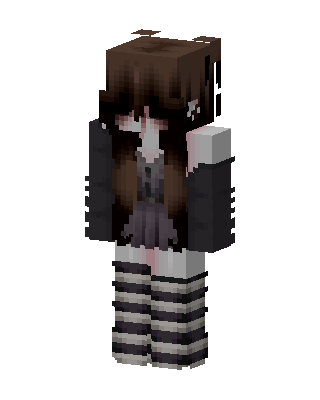 Goth Stripe Girl2 views · Worn by 0
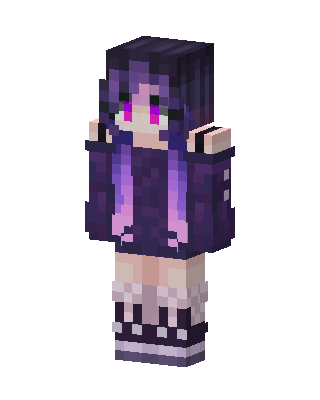 Violet Hoodie Girl2 views · Worn by 0
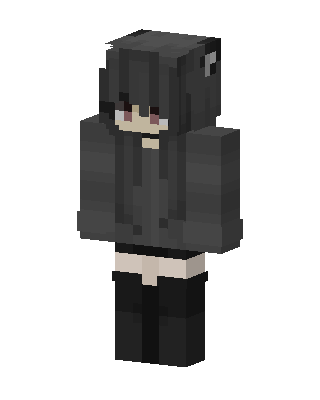 Black Hoodie Girl2 views · Worn by 0
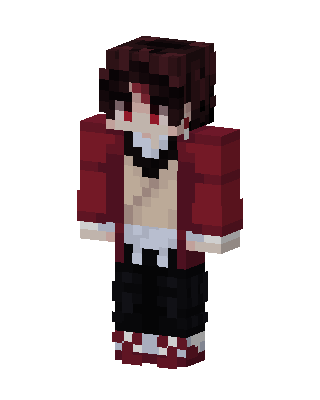 Red Anime Girl2 views · Worn by 0
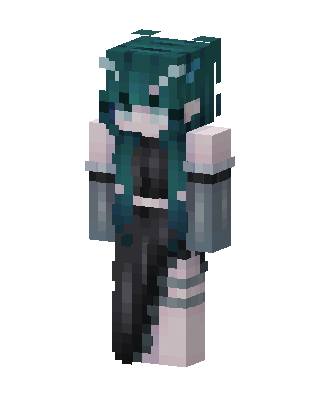 Teal Abyss2 views · Worn by 0
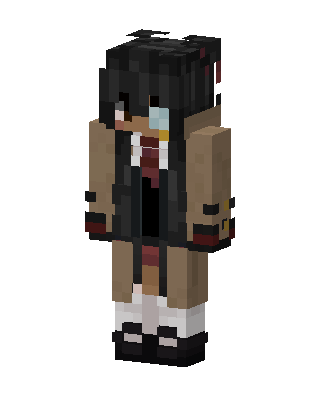 Trench Coat Girl1 views · Worn by 0
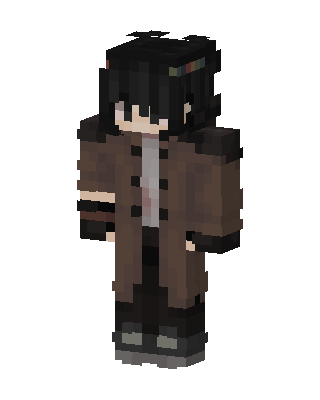 Brown Coat Boy1 views · Worn by 0
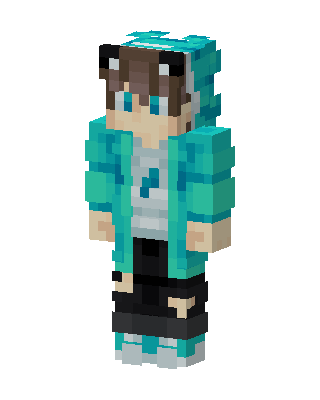 Teal Panda Hoodie1 views · Worn by 0


