


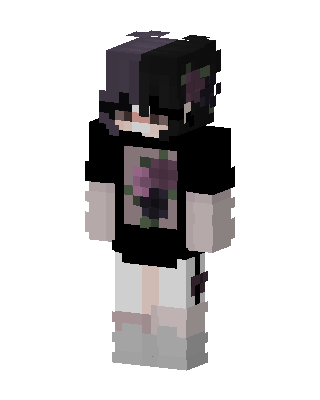
Rose Hoodie Boy
Slim arms · mostly black · first seen Oct 2026
1 viewA dark-haired character with a black oversized shirt showing a purple rose graphic, white shorts, pale skin, and gray shoes.
How to use on Bedrock
- Download the skin.
- In Minecraft, open Dressing Room, then Classic skins.
- Choose Import, pick the file, then choose the slim (Alex) arms.
Similar skins
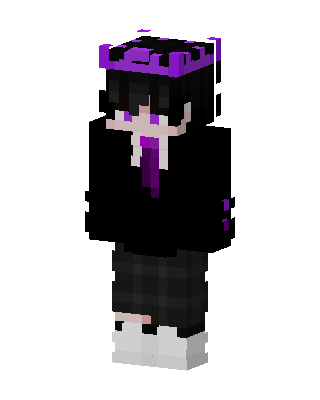 Void Prince128 views · Worn by 2
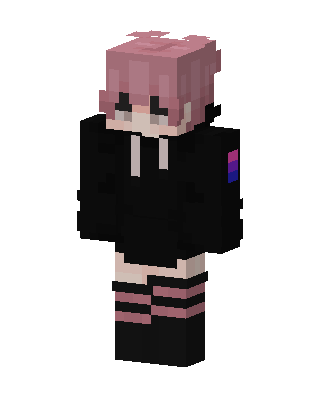 Pink Hoodie Kid65 views · Worn by 1
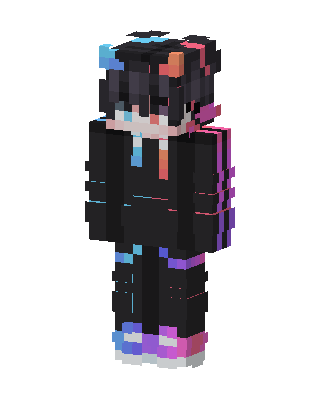 Neon Hoodie236 views · Worn by 1
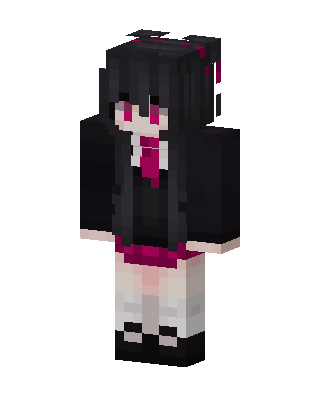 Crimson Goth142 views · Worn by 1
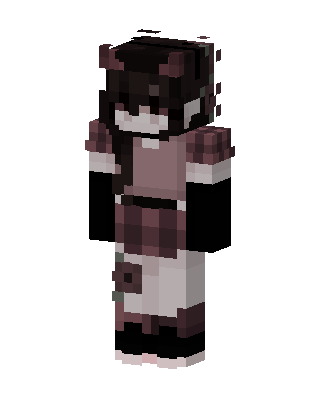 Demon Maid92 views · Worn by 1
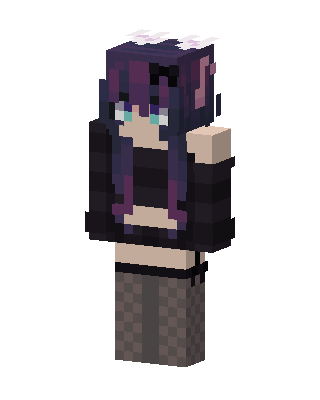 Black Anime Girl67 views · Worn by 1
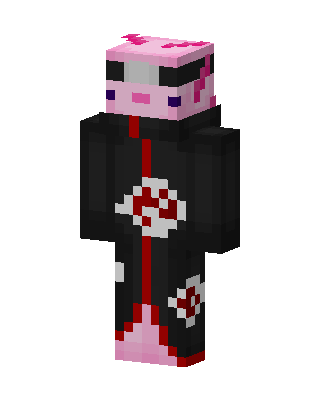 Axolotl Akatsuki59 views · Worn by 1
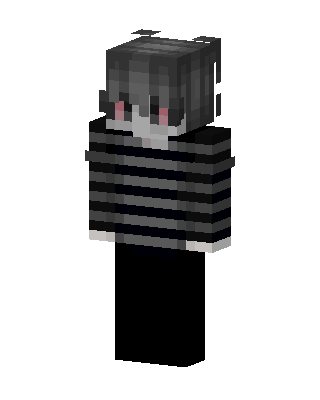 Striped Emo Boy53 views · Worn by 1
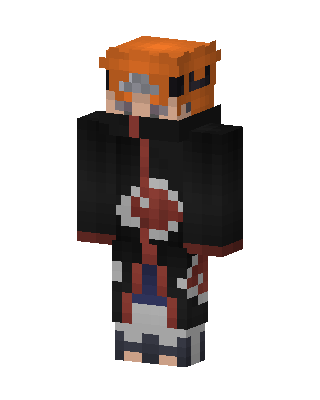 Black Anime Boy50 views · Worn by 1
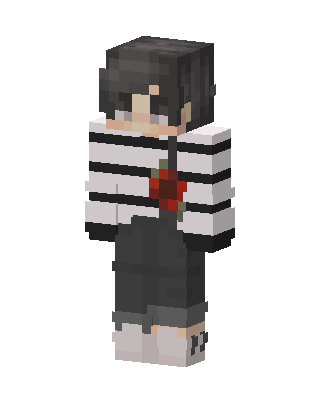 Rose Stripe Boy34 views · Worn by 1
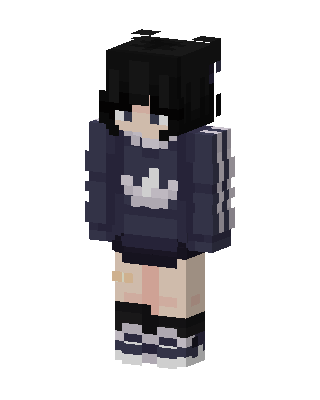 Navy Hoodie Girl28 views · Worn by 0
 Pink Paw Cat11 views · Worn by 0


