


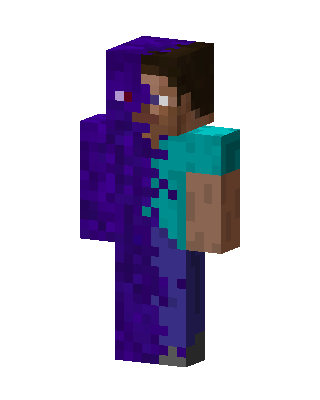
Corrupted Steve
Classic arms · mostly purple · first seen Oct 2026
6 viewsSteve split down the middle: the left half is a purple corrupted texture with a red eye, the right half is normal Steve with a cyan shirt and blue jeans.
How to use on Bedrock
- Download the skin.
- In Minecraft, open Dressing Room, then Classic skins.
- Choose Import, pick the file, then choose the classic (Steve) arms.
Similar skins
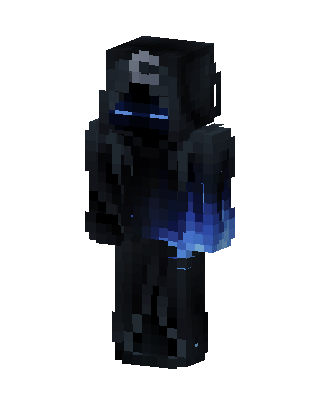 Shadow Wraith10 views · Worn by 0
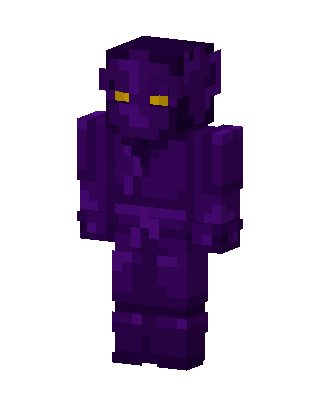 Shadow Imp5 views · Worn by 0
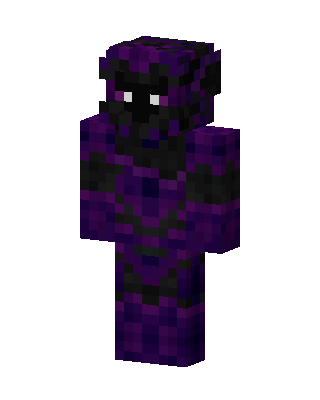 Purple Ninja Boy1 views · Worn by 0
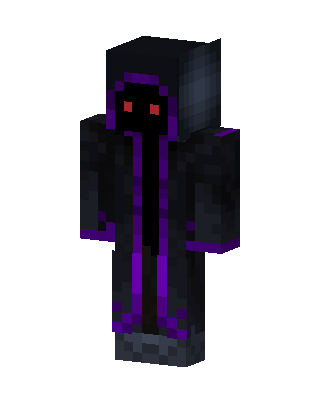 Black Hoodie Boy1 views · Worn by 0
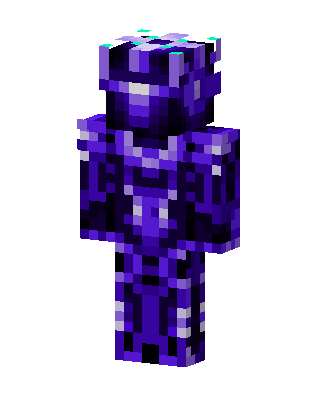 Void Knight1 views · Worn by 0
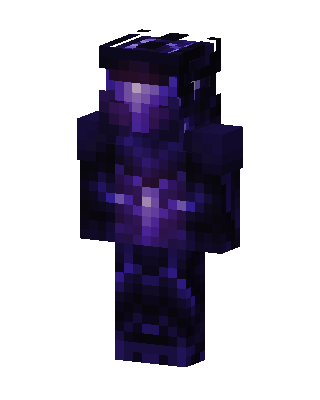 Purple Villain Boy0 views · Worn by 0
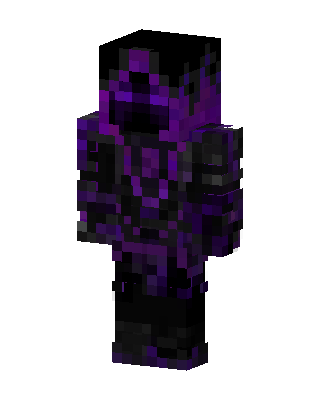 Purple Villain Boy0 views · Worn by 0
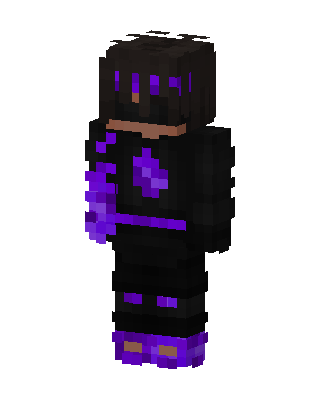 Void Hoodie0 views · Worn by 0
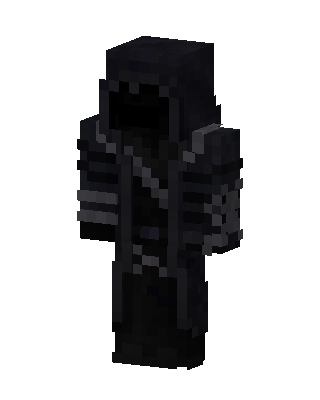 Black Boy82 views · Worn by 2
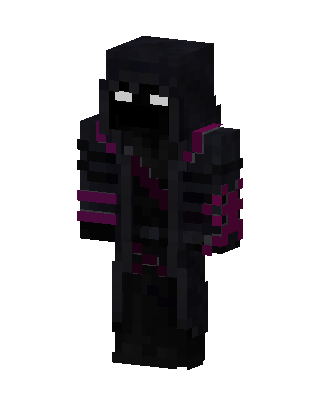 Void Reaper119 views · Worn by 1
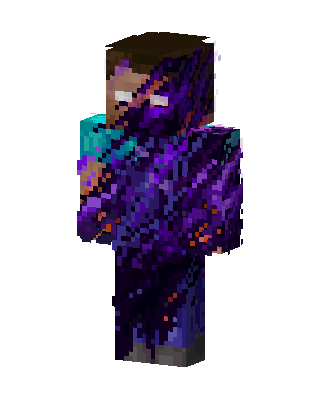 Purple Villain Boy49 views · Worn by 1
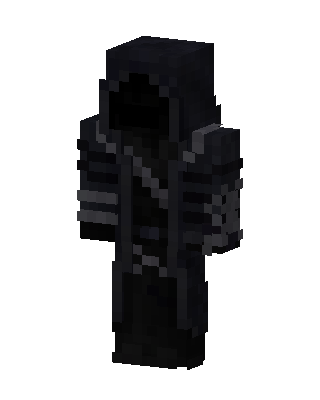 Black Hero Boy34 views · Worn by 1


