


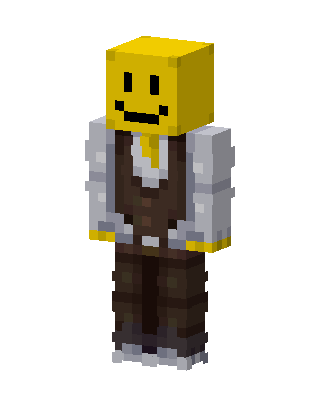
Smiley Gentleman
Slim arms · mostly yellow · first seen Oct 2026
31 viewsA character with a yellow smiley face block head, wearing a white dress shirt with a yellow tie, a brown vest, dark brown pants and gray shoes.
How to use on Bedrock
- Download the skin.
- In Minecraft, open Dressing Room, then Classic skins.
- Choose Import, pick the file, then choose the slim (Alex) arms.
Similar skins
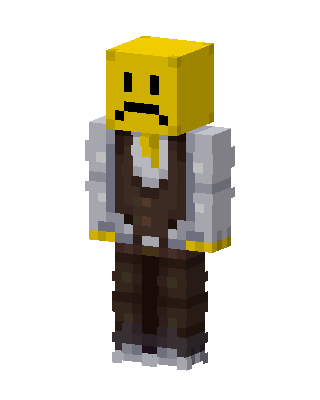 Sad Emoji Gentleman10 views · Worn by 0
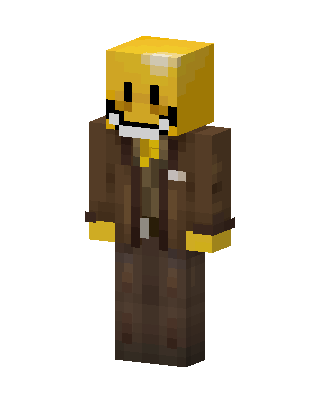 Smiley Detective40 views · Worn by 0
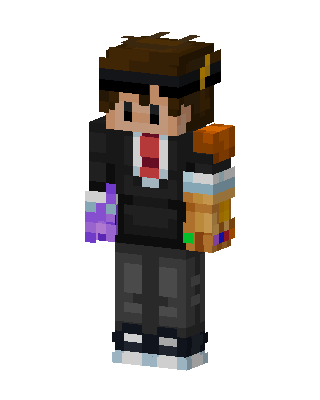 Infinity Gauntlet Suit38 views · Worn by 0
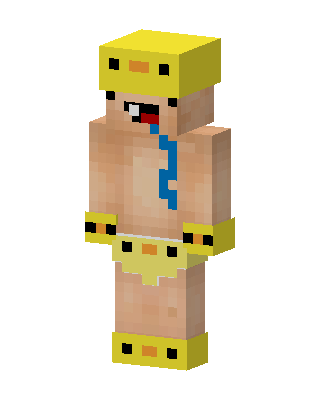 Duck Baby32 views · Worn by 0
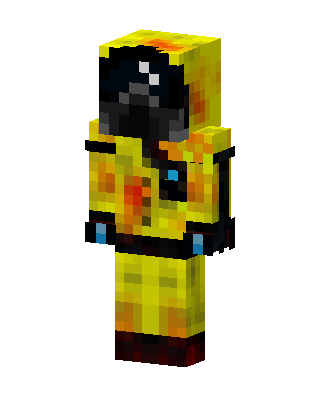 Hazmat Survivor24 views · Worn by 0
 Red Headset Gamer21 views · Worn by 0
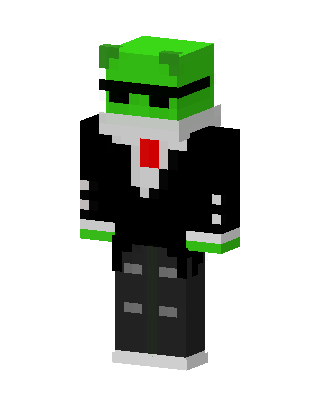 Frog In Suit20 views · Worn by 0
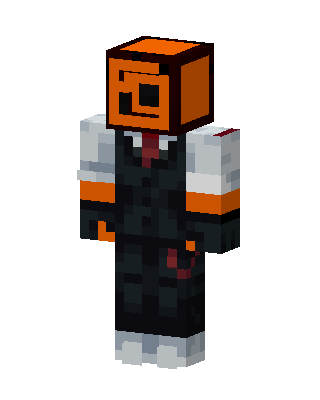 Suited Orange Head15 views · Worn by 0
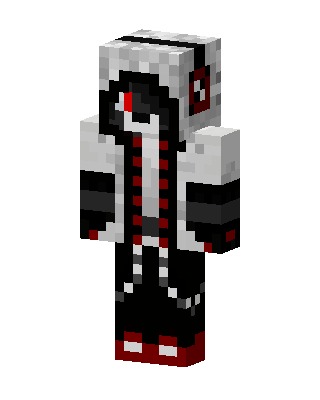 Crimson Hoodie11 views · Worn by 0
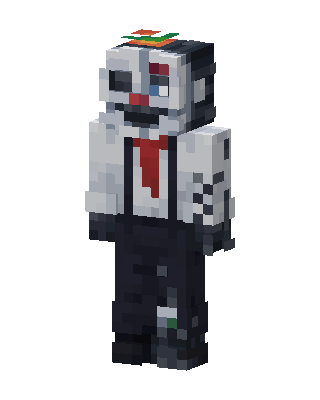 Ennard10 views · Worn by 0
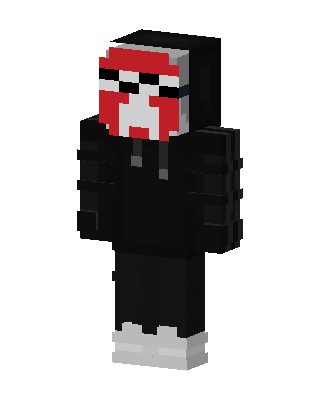 Black Villain Boy10 views · Worn by 0
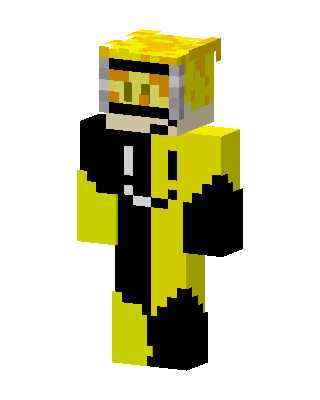 Yellow Hazmat10 views · Worn by 0


