


Shades Bear
Classic arms · mostly teal · first seen Oct 2026
15 viewsA black bear-like character with white eyes and dark sunglasses, wearing a teal hoodie, checkered black wristbands, and blue pants.
How to use on Bedrock
- Download the skin.
- In Minecraft, open Dressing Room, then Classic skins.
- Choose Import, pick the file, then choose the classic (Steve) arms.
Similar skins
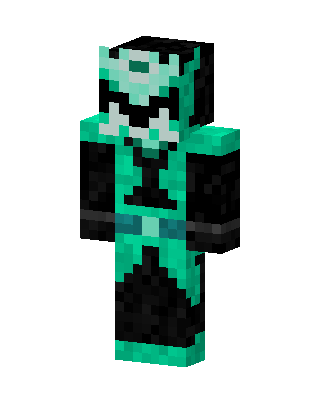 Teal Masked Villain Boy2 views · Worn by 0
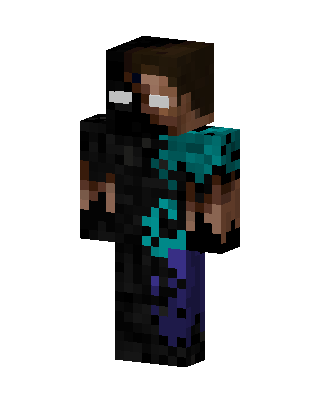 Herobrine Enderman74 views · Worn by 0
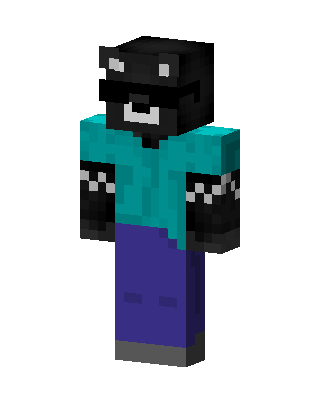 Shades Bear10 views · Worn by 0
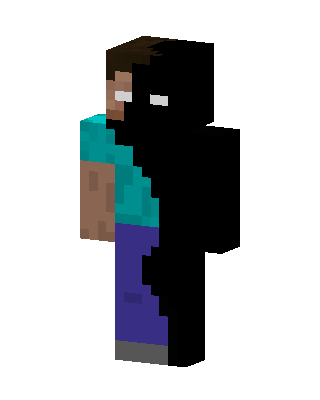 Shadow Herobrine3 views · Worn by 0
 Enderman Herobrine3 views · Worn by 0
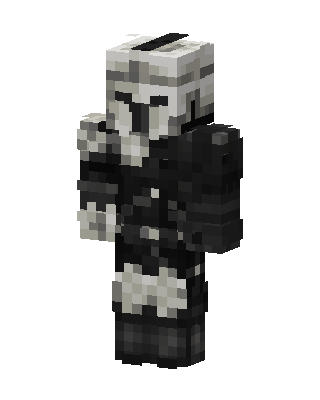 Scout Trooper2 views · Worn by 0
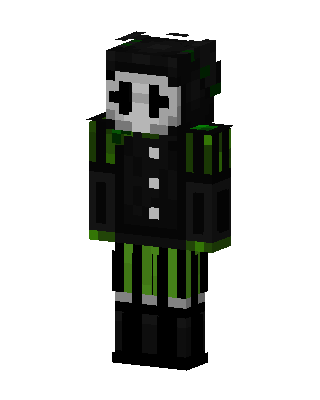 Black Masked Villain Boy1 views · Worn by 0
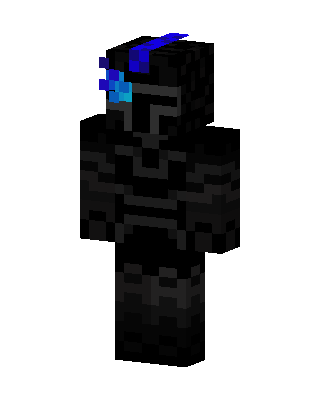 Shadow Knight1 views · Worn by 0
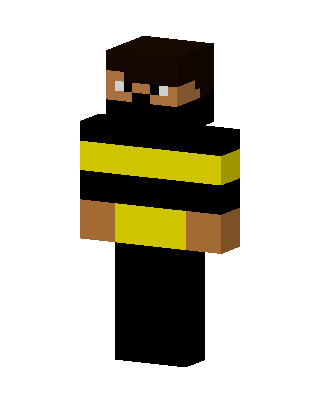 Bee Bandit1 views · Worn by 0
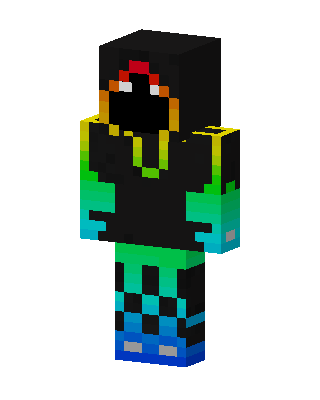 Rainbow Shadow1 views · Worn by 0
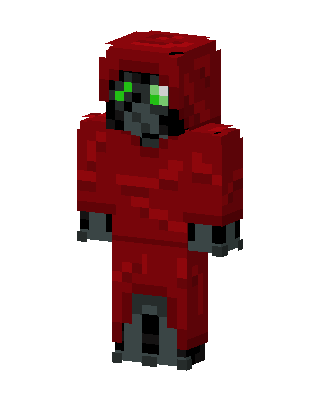 Red Hooded Villain Boy1 views · Worn by 0
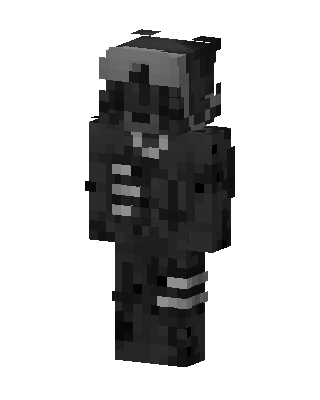 Shadow Cyborg1 views · Worn by 0


