


Royal Knight
Slim arms · mostly blue · first seen Oct 2026
1 viewA character with dark hair, green eyes and a gold crown, wearing a blue cape with gray chest armor, brown gloves and boots, and a blue skirt.
How to use on Bedrock
- Download the skin.
- In Minecraft, open Dressing Room, then Classic skins.
- Choose Import, pick the file, then choose the slim (Alex) arms.
Similar skins
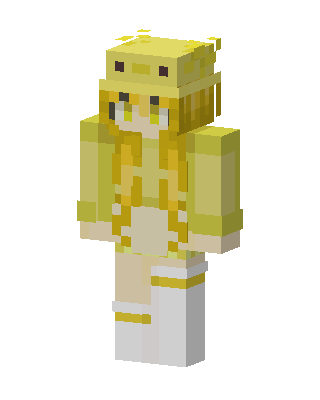 Pikachu Girl72 views · Worn by 1
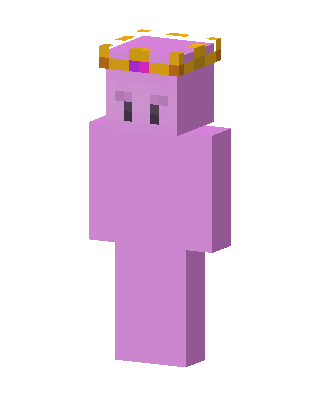 Technoblade60 views · Worn by 1
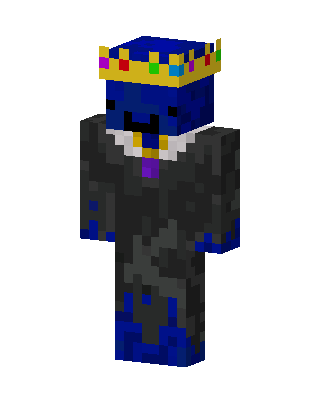 Blue King13 views · Worn by 1
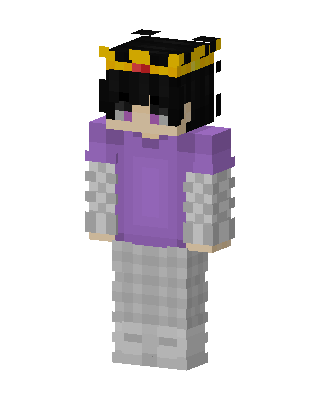 Crowned Hoodie Kid11 views · Worn by 0
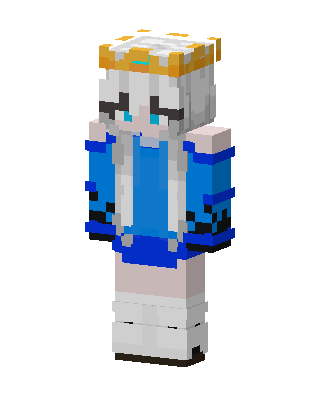 Crowned Blue Girl7 views · Worn by 0
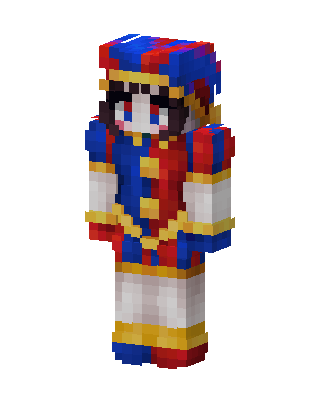 Pomni1 views · Worn by 0
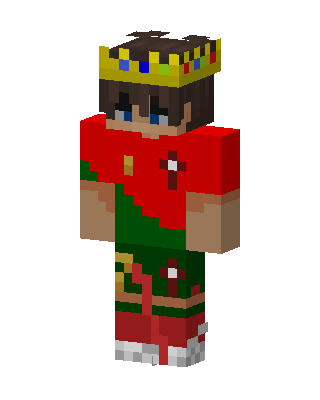 Christmas King0 views · Worn by 0
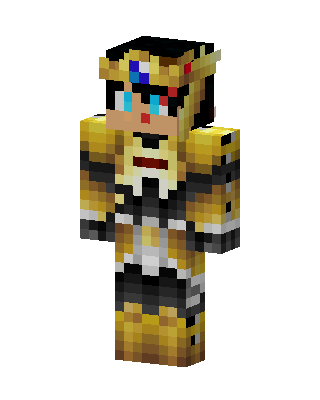 Golden Pharaoh0 views · Worn by 0
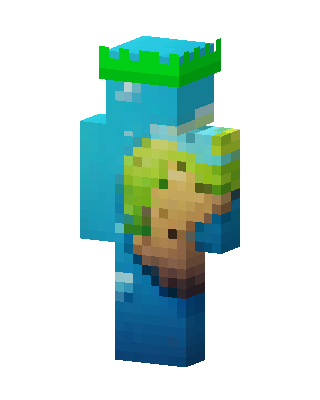 Earth Guardian0 views · Worn by 0
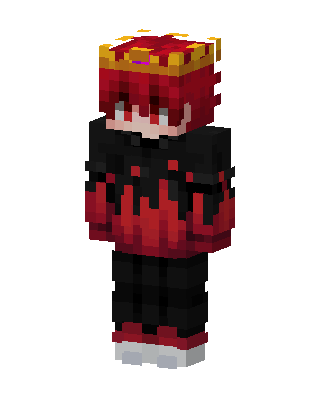 Crimson Crown0 views · Worn by 0
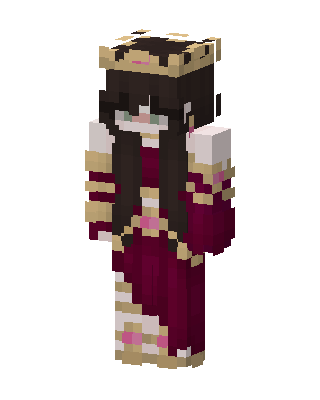 Crimson Queen19 views · Worn by 0
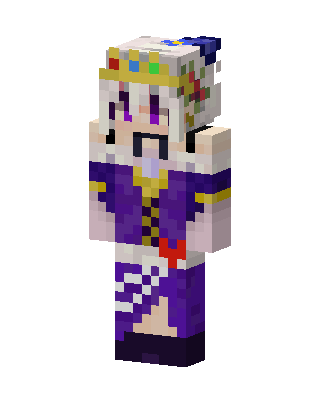 Purple Queen13 views · Worn by 0


