


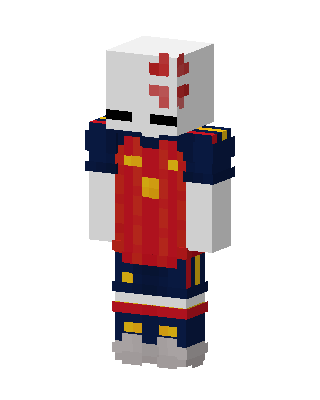
Red Knight
Slim arms · mostly red · first seen Oct 2026
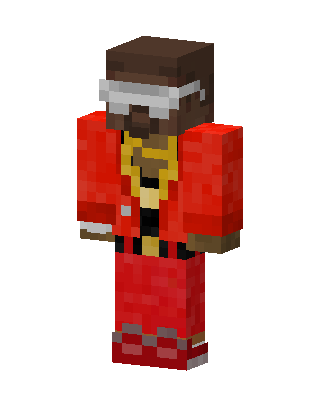
1 viewA knight with a white helmet bearing a red cross, a red tunic with gold emblems, navy shoulder armor and shorts, and gray boots.
How to use on Bedrock
- Download the skin.
- In Minecraft, open Dressing Room, then Classic skins.
- Choose Import, pick the file, then choose the slim (Alex) arms.
Similar skins
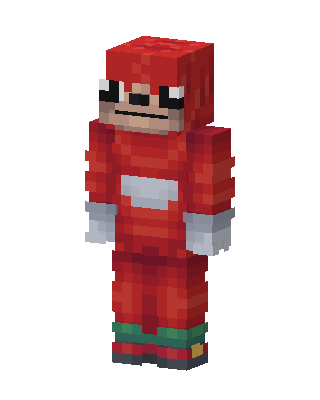 Ugandan Knuckles84 views · Worn by 4
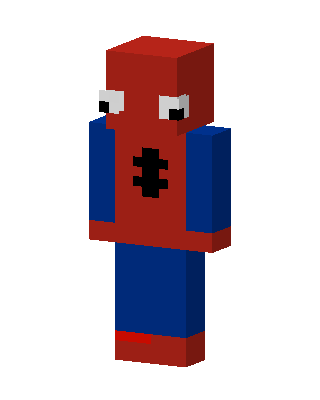 Spider-Man96 views · Worn by 2
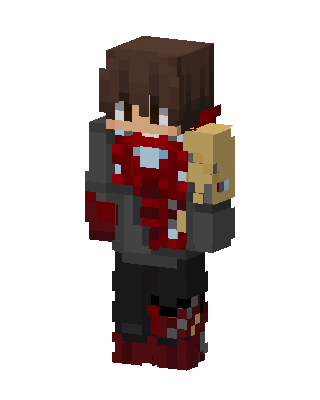 Iron Man21 views · Worn by 1
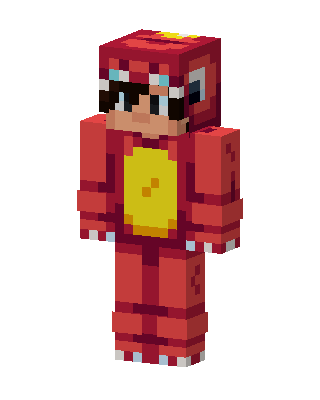 Red Dino Onesie16 views · Worn by 1
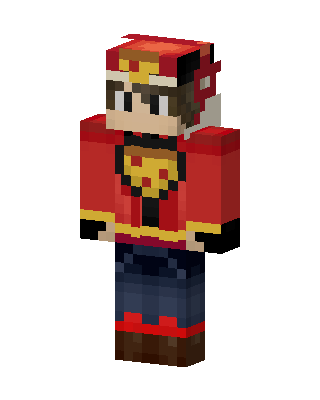 Made on BedrockBuddyPizza Delivery Guy41 views · Worn by 0
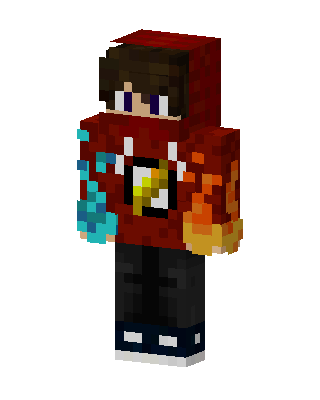 Fire Ice Hoodie25 views · Worn by 0
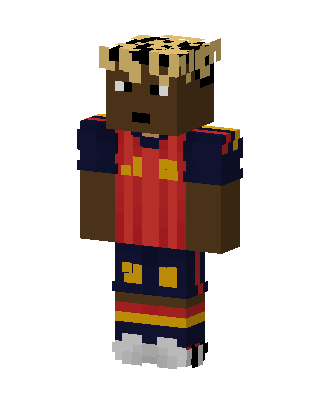 Spain Football Kid18 views · Worn by 0
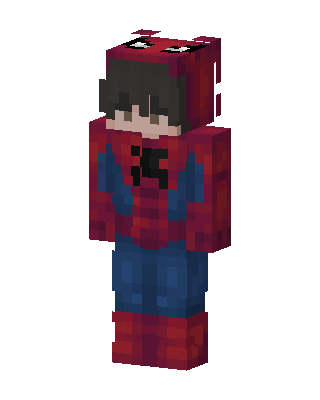 Spider-Man Hoodie11 views · Worn by 0
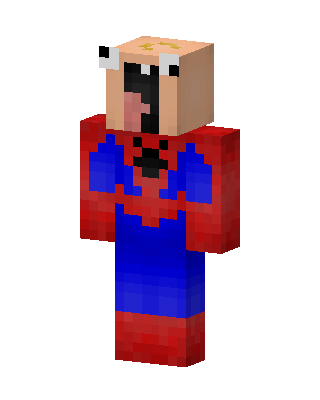 Derp Spider-Man9 views · Worn by 0
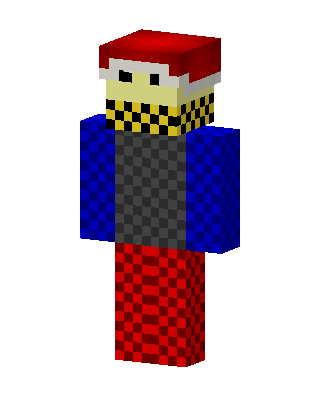 Santa Hat Skater7 views · Worn by 0
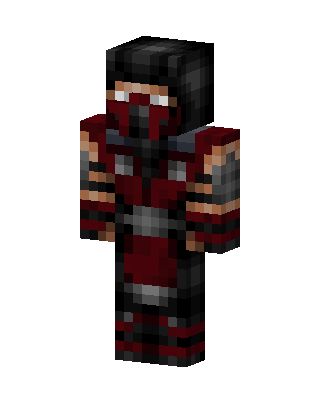 Scorpion Ninja6 views · Worn by 0
 Santa Villager5 views · Worn by 0


