


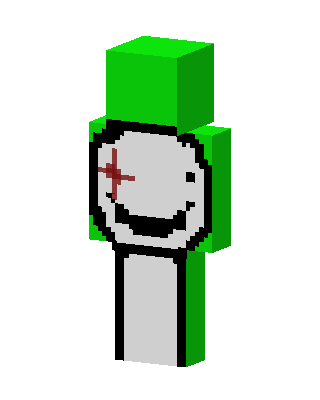
Dream With Scar
Slim arms · mostly green · first seen Oct 2026
2 viewsA lime green character with a white mask showing a black smiley face, plus a red cross-shaped scar over one eye.
How to use on Bedrock
- Download the skin.
- In Minecraft, open Dressing Room, then Classic skins.
- Choose Import, pick the file, then choose the slim (Alex) arms.
Similar skins
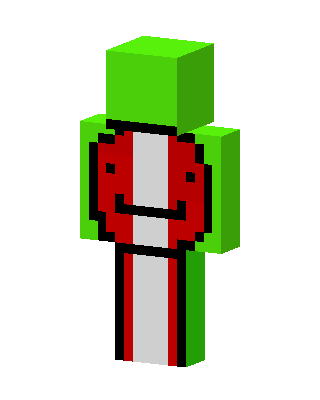 Dream0 views · Worn by 0
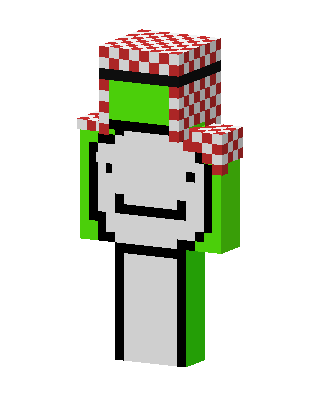 Green Clown Boy33 views · Worn by 1
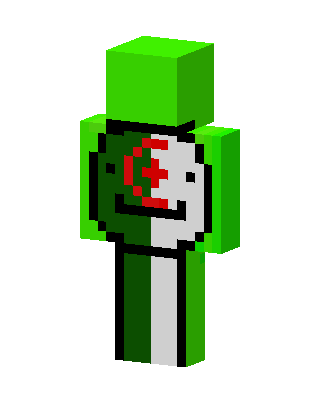 Dream Algeria1 views · Worn by 0
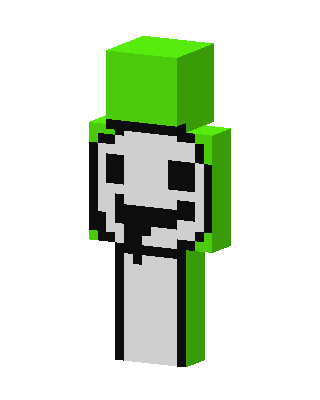 Green Villain0 views · Worn by 0
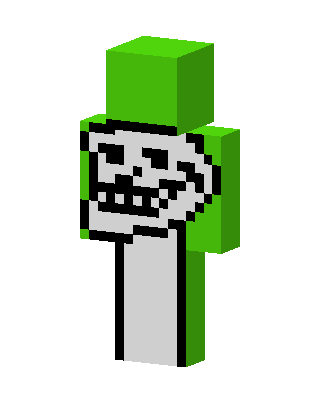 Green Costume0 views · Worn by 0
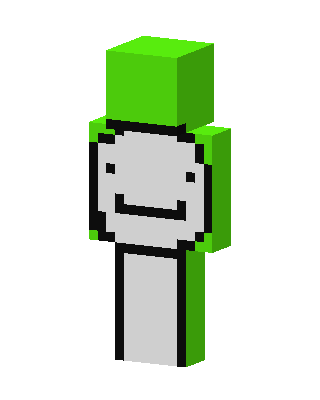 Dream1.4k views · Worn by 1
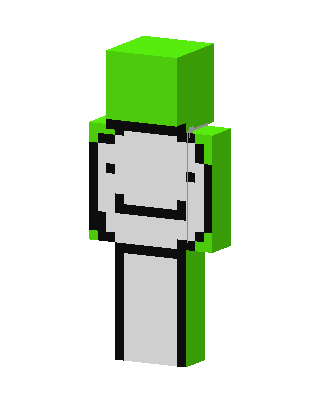 Dream420 views · Worn by 1
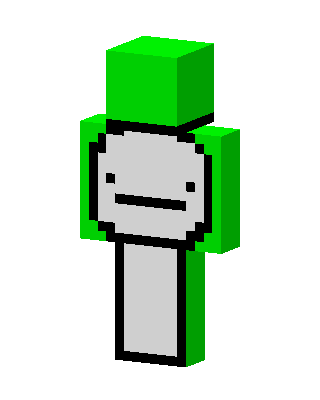 Dream2 views · Worn by 1
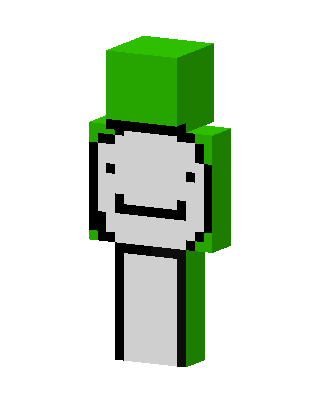 Dream33 views · Worn by 0
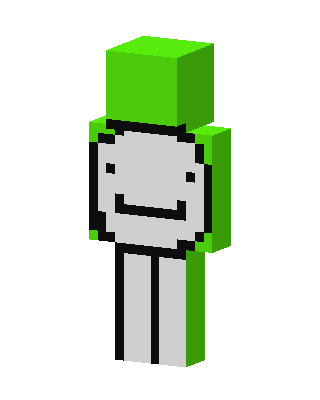 Dream22 views · Worn by 0
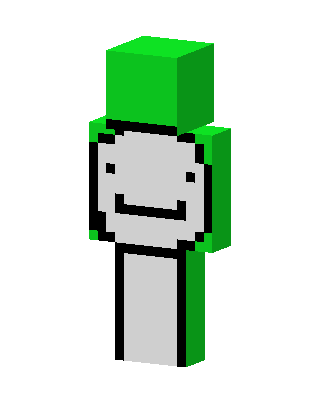 Dream18 views · Worn by 0
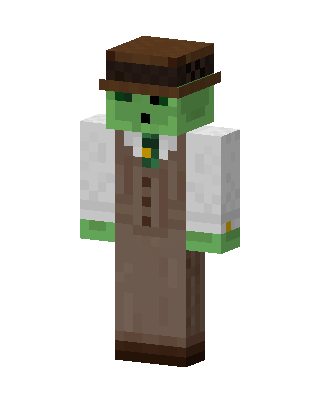 Zombie Gentleman16 views · Worn by 0


