



Yai Smiley
Classic arms · mostly yellow · first seen Oct 2026
1 viewA solid yellow character with a simple black smiley face and the letters YAI written in black across the chest.
How to use on Bedrock
- Download the skin.
- In Minecraft, open Dressing Room, then Classic skins.
- Choose Import, pick the file, then choose the classic (Steve) arms.
Similar skins
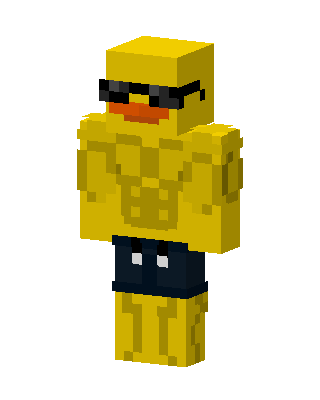 Buff Duck2 views · Worn by 0
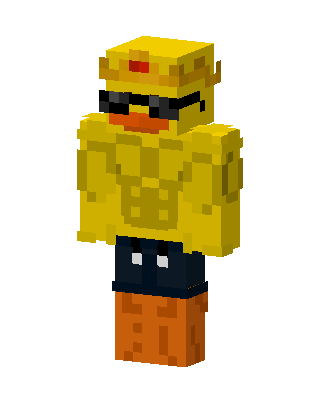 Buff Duck2 views · Worn by 0
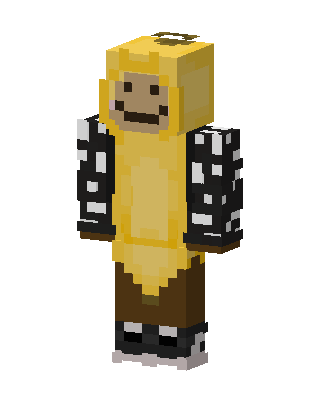 Banana Hoodie1 views · Worn by 0
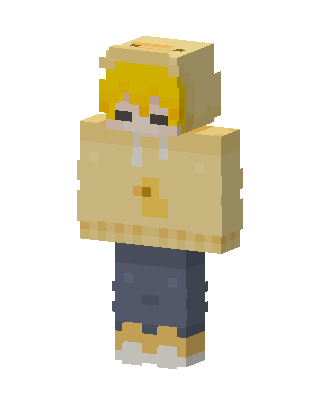 Duck Hoodie1 views · Worn by 0
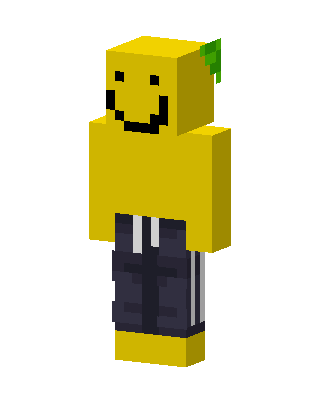 Smiley Sprout1 views · Worn by 0
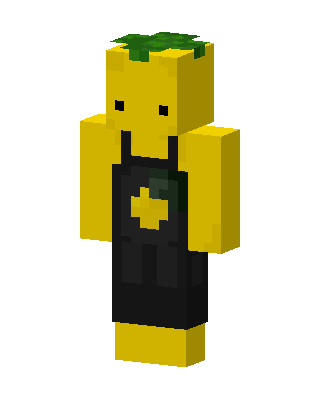 Pineapple Person1 views · Worn by 0
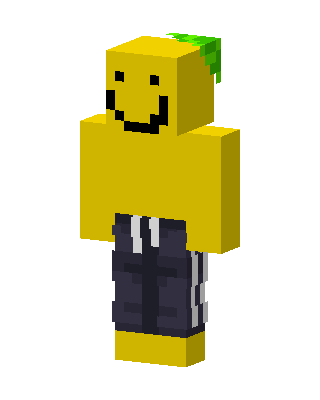 Smiley Noob1 views · Worn by 0
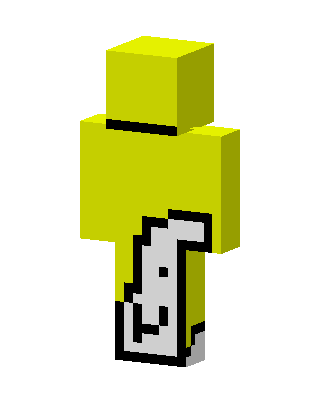 Yellow Cat Tail0 views · Worn by 0
 Yellow Costume0 views · Worn by 0
 Cool Banana0 views · Worn by 0
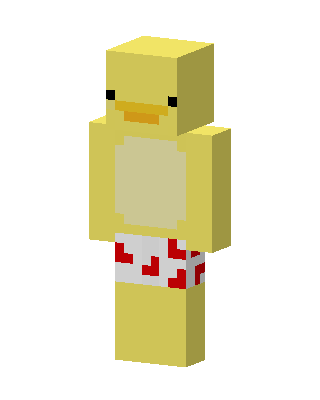 Duck Onesie58 views · Worn by 1
 Doge Employee24 views · Worn by 1


