



Black Silhouette
Slim arms · mostly black · worn by 1 player · first seen Oct 2026
3 viewsA solid black Minecraft skin with no visible face, clothing, or details, giving the player a flat shadow-like look from head to toe.
1 player on BedrockBuddy has worn this
How to use on Bedrock
- Download the skin.
- In Minecraft, open Dressing Room, then Classic skins.
- Choose Import, pick the file, then choose the slim (Alex) arms.
Similar skins
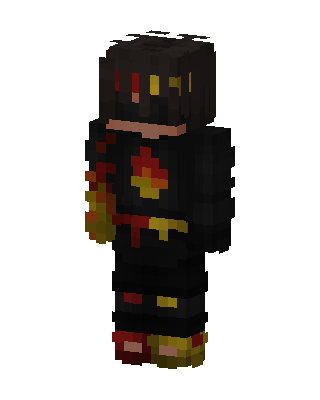 Ember Shadow2.2k views · Worn by 13
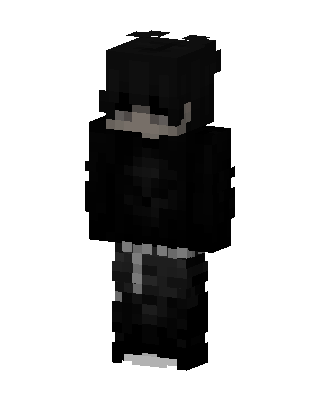 Shadow Hoodie1.6k views · Worn by 5
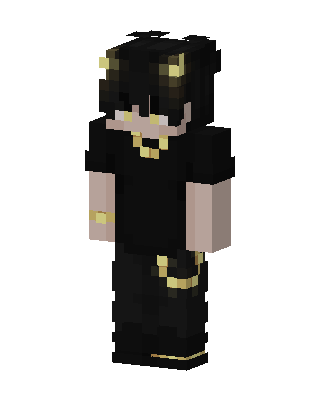 Golden Horn Demon667 views · Worn by 19
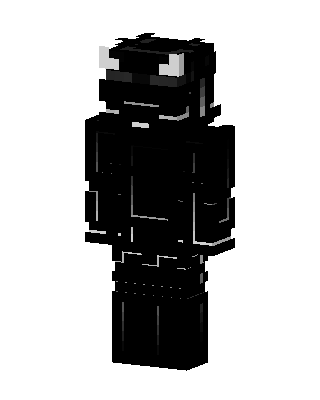 Shadow Horned Knight631 views · Worn by 18
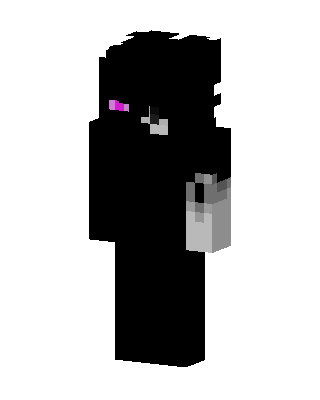 Enderman Humanoid1k views · Worn by 1
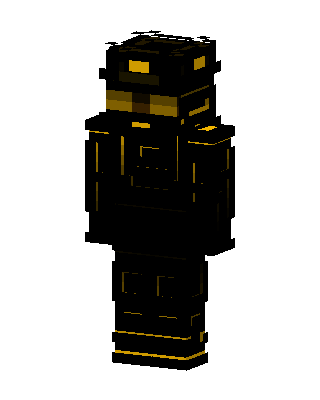 Golden Operative359 views · Worn by 15
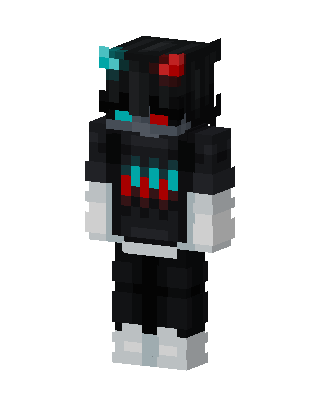 Neon Shadow277 views · Worn by 12
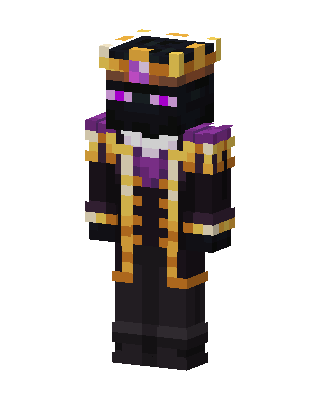 Enderman King270 views · Worn by 9
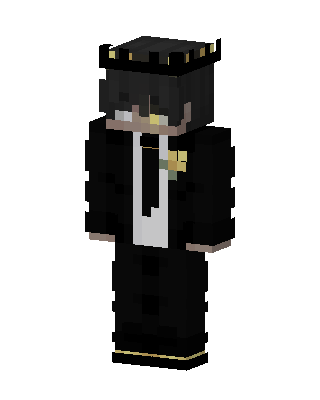 Crowned Tuxedo Boy279 views · Worn by 11
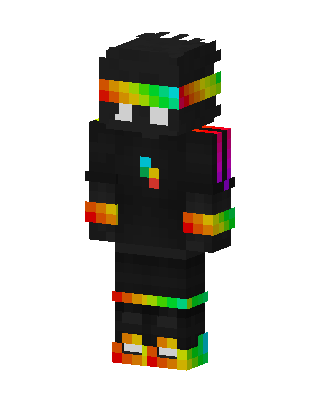 Rainbow Ninja477 views · Worn by 5
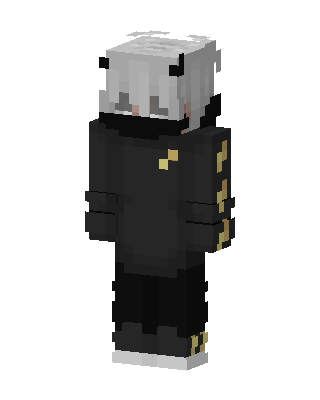 Shadow Guardian213 views · Worn by 7
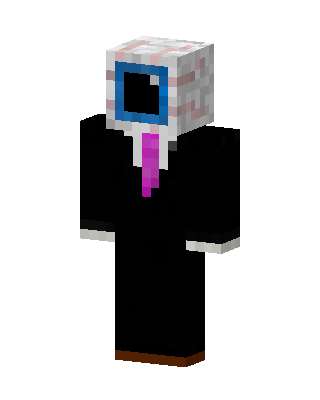 TV Head Agent457 views · Worn by 3


