


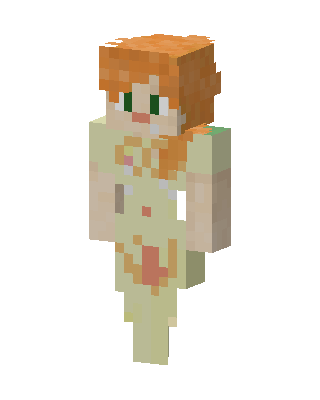
Cream Dress Alex
Slim arms · mostly yellow · first seen Oct 2026
1 viewOrange-haired character with green eyes wearing a cream dress with tan trim and a red-orange patch, bare arms, similar to Alex.
How to use on Bedrock
- Download the skin.
- In Minecraft, open Dressing Room, then Classic skins.
- Choose Import, pick the file, then choose the slim (Alex) arms.
Similar skins
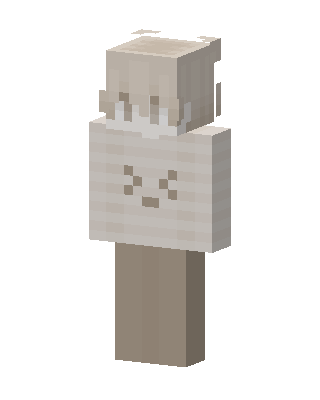 Cream Bunny48 views · Worn by 1
 Duck Hoodie10 views · Worn by 0
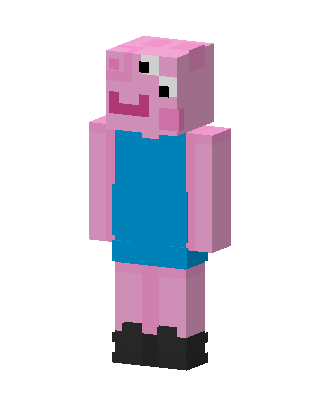 George Pig8 views · Worn by 0
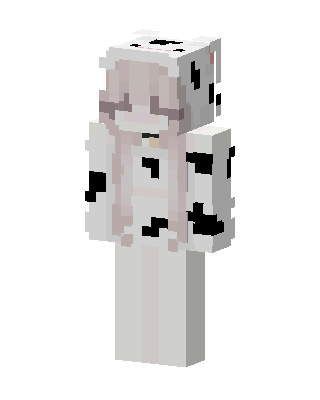 Cow Girl3 views · Worn by 0
 Pink Monochrome2 views · Worn by 0
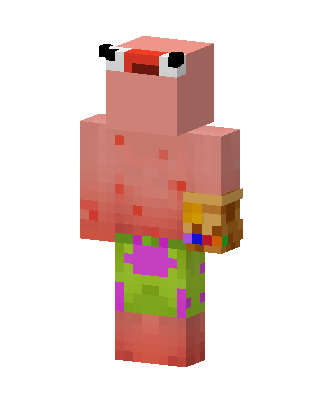 Patrick Star2 views · Worn by 0
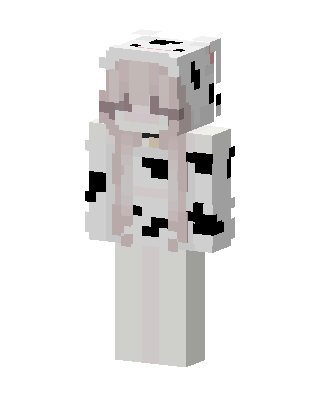 Cow Girl2 views · Worn by 0
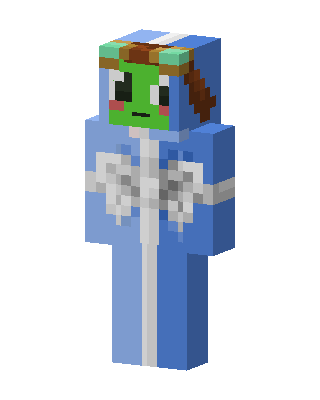 Frog Angel2 views · Worn by 0
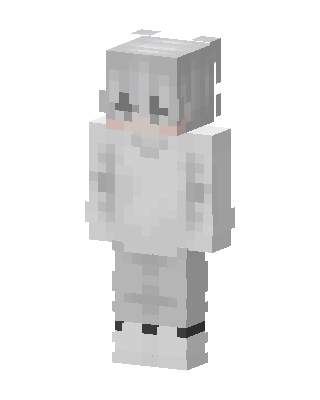 Snow Hoodie Boy1 views · Worn by 0
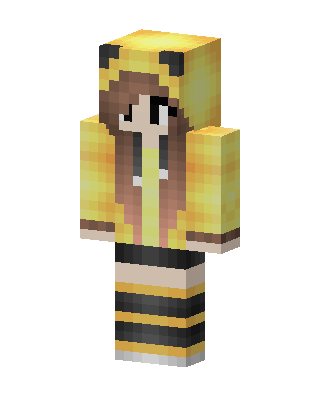 Pikachu Hoodie Girl1 views · Worn by 0
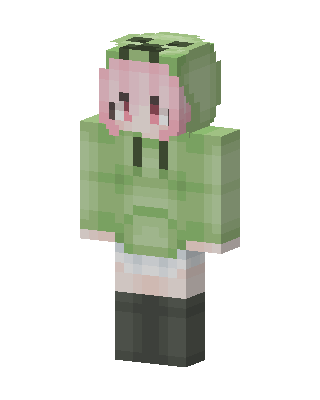 Green Animal Girl1 views · Worn by 0
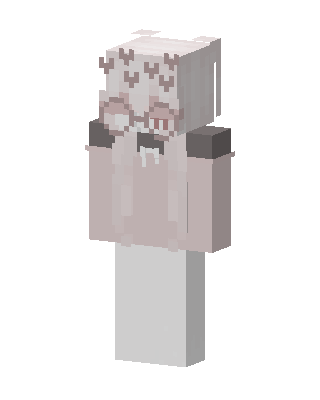 Pink Hoodie Girl1 views · Worn by 0


