


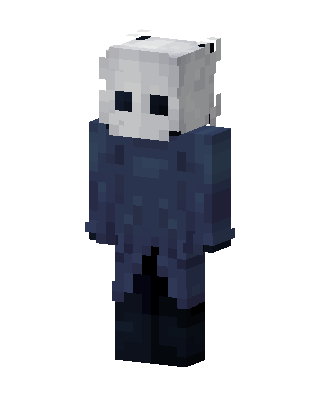
The Knight
Slim arms · mostly blue · first seen Oct 2026
1 viewA pale white horned mask with black eye holes, worn with a dark blue cloak over a black body, resembling the Hollow Knight.
How to use on Bedrock
- Download the skin.
- In Minecraft, open Dressing Room, then Classic skins.
- Choose Import, pick the file, then choose the slim (Alex) arms.
Similar skins
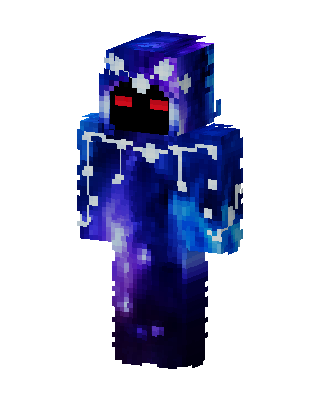 Galaxy Hooded Specter0 views · Worn by 0
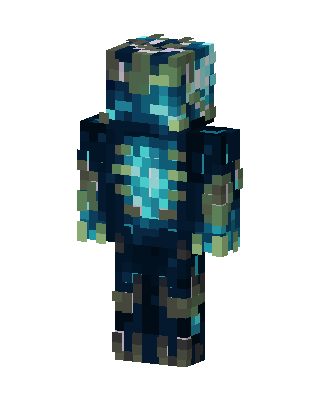 Deep Sculk Warden42 views · Worn by 1
 Blue Hero Boy8 views · Worn by 1
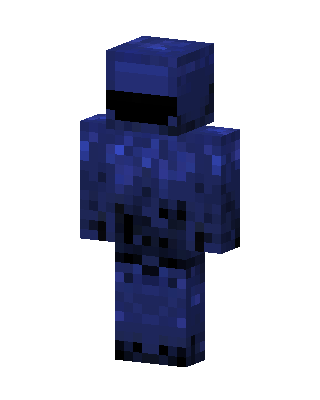 Lapis Knight6 views · Worn by 1
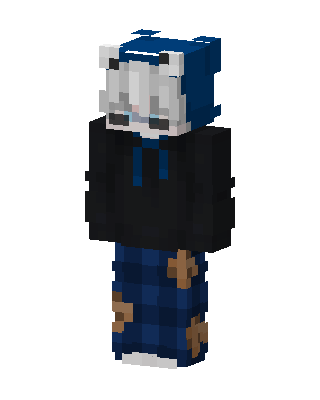 Plaid Bear Hoodie20 views · Worn by 0
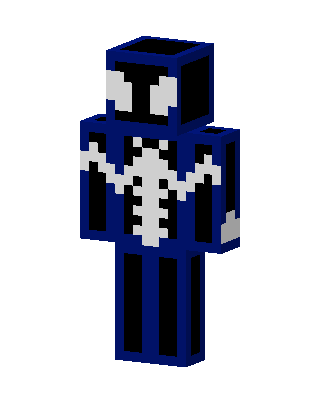 Black Suit Spider-Man19 views · Worn by 0
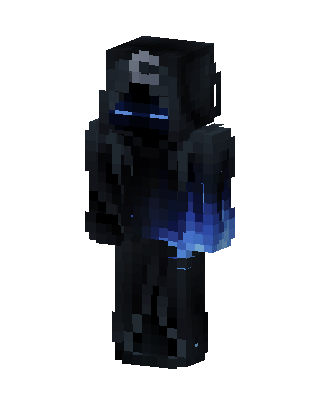 Shadow Wraith13 views · Worn by 0
 Blue Flame Gamer11 views · Worn by 0
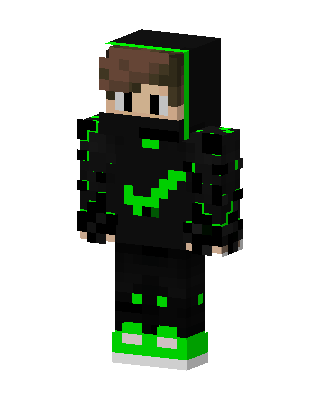 Toxic Hoodie6 views · Worn by 0
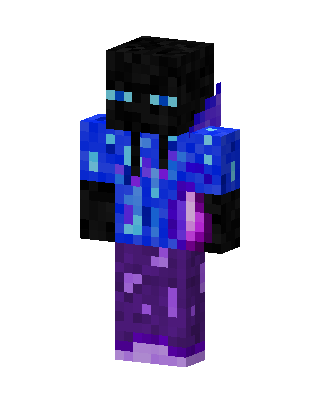 Galaxy Enderman5 views · Worn by 0
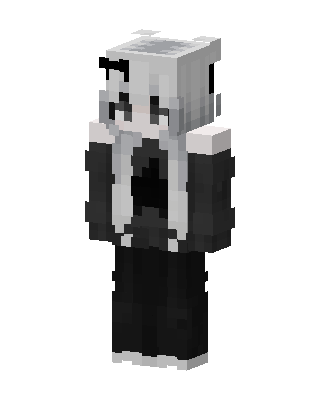 Monochrome Hoodie Girl5 views · Worn by 0
 Blue Flame Gamer5 views · Worn by 0


