


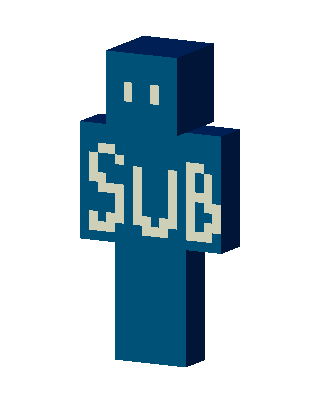
Sub Skin
Classic arms · mostly teal · first seen Oct 2026
2 viewsA plain blue character with two small cream eyes and the word SUB spelled in large cream letters across the chest.
How to use on Bedrock
- Download the skin.
- In Minecraft, open Dressing Room, then Classic skins.
- Choose Import, pick the file, then choose the classic (Steve) arms.
Similar skins
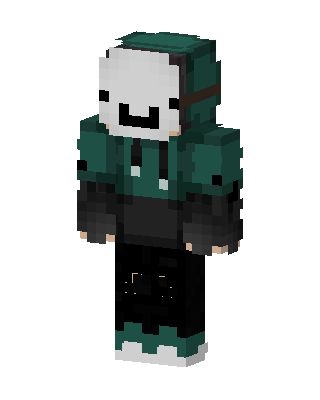 Dream Hoodie10 views · Worn by 0
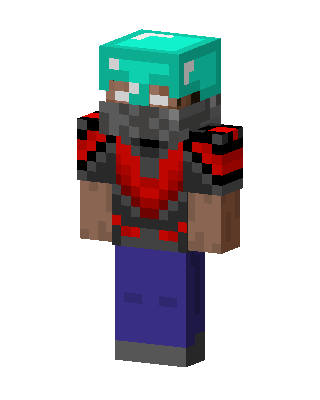 Diamond Helmet Raider8 views · Worn by 0
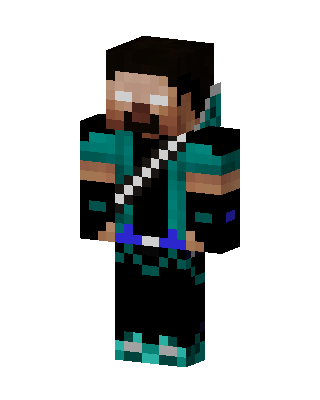 Herobrine Teal Warrior7 views · Worn by 0
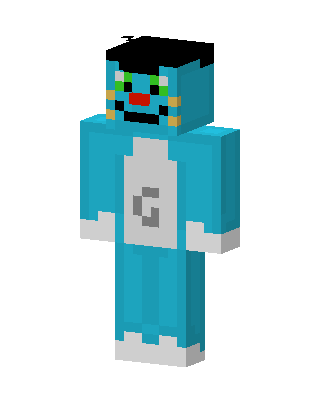 Dorami2 views · Worn by 0
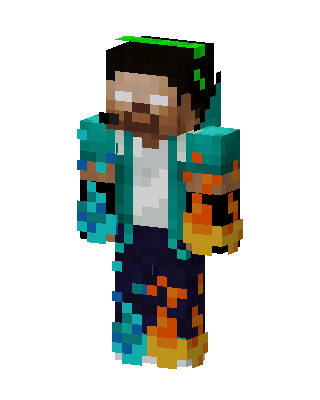 Herobrine Fire1 views · Worn by 0
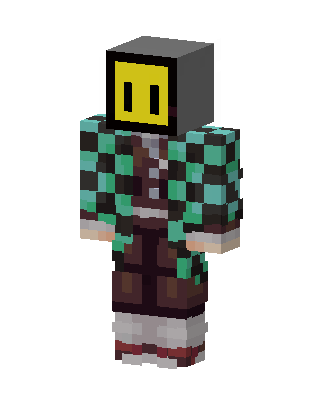 Tanjiro Kamado1 views · Worn by 0
 Gray Gamer Boy1 views · Worn by 0
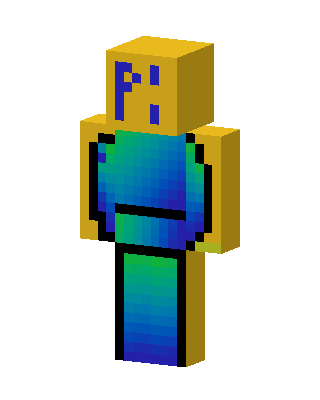 Blue Costume Boy1 views · Worn by 0
 Blue Holiday Boy1 views · Worn by 0
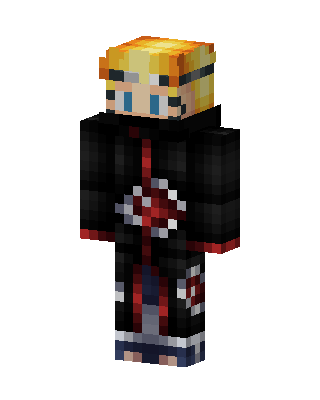 Naruto Akatsuki99 views · Worn by 1
 Black Hero Boy48 views · Worn by 1
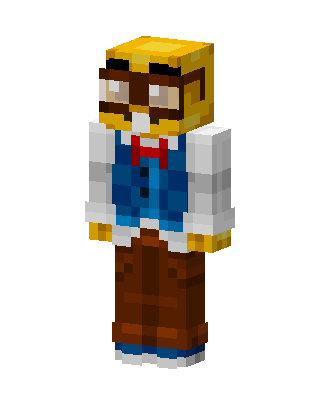 Goggle Professor48 views · Worn by 1


