


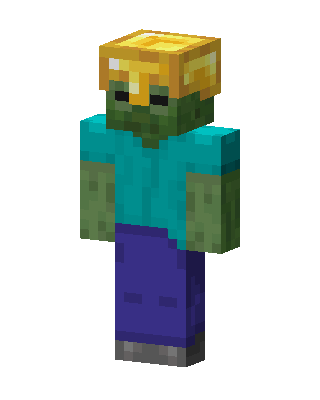
Zombie With Golden
Classic arms · mostly teal · first seen Oct 2026
4 viewsA green Minecraft zombie in a cyan shirt and blue pants, wearing a shiny gold helmet with a dark visor slit.
How to use on Bedrock
- Download the skin.
- In Minecraft, open Dressing Room, then Classic skins.
- Choose Import, pick the file, then choose the classic (Steve) arms.
Similar skins
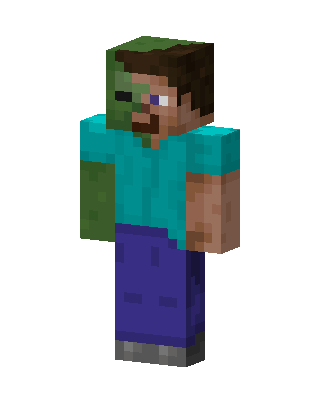 Zombie Steve6 views · Worn by 0
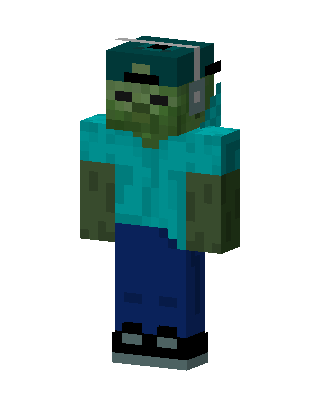 Zombie Steve3 views · Worn by 0
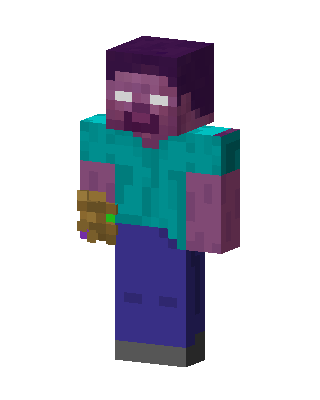 Thanos Herobrine2 views · Worn by 0
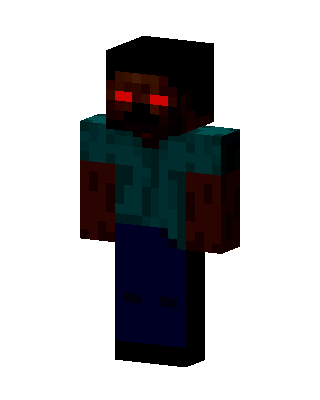 Herobrine2 views · Worn by 0
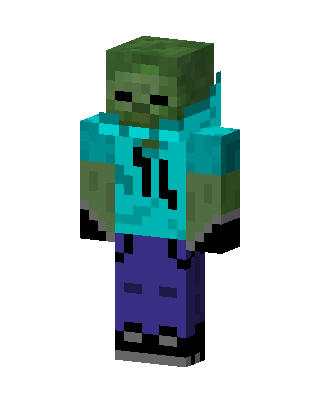 Zombie Steve2 views · Worn by 0
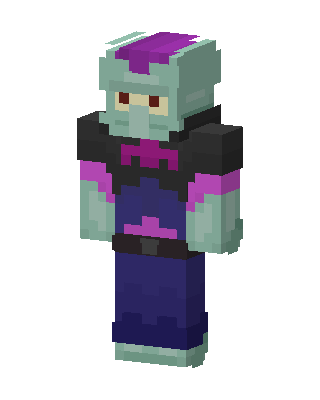 Squidward Tentacles0 views · Worn by 0
 Blue Mob Boy0 views · Worn by 0
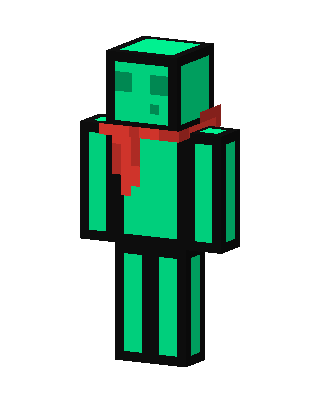 Slime Scarf0 views · Worn by 0
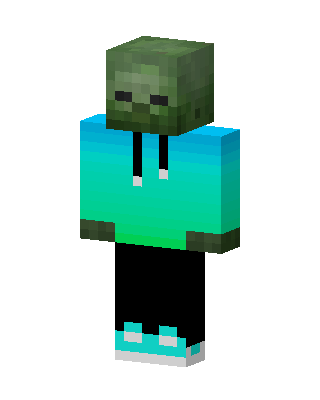 Zombie Hoodie0 views · Worn by 0
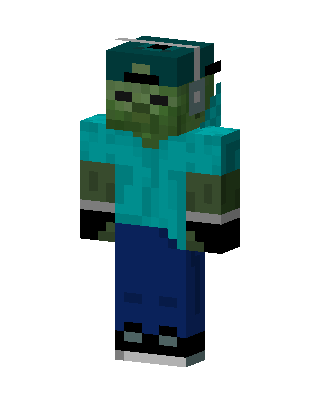 Zombie Hoodie0 views · Worn by 0
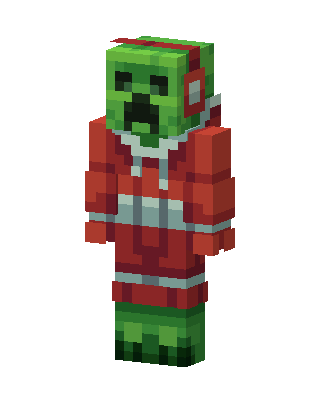 Christmas Creeper147 views · Worn by 5
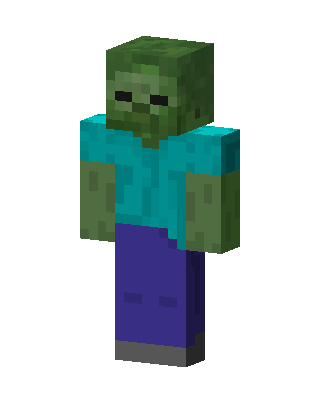 Zombie79 views · Worn by 4


