


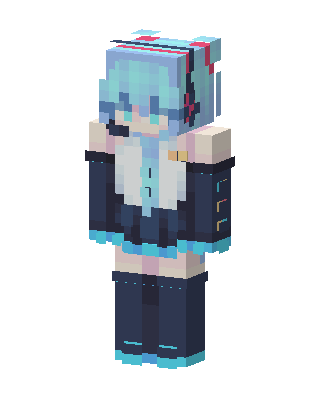
Hatsune Miku
Slim arms · mostly blue · first seen Oct 2026
0 viewsTeal-haired character with headphones and a dark navy and white outfit with cyan trim, detached sleeves, and dark thigh-high boots.
How to use on Bedrock
- Download the skin.
- In Minecraft, open Dressing Room, then Classic skins.
- Choose Import, pick the file, then choose the slim (Alex) arms.
Similar skins
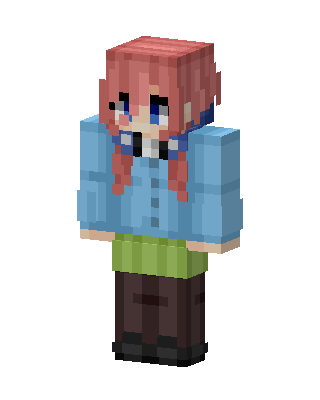 Nino Nakano33 views · Worn by 1
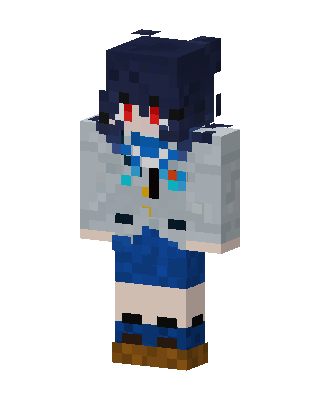 Blue Haired Anime25 views · Worn by 1
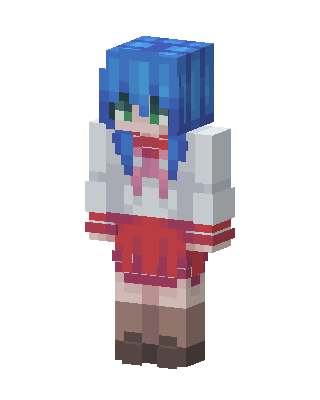 Konata Izumi4 views · Worn by 0
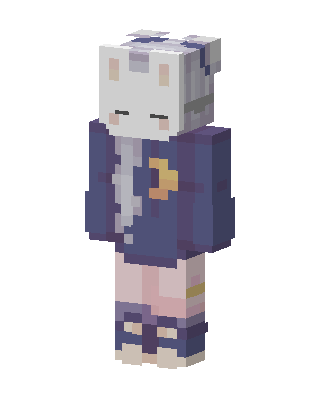 Sleepy Bunny3 views · Worn by 0
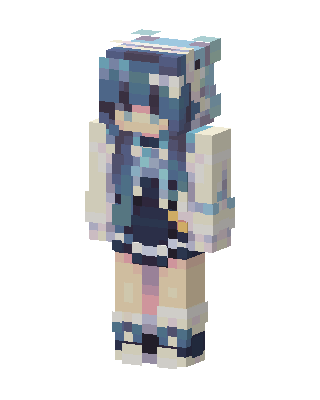 Blue Haired Girl3 views · Worn by 0
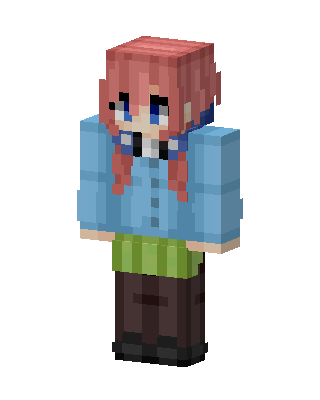 Nino Nakano3 views · Worn by 0
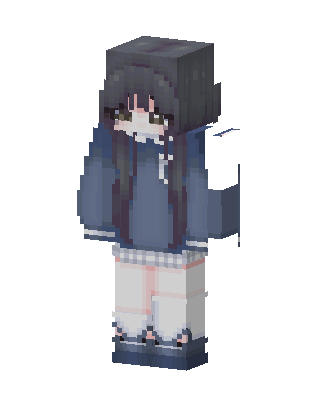 Blue Hoodie Girl3 views · Worn by 0
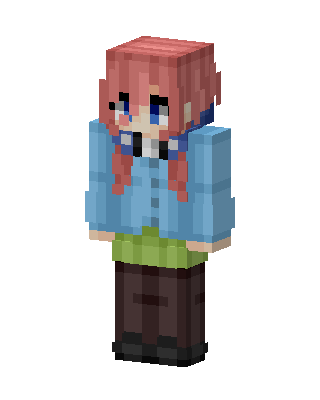 Miku Nakano3 views · Worn by 0
 Miku Nakano3 views · Worn by 0
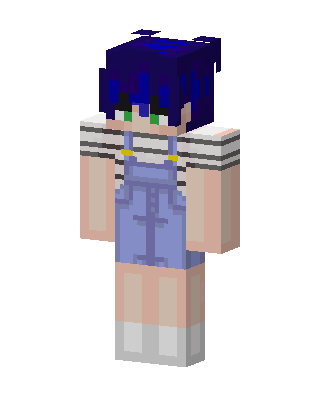 Denim Overall Girl3 views · Worn by 0
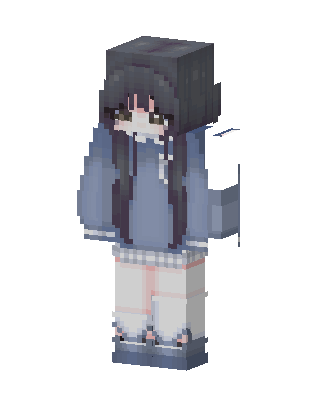 Blue Hoodie Girl2 views · Worn by 0
 Bocchi2 views · Worn by 0


