


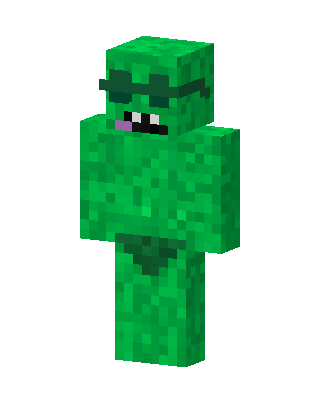
Green Blob Monster
Classic arms · mostly green · first seen Oct 2026
0 viewsA fully green textured body with a dark green headband over the eyes, a purple tongue sticking out of a toothy mouth, and a dark green loincloth.
How to use on Bedrock
- Download the skin.
- In Minecraft, open Dressing Room, then Classic skins.
- Choose Import, pick the file, then choose the classic (Steve) arms.
Similar skins
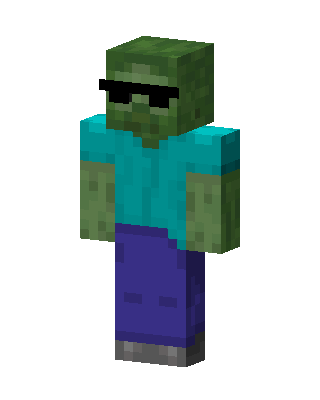 Cool Zombie10 views · Worn by 0
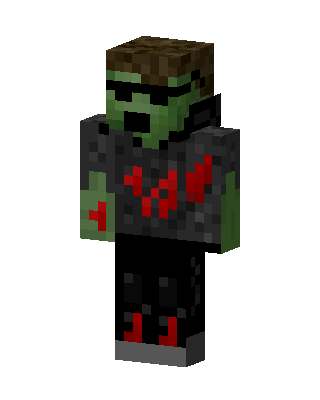 Green Villain Boy9 views · Worn by 0
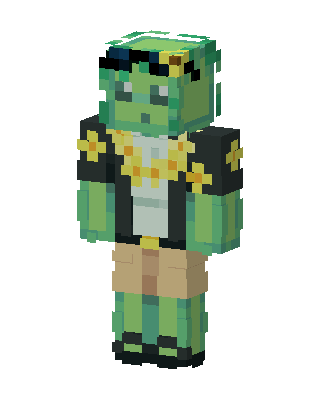 Sunflower Frog3 views · Worn by 0
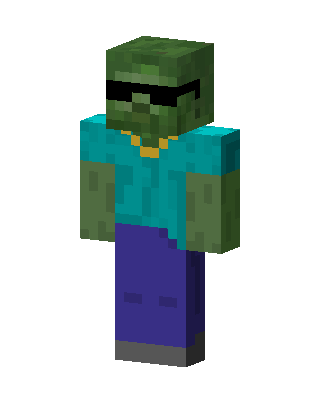 Cool Zombie3 views · Worn by 0
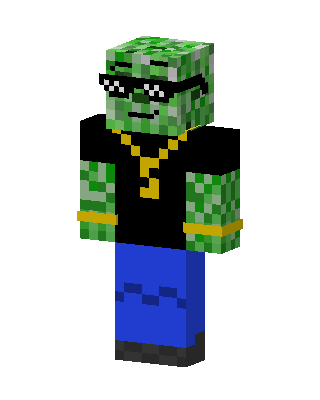 Cool Creeper1 views · Worn by 0
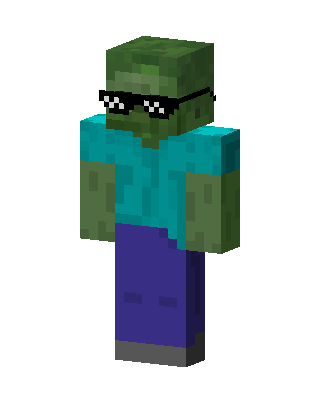 Cool Zombie1 views · Worn by 0
 Creeper In Suit1 views · Worn by 0
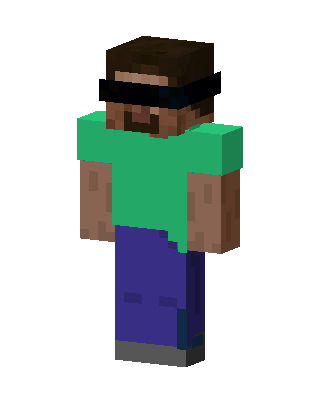 Green Mob Boy0 views · Worn by 0
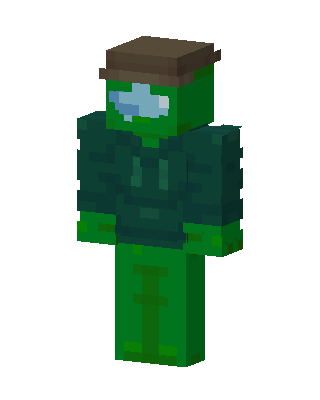 Green Mob Boy0 views · Worn by 0
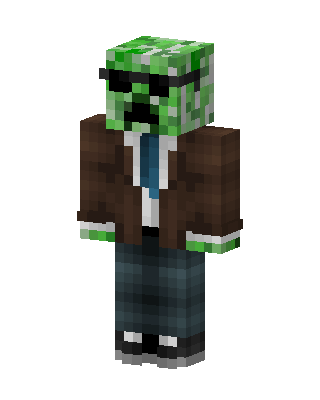 Green Creeper Boy0 views · Worn by 0
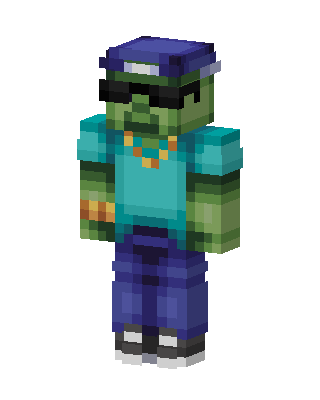 Green Player Boy0 views · Worn by 0
 Creeper Hoodie Boy0 views · Worn by 0


