


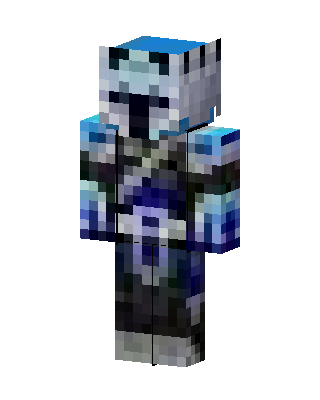
Frost Armor Knight
Classic arms · mostly blue · first seen Oct 2026
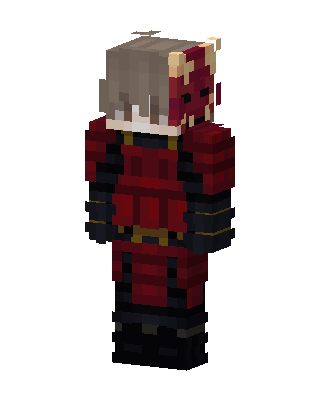
1 viewA knight in icy blue and white armor with a pale helmet showing a dark face opening and dark horns, over a black and navy body.
How to use on Bedrock
- Download the skin.
- In Minecraft, open Dressing Room, then Classic skins.
- Choose Import, pick the file, then choose the classic (Steve) arms.
Similar skins
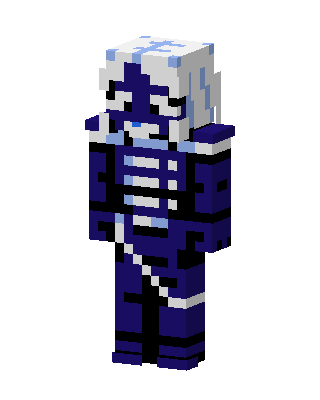 Navy Skeleton Knight2 views · Worn by 0
 Blue Flame Hoodie1 views · Worn by 0
 Icy Scarf Boy1 views · Worn by 0
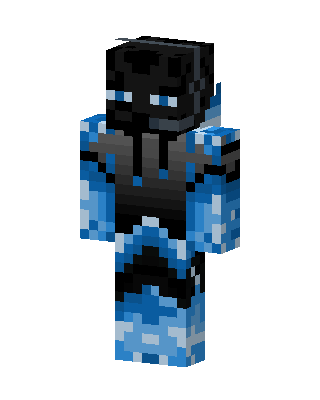 Blue Masked Hero Boy0 views · Worn by 0
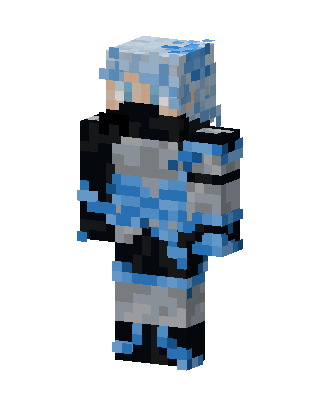 Blue Knight Boy0 views · Worn by 0
 Tiger Pirate0 views · Worn by 0
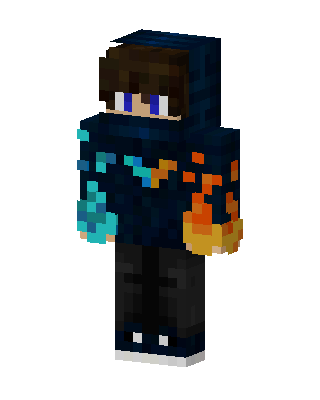 Fire And Ice0 views · Worn by 0
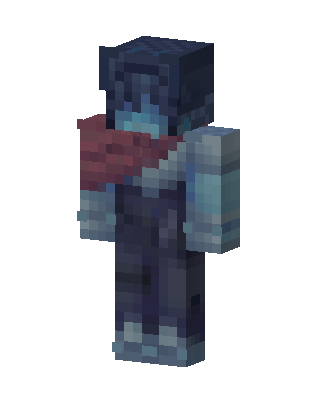 Frost Wanderer0 views · Worn by 0
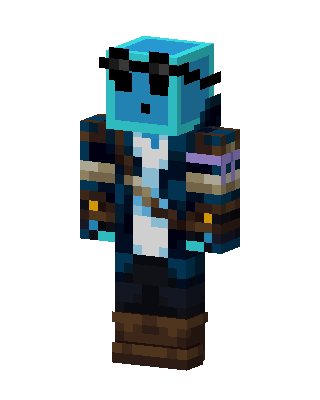 Slime Pirate11 views · Worn by 1
 Fire And Ice48 views · Worn by 0
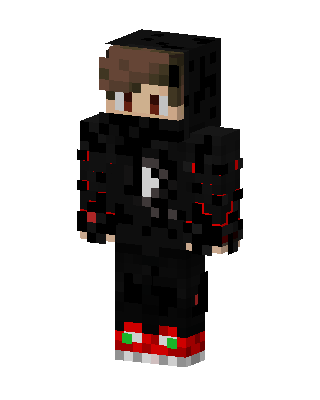 Crimson Shadow30 views · Worn by 0
 Oni Samurai6 views · Worn by 0


