


Gloomy Goth
Slim arms · mostly black · first seen Oct 2026
1 viewA pale character with messy black hair, a black oversized hoodie with a frowning face, and striped black and white thigh-high socks.
How to use on Bedrock
- Download the skin.
- In Minecraft, open Dressing Room, then Classic skins.
- Choose Import, pick the file, then choose the slim (Alex) arms.
Similar skins
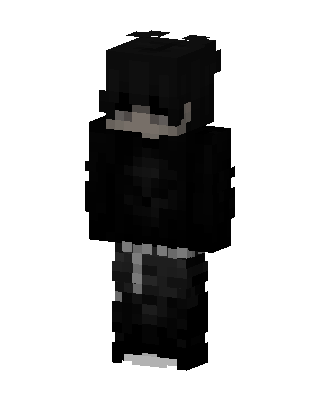 Shadow Hoodie1.6k views · Worn by 5
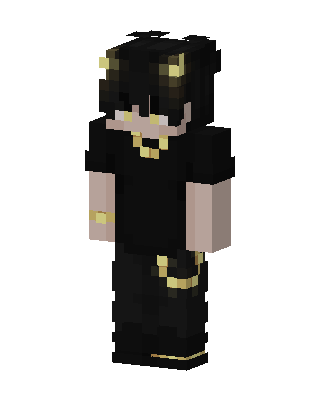 Golden Horn Demon657 views · Worn by 19
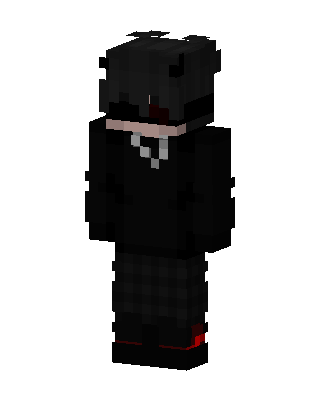 Black Ninja Boy140 views · Worn by 7
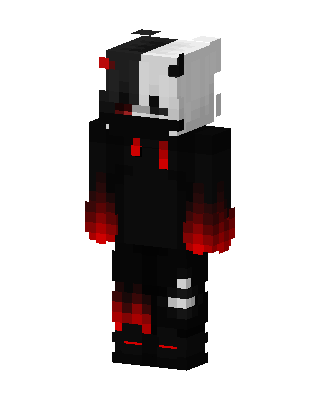 Monokuma Hoodie147 views · Worn by 6
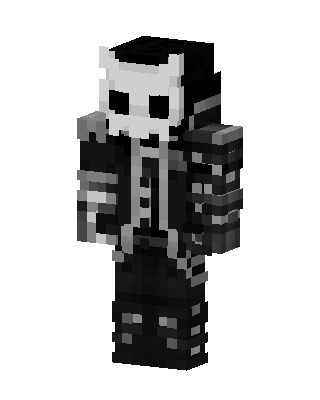 Skull Knight385 views · Worn by 1
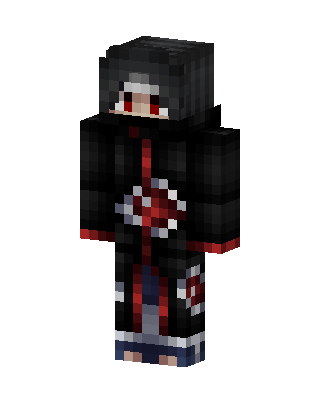 Itachi Uchiha323 views · Worn by 1
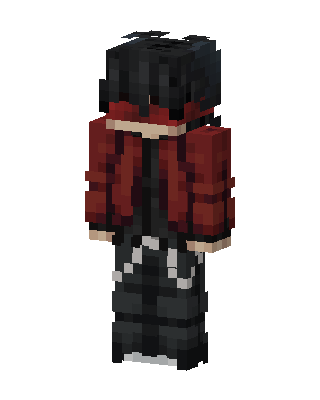 Crimson Hoodie179 views · Worn by 2
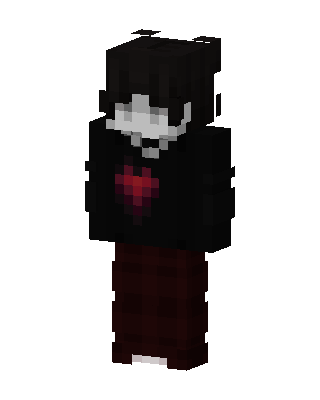 Black Player71 views · Worn by 4
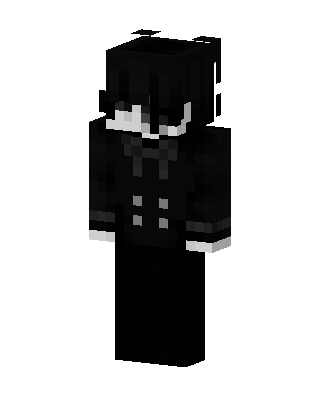 Monochrome Butler144 views · Worn by 2
 Yin Yang Hoodie192 views · Worn by 1
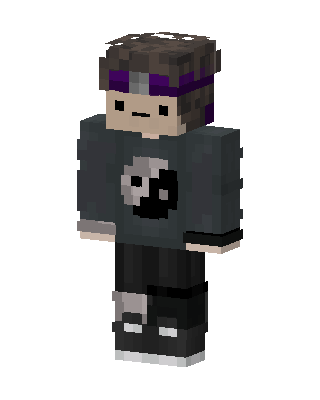 Yin Yang Hoodie133 views · Worn by 2
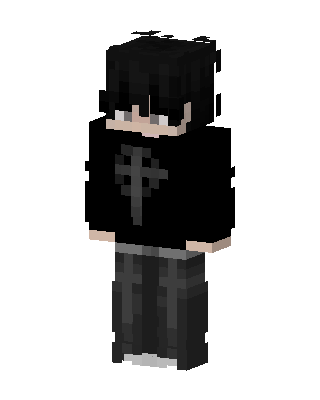 Gothic Cross77 views · Worn by 2


