



Screaming Steve
Classic arms · mostly brown · first seen Oct 2026
2 viewsSteve-style character with huge wide eyes and a gaping red open mouth, wearing a teal shirt, blue pants and gray shoes.
How to use on Bedrock
- Download the skin.
- In Minecraft, open Dressing Room, then Classic skins.
- Choose Import, pick the file, then choose the classic (Steve) arms.
Similar skins
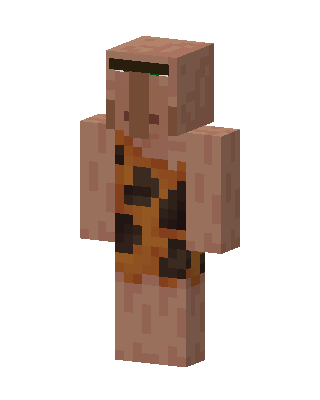 Caveman Villager41 views · Worn by 2
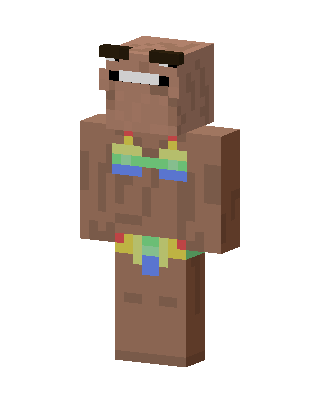 Brown Boy3 views · Worn by 1
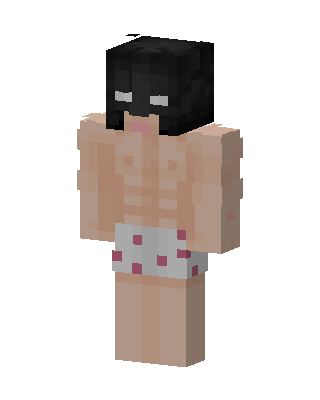 Brown Player Boy10 views · Worn by 0
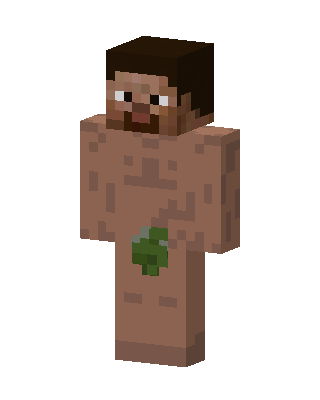 Leaf Man10 views · Worn by 0
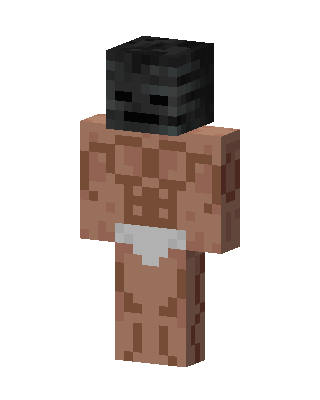 Wither Skeleton Brute5 views · Worn by 0
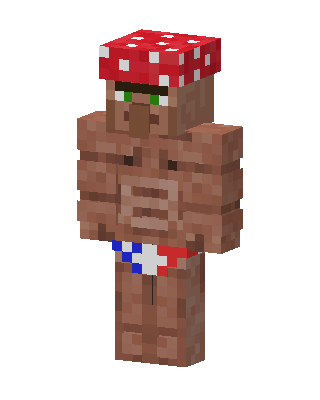 Mushroom Villager3 views · Worn by 0
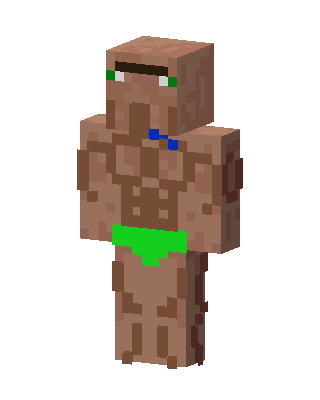 Buff Villager2 views · Worn by 0
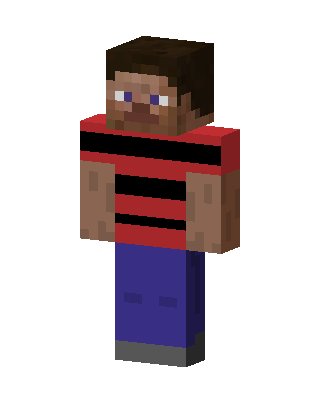 Striped Steve2 views · Worn by 0
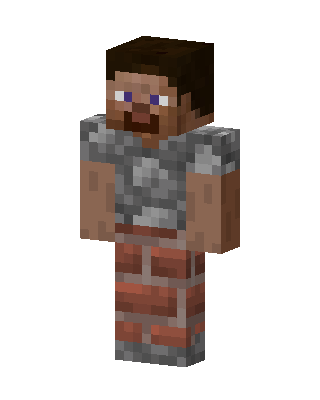 Stone Mason2 views · Worn by 0
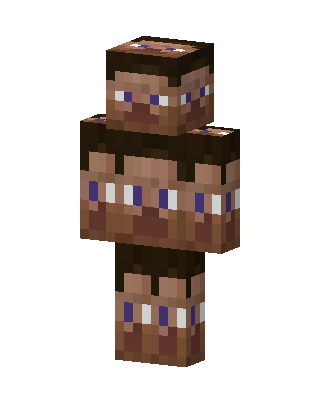 Many Faced Steve2 views · Worn by 0
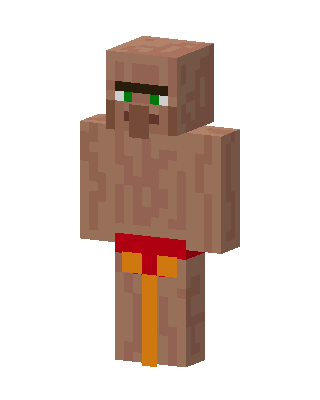 Shirtless Villager1 views · Worn by 0
 Shirtless Swimmer1 views · Worn by 0


