


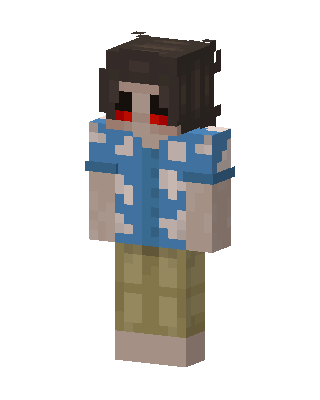
Tropical Shirt Guy
Slim arms · mostly blue · first seen Oct 2026
1 viewDark messy-haired character with glowing red eyes, wearing a blue Hawaiian shirt with white floral patterns and khaki cargo shorts.
How to use on Bedrock
- Download the skin.
- In Minecraft, open Dressing Room, then Classic skins.
- Choose Import, pick the file, then choose the slim (Alex) arms.
Similar skins
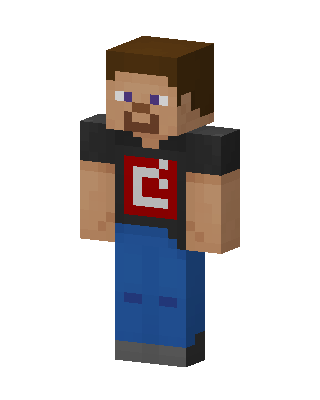 Steve Red Logo1k views · Worn by 27
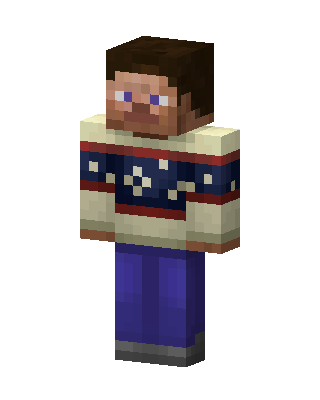 Cozy Sweater Steve143 views · Worn by 8
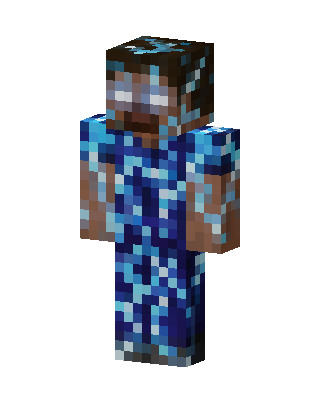 Diamond Herobrine17 views · Worn by 1
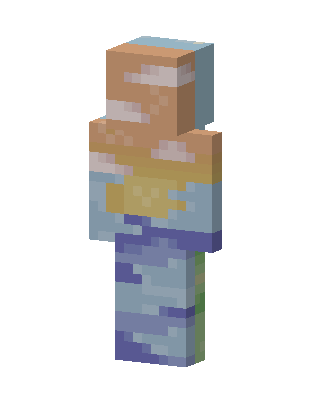 Pastel Sunset13 views · Worn by 1
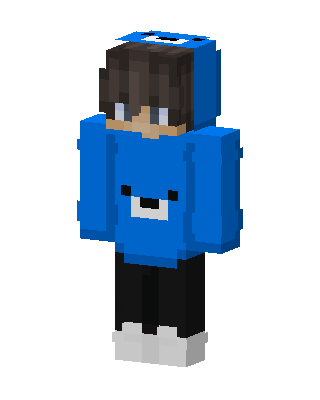 Blue Bear Hoodie13 views · Worn by 1
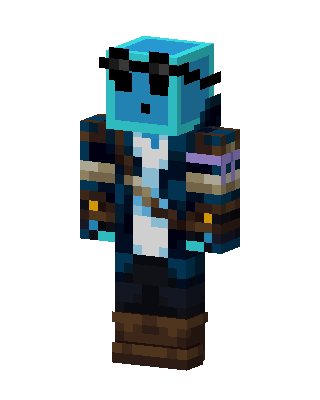 Slime Pirate11 views · Worn by 1
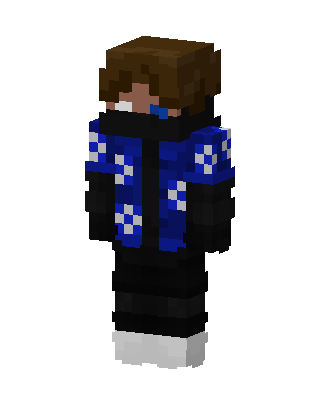 Blue Checker Jacket9 views · Worn by 1
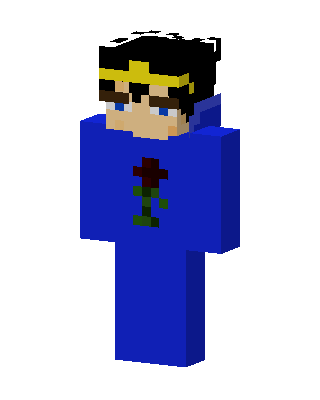 Jotaro Kujo7 views · Worn by 1
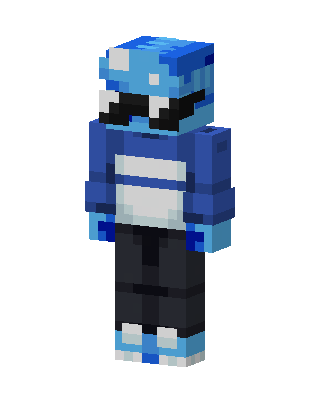 Blue Visor Hoodie3 views · Worn by 1
 Blue Hoodie Gamer2 views · Worn by 1
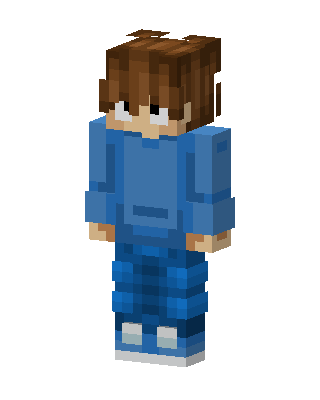 Blue Hoodie Boy2 views · Worn by 1
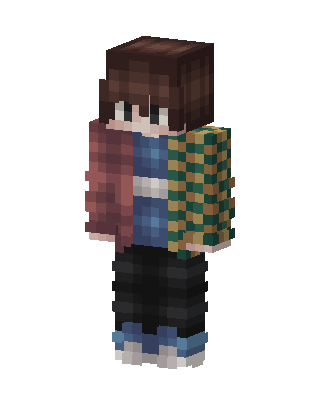 Giyu Tomioka2 views · Worn by 1


