


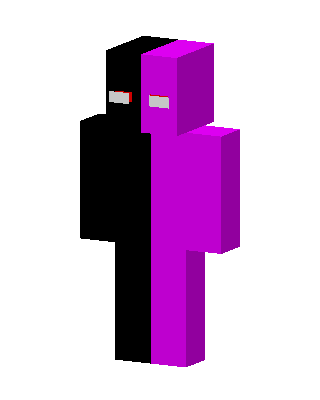
DaQuavis
Classic arms · mostly purple · first seen Oct 2026
0 viewsA plain body split down the middle, the left half solid black and the right half bright magenta, with white eyes with red edges.
How to use on Bedrock
- Download the skin.
- In Minecraft, open Dressing Room, then Classic skins.
- Choose Import, pick the file, then choose the classic (Steve) arms.
Similar skins
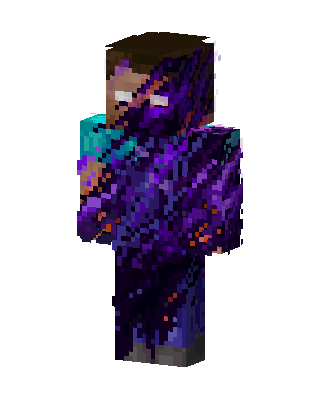 Purple Villain Boy50 views · Worn by 1
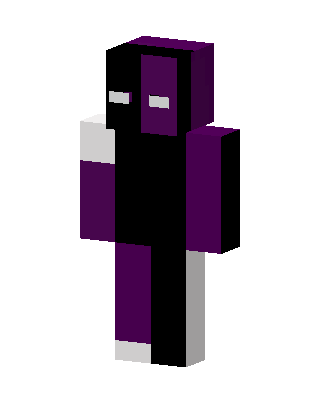 Purple Ranboo3 views · Worn by 0
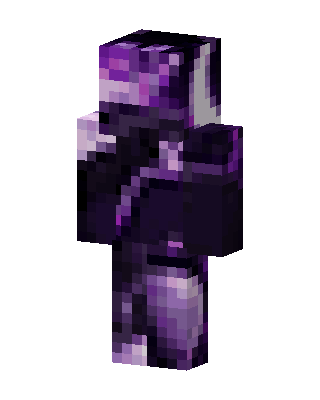 Void Crystal1 views · Worn by 0
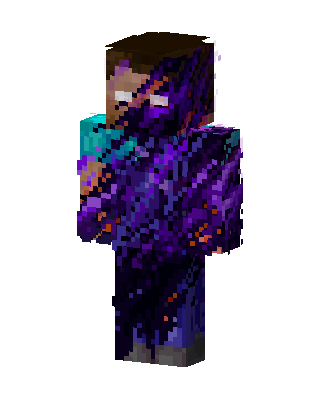 Void Herobrine1 views · Worn by 0
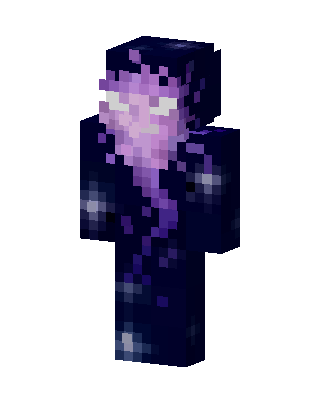 Black Hero1 views · Worn by 0
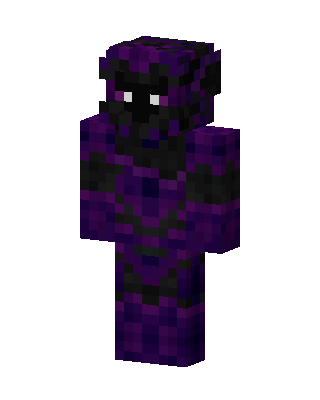 Purple Ninja Boy1 views · Worn by 0
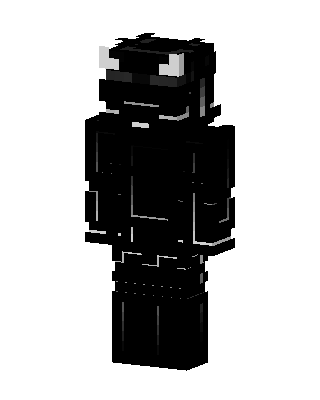 Shadow Horned Knight648 views · Worn by 18
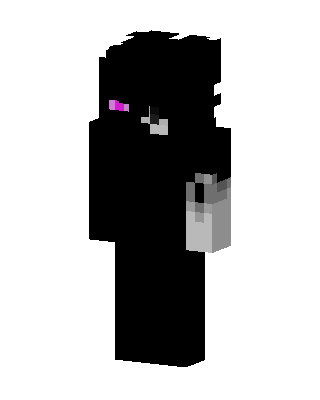 Enderman Humanoid1.1k views · Worn by 1
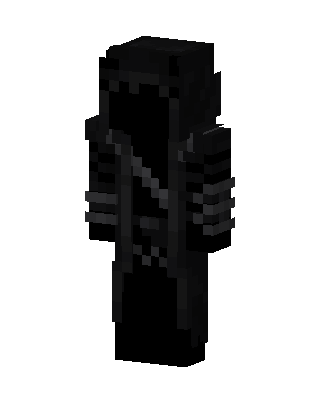 Black Ninja96 views · Worn by 4
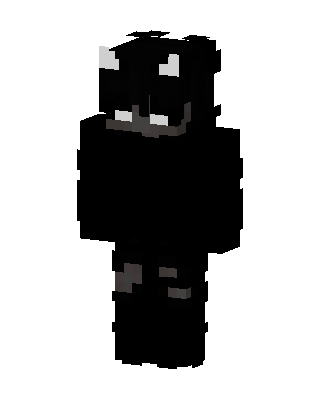 Shadow Horned Creature177 views · Worn by 2
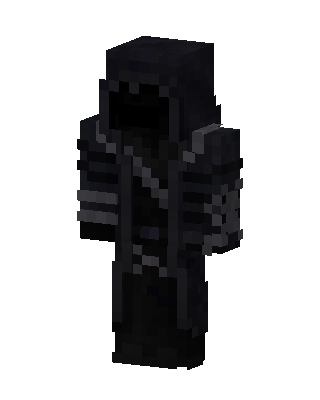 Black Boy87 views · Worn by 2
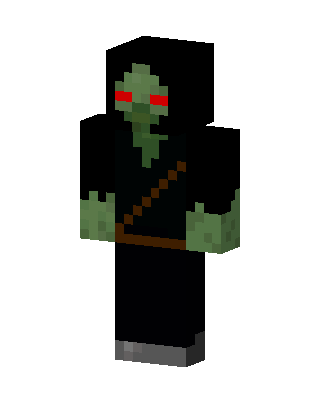 Hooded Zombie116 views · Worn by 1


