


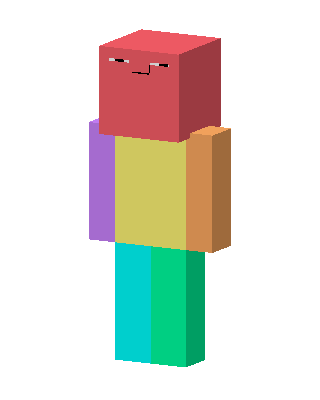
Color Block Guy
Slim arms · mostly rainbow · first seen Oct 2026
0 viewsA blocky character with a red head and a sleepy squinting face, yellow torso, purple and orange arms, and cyan and green legs.
How to use on Bedrock
- Download the skin.
- In Minecraft, open Dressing Room, then Classic skins.
- Choose Import, pick the file, then choose the slim (Alex) arms.
Similar skins
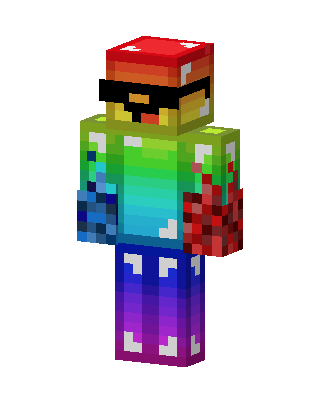 Rainbow Shroom2 views · Worn by 0
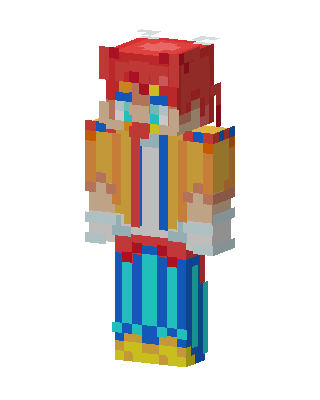 Rainbow Jester1 views · Worn by 0
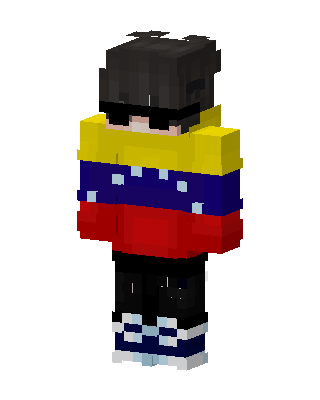 Tricolor Hoodie0 views · Worn by 0
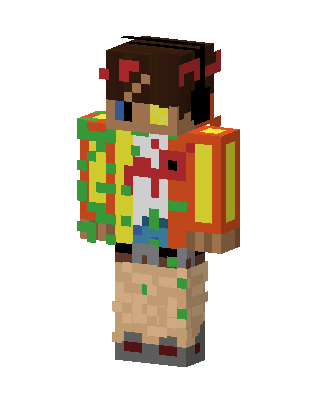 Taco Backpack Kid0 views · Worn by 0
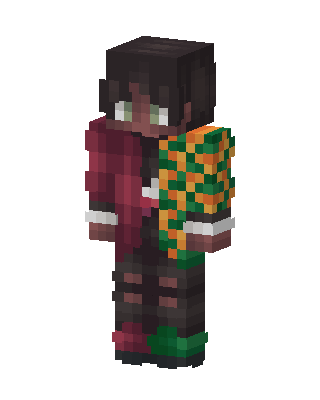 Tanjiro Kamado0 views · Worn by 0
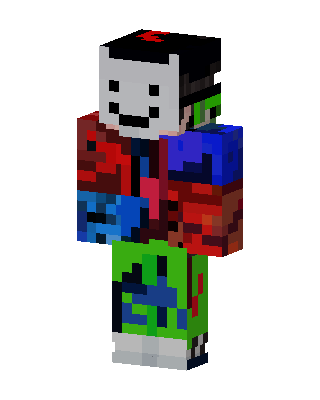 Glitch Smiley0 views · Worn by 0
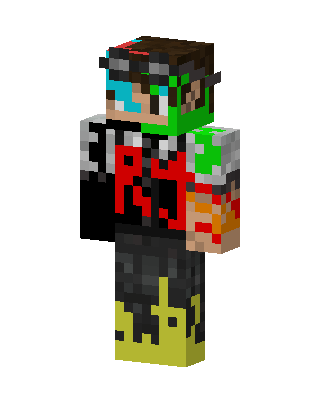 Glitch Flame RJ0 views · Worn by 0
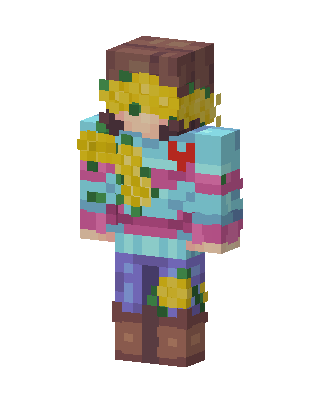 Sunflower Sweater0 views · Worn by 0
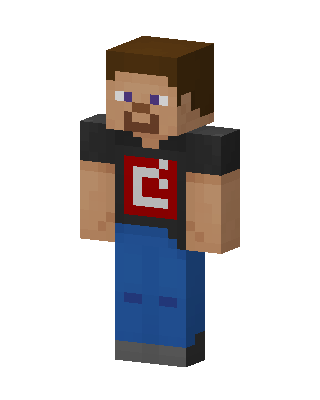 Steve Red Logo1.2k views · Worn by 27
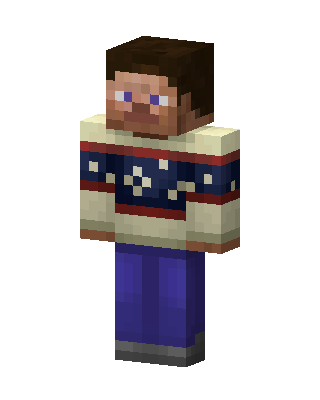 Cozy Sweater Steve170 views · Worn by 8
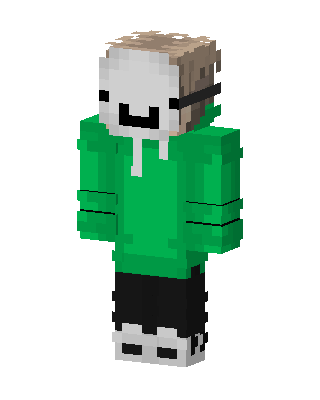 Dream165 views · Worn by 1
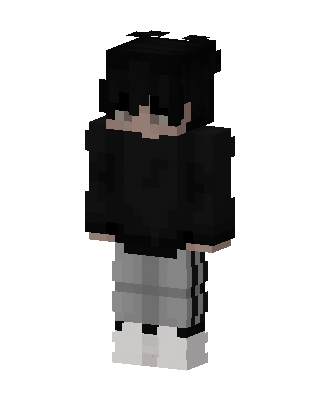 Shadow Streetwear123 views · Worn by 1


