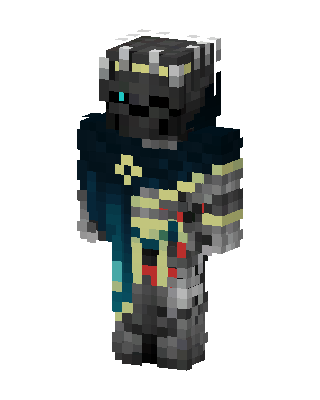
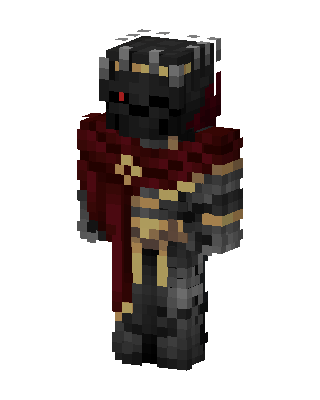
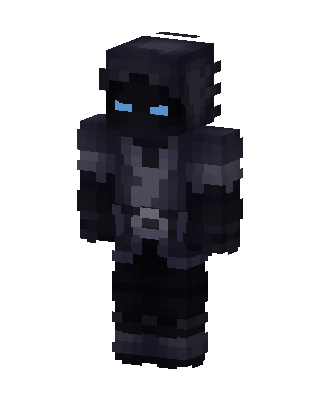
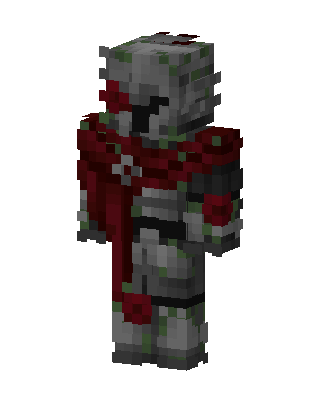
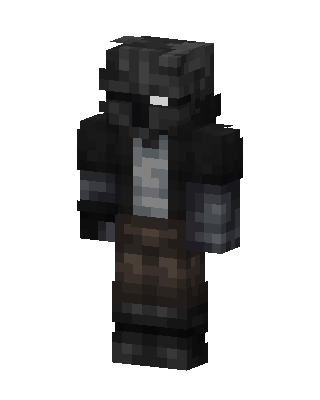
Dark Armored Knight
Classic arms · mostly black · first seen Nov 2026
Made by Gabriel3445557A dark gray armored knight with a spiked black helmet, a glowing cyan eye, a teal cape, pale yellow trim and red accents.
How to use on Bedrock
- Download the skin.
- In Minecraft, open Dressing Room, then Classic skins.
- Choose Import, pick the file, then choose the classic (Steve) arms.