


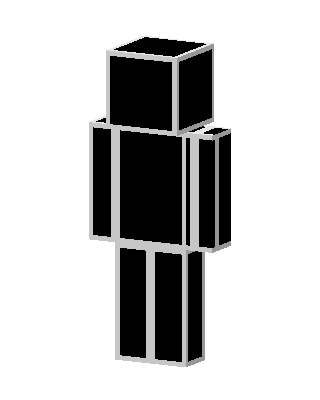
Black Silhouette
Slim arms · mostly black · first seen Oct 2026
0 viewsA solid black blocky character with no visible face, clothing, or details, appearing as a plain dark silhouette.
How to use on Bedrock
- Download the skin.
- In Minecraft, open Dressing Room, then Classic skins.
- Choose Import, pick the file, then choose the slim (Alex) arms.
Similar skins
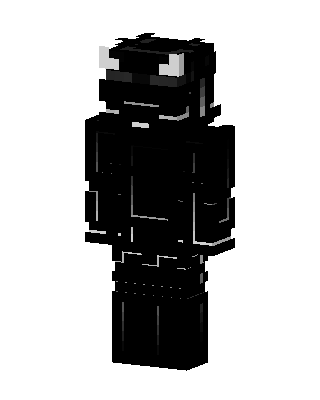 Shadow Horned Knight653 views · Worn by 18
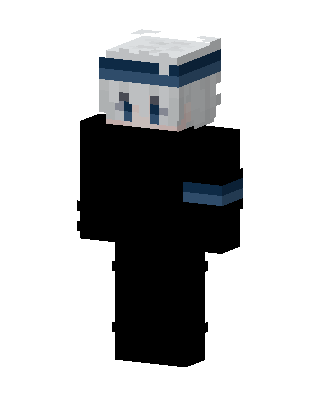 Gojo Satoru342 views · Worn by 1
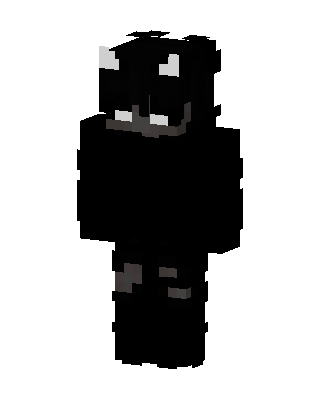 Shadow Horned Creature181 views · Worn by 2
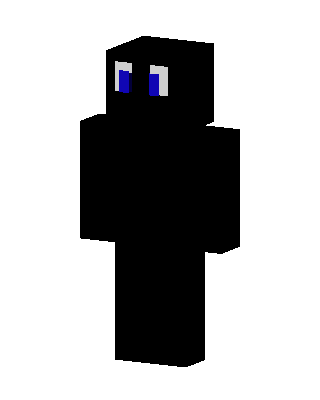 Shadow Blue Eyes91 views · Worn by 2
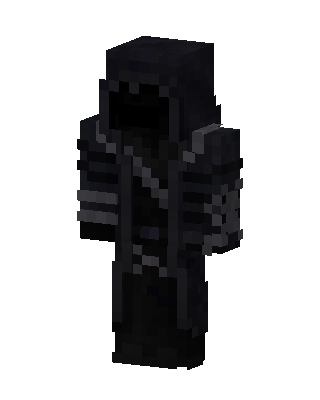 Black Boy88 views · Worn by 2
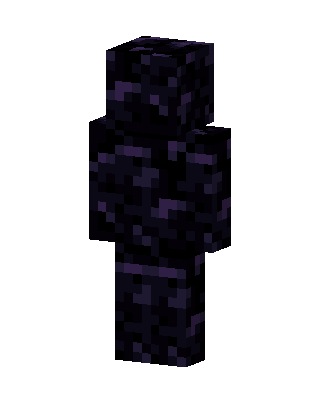 Obsidian Golem37 views · Worn by 2
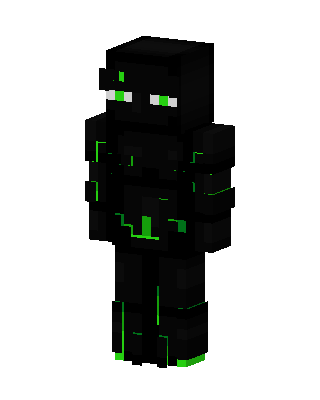 Neon Enderman55 views · Worn by 1
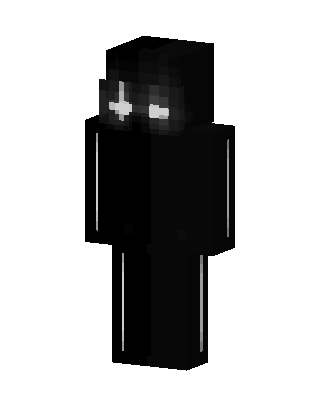 Black Ninja Boy54 views · Worn by 1
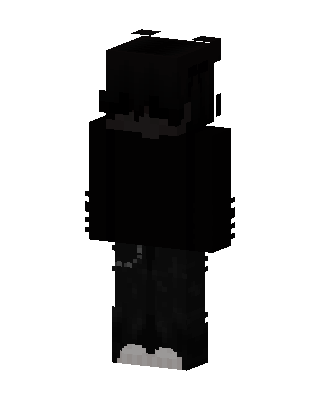 Shadow Hoodie43 views · Worn by 1
 Starry Obsidian Knight36 views · Worn by 1
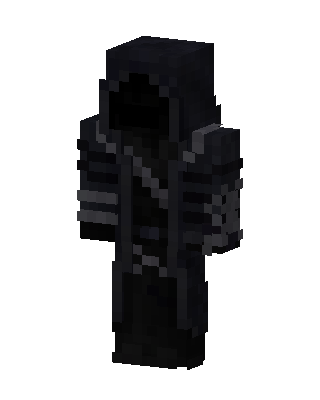 Black Hero Boy35 views · Worn by 1
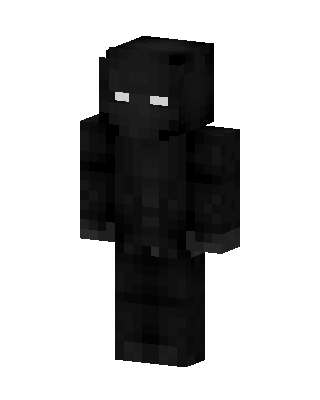 Black Ninja Boy32 views · Worn by 1


