


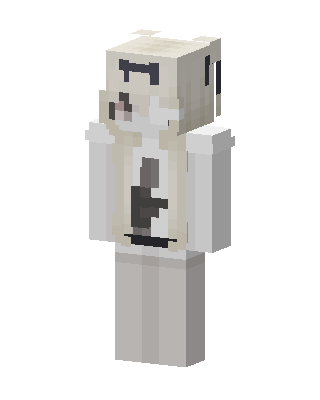
Cream Bear Hoodie
Slim arms · mostly white · first seen Oct 2026
0 viewsA cream and white bear-themed character with small round ears, a pale hoodie with a dark center stripe, white sleeves and light gray pants.
How to use on Bedrock
- Download the skin.
- In Minecraft, open Dressing Room, then Classic skins.
- Choose Import, pick the file, then choose the slim (Alex) arms.
Similar skins
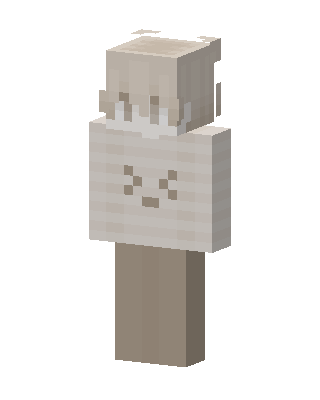 Cream Bunny48 views · Worn by 1
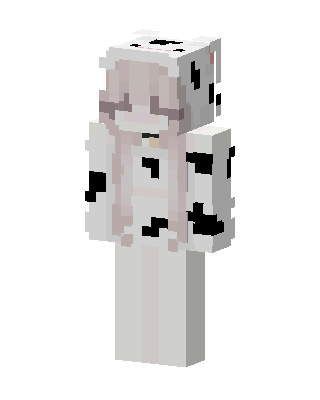 Cow Girl3 views · Worn by 0
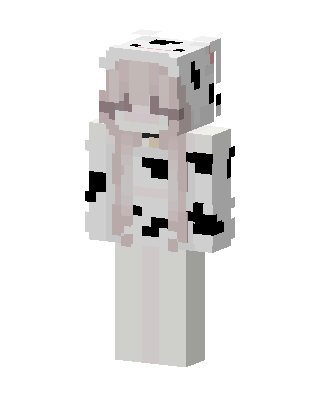 Cow Girl2 views · Worn by 0
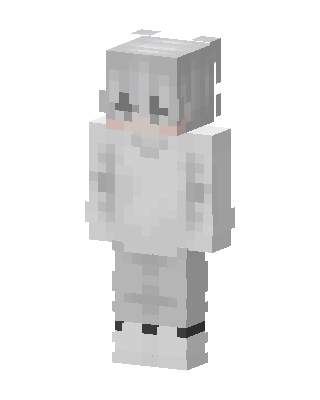 Snow Hoodie Boy1 views · Worn by 0
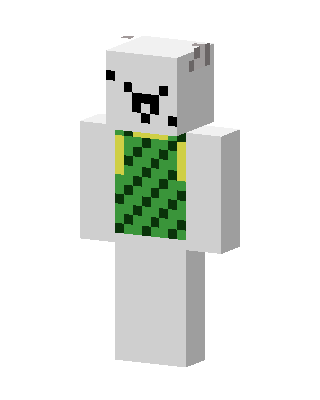 Polar Bear Cub1 views · Worn by 0
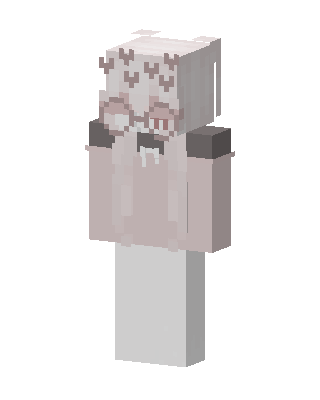 Pink Hoodie Girl1 views · Worn by 0
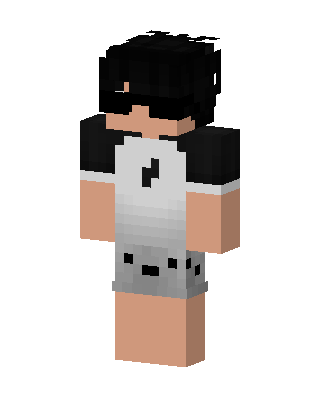 Raglan Music Boy1 views · Worn by 0
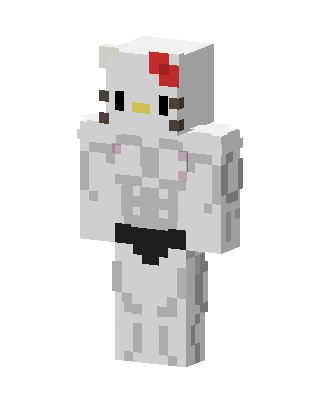 Muscular Hello Kitty1 views · Worn by 0
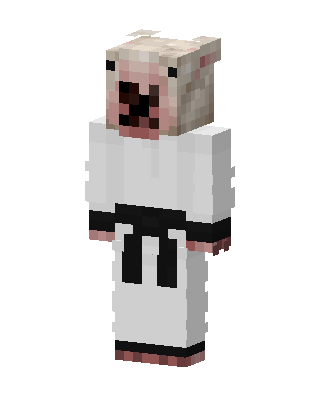 White Animal0 views · Worn by 0
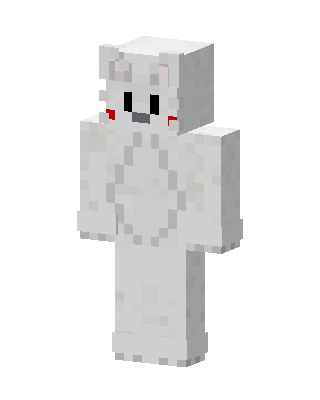 White Animal0 views · Worn by 0
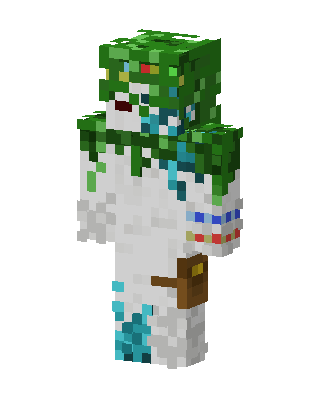 Moss Spirit0 views · Worn by 0
 Galaxy Sans0 views · Worn by 0


