


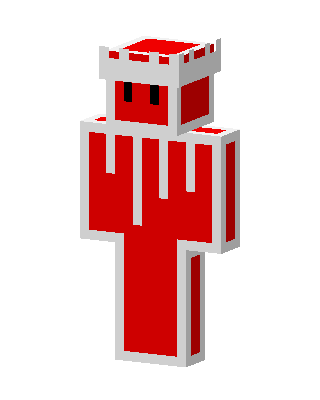
Red Castle
Classic arms · mostly red · first seen Oct 2026
0 viewsA red blob-like character with black eyes, wearing a white castle-tower crown and a red body with white dripping icing-style trim.
How to use on Bedrock
- Download the skin.
- In Minecraft, open Dressing Room, then Classic skins.
- Choose Import, pick the file, then choose the classic (Steve) arms.
Similar skins
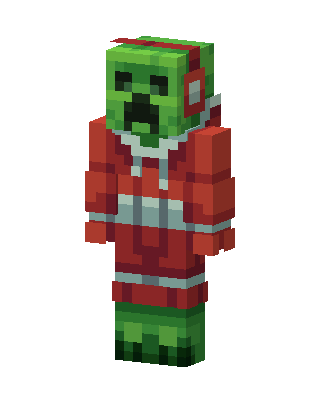 Christmas Creeper161 views · Worn by 5
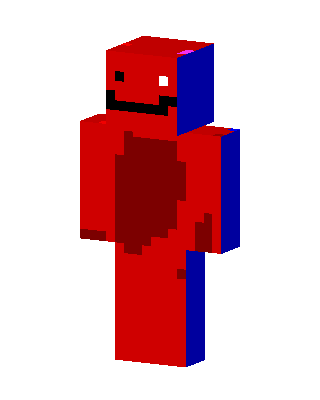 Red Smiley Guy3 views · Worn by 1
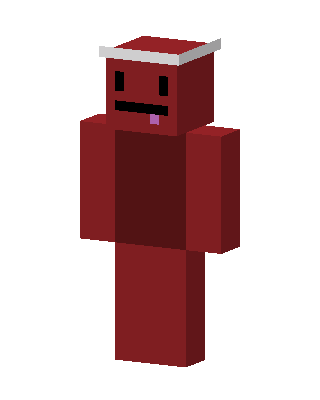 Red Santa Blob8 views · Worn by 0
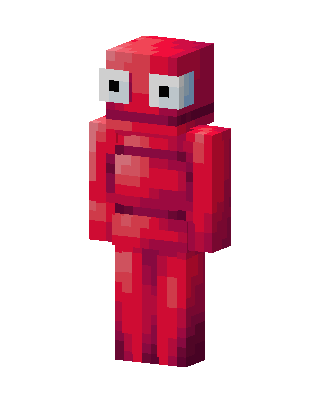 Red Blob4 views · Worn by 0
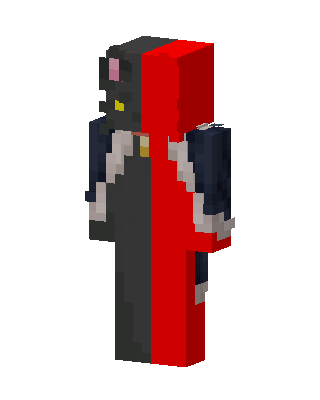 Red Hero Boy3 views · Worn by 0
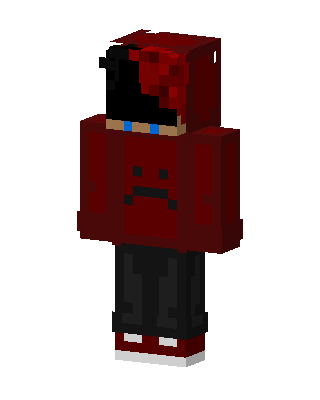 Red Villain Boy3 views · Worn by 0
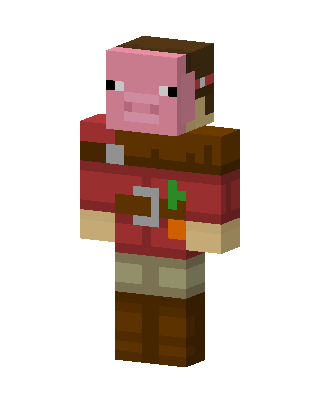 Pig Farmer3 views · Worn by 0
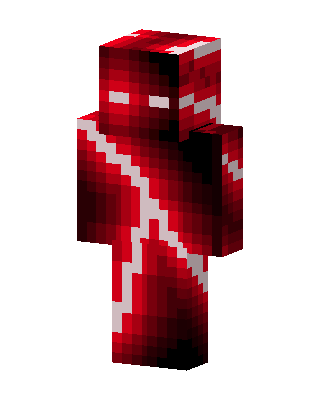 Crimson Lightning3 views · Worn by 0
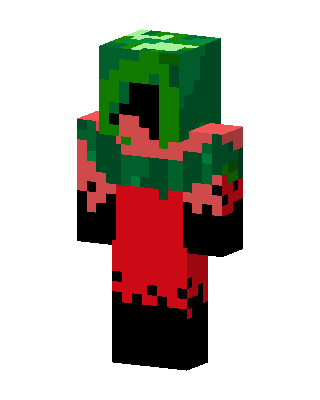 Watermelon Hood2 views · Worn by 0
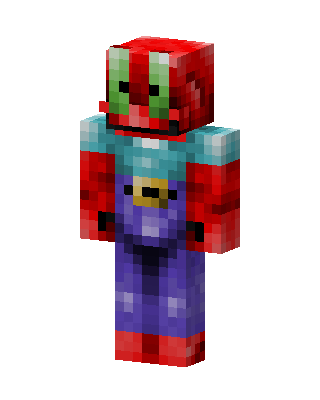 Mr. Krabs2 views · Worn by 0
 Red Googly Eyes2 views · Worn by 0
 Red Smiley Blob1 views · Worn by 0


