


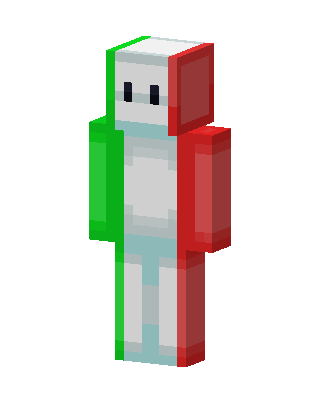
Italian Flag Guy
Slim arms · mostly white · first seen Oct 2026
0 viewsA white blob-like character with two small black eyes, split into green on the left and red on the right like the Italian flag.
How to use on Bedrock
- Download the skin.
- In Minecraft, open Dressing Room, then Classic skins.
- Choose Import, pick the file, then choose the slim (Alex) arms.
Similar skins
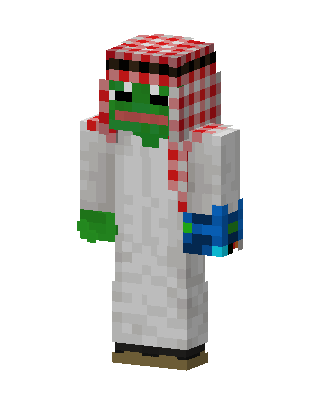 Pepe The Frog2 views · Worn by 0
 Underfell Papyrus0 views · Worn by 0
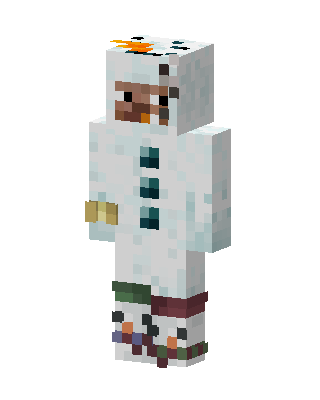 Snow Sheep0 views · Worn by 0
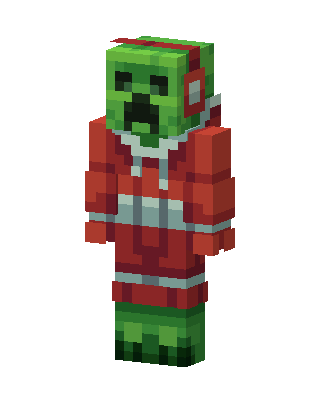 Christmas Creeper149 views · Worn by 5
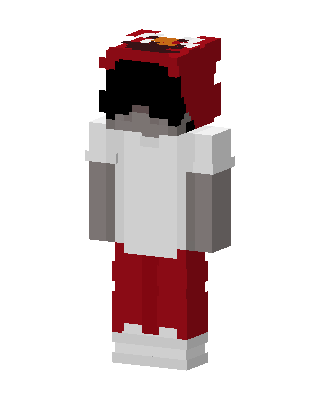 Elmo Hoodie16 views · Worn by 1
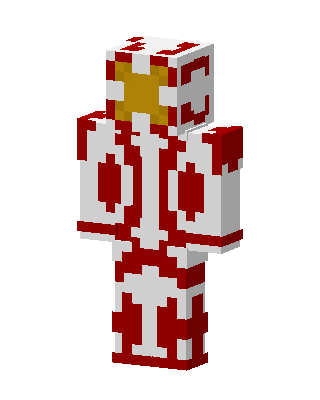 Crimson Gold Hero16 views · Worn by 1
 Gingerbread Sailor8 views · Worn by 1
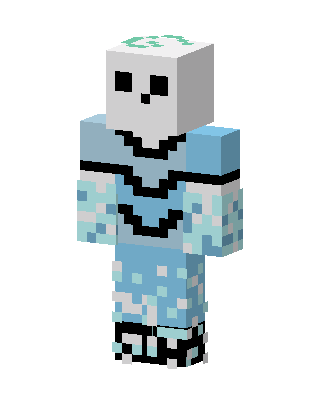 Frost Skull11 views · Worn by 0
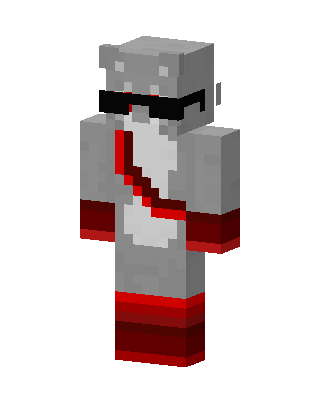 Cool Gray Hippo10 views · Worn by 0
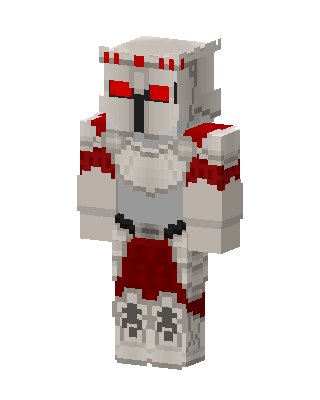 Crimson Crusader6 views · Worn by 0
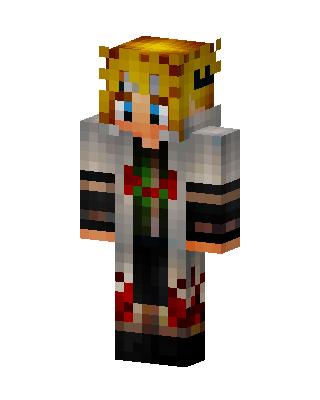 Hokage Cloak Ninja4 views · Worn by 0
 Crimson Hooded Knight4 views · Worn by 0


