


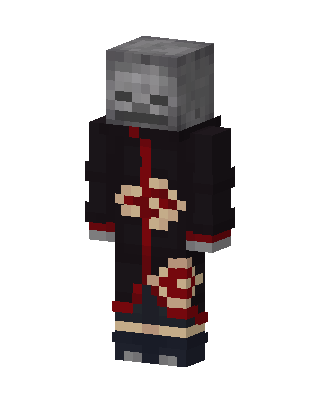
Skeleton Akatsuki
Slim arms · mostly black · worn by 1 player · first seen Oct 2026
6 viewsA skeleton-faced character in a black robe with red trim and red-outlined cloud patterns, over dark blue pants and wrapped ankles.
1 player on BedrockBuddy has worn this
How to use on Bedrock
- Download the skin.
- In Minecraft, open Dressing Room, then Classic skins.
- Choose Import, pick the file, then choose the slim (Alex) arms.
Similar skins
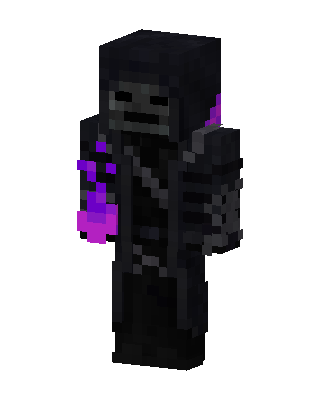 Black Hero Boy3 views · Worn by 0
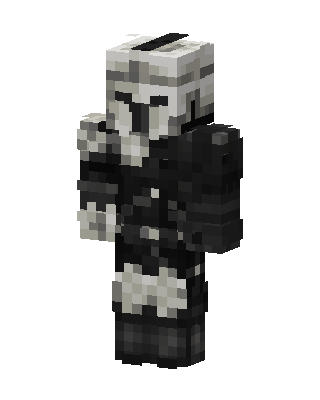 Scout Trooper2 views · Worn by 0
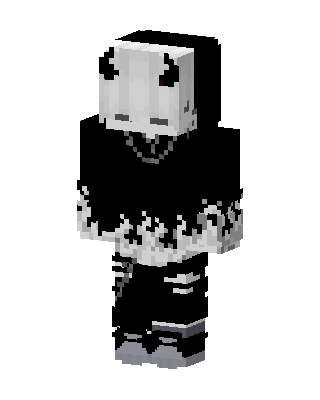 Black Villain1 views · Worn by 0
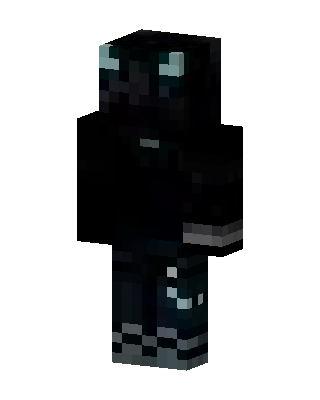 Shadow Cat Hoodie1 views · Worn by 0
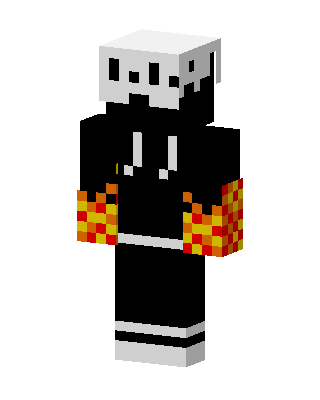 Black Hero Boy1 views · Worn by 0
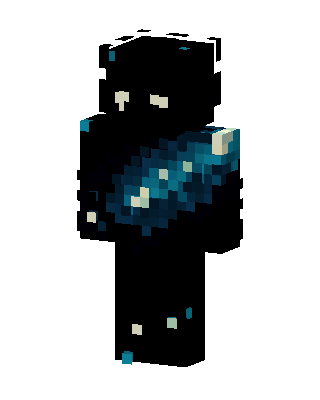 Galaxy Void1 views · Worn by 0
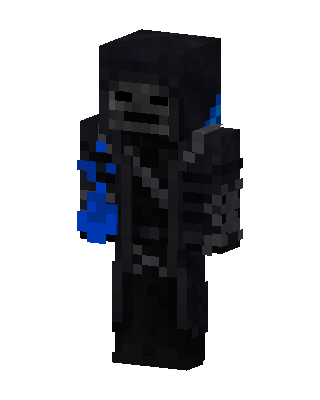 Black Hero Boy0 views · Worn by 0
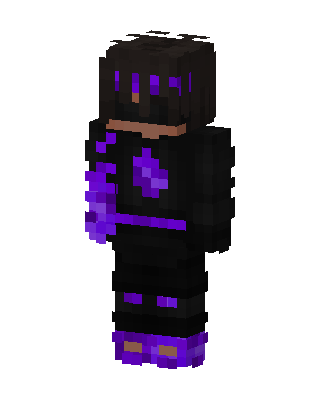 Void Hoodie0 views · Worn by 0
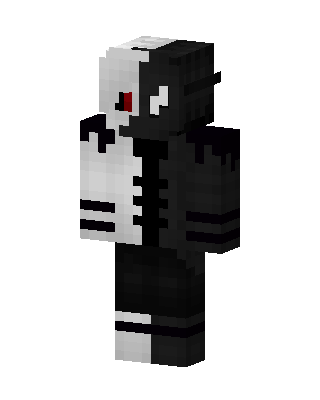 Split Shadow0 views · Worn by 0
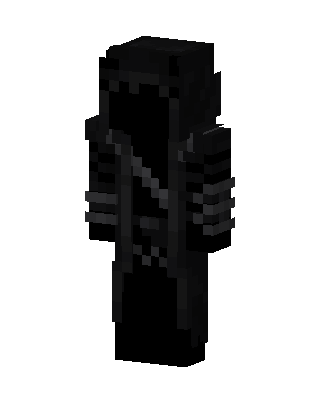 Black Ninja88 views · Worn by 4
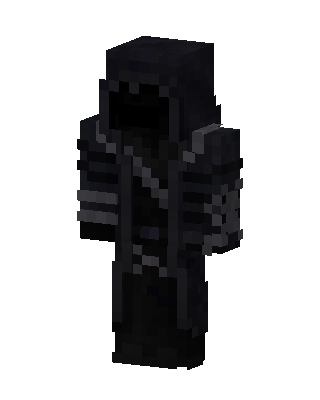 Black Boy82 views · Worn by 2
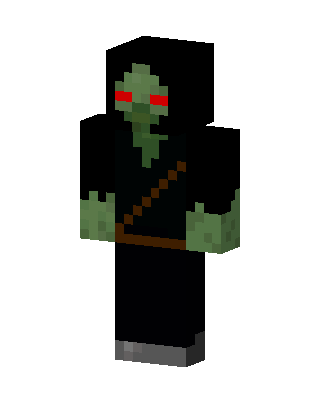 Hooded Zombie108 views · Worn by 1


