


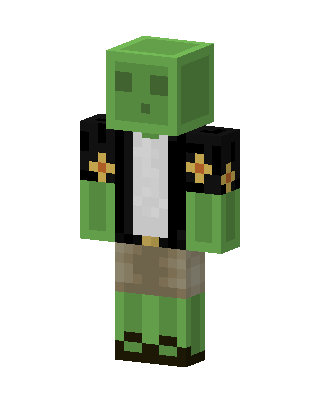
Slime Jacket
Classic arms · mostly green · first seen Oct 2026
5 viewsA green slime character with a cube head and face, wearing a black jacket with orange flower patches over a white shirt and khaki shorts.
How to use on Bedrock
- Download the skin.
- In Minecraft, open Dressing Room, then Classic skins.
- Choose Import, pick the file, then choose the classic (Steve) arms.
Similar skins
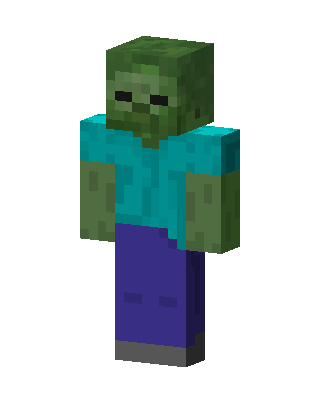 Zombie81 views · Worn by 4
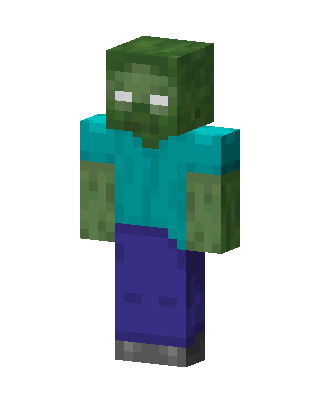 Zombie73 views · Worn by 2
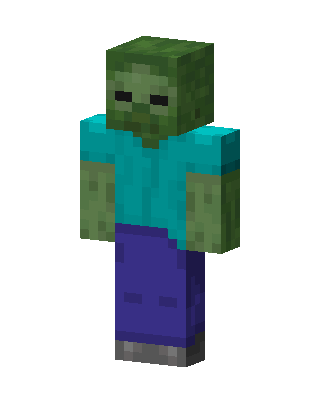 Zombie49 views · Worn by 1
 Frankenstein's Monster37 views · Worn by 1
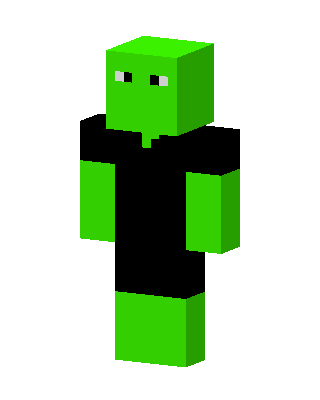 Green Blob9 views · Worn by 1
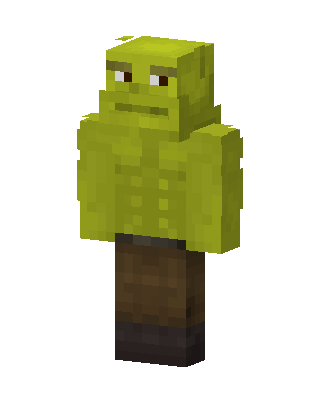 Shrek3 views · Worn by 1
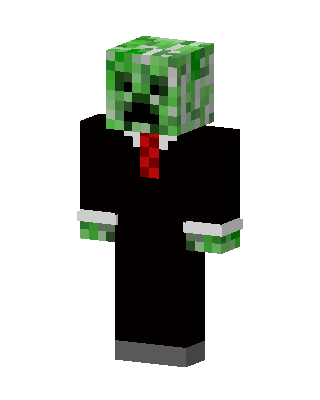 Creeper In Suit2 views · Worn by 1
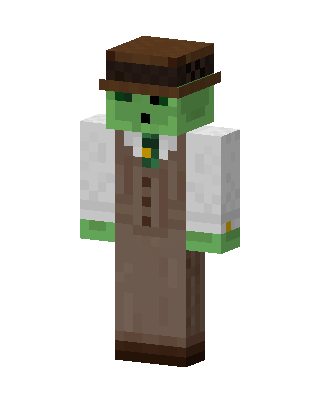 Zombie Gentleman16 views · Worn by 0
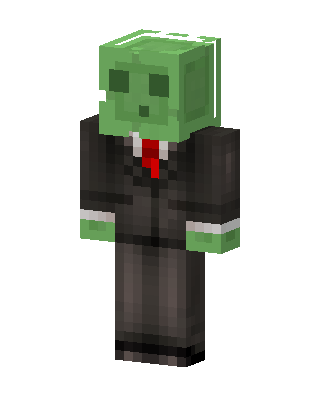 Slime In Suit15 views · Worn by 0
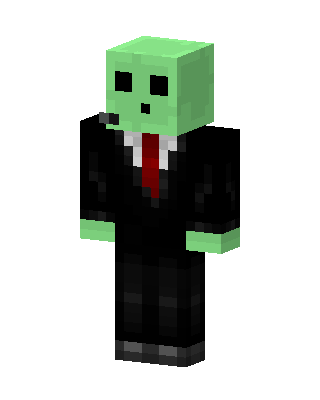 Slime In Suit14 views · Worn by 0
 Zombie Girl12 views · Worn by 0
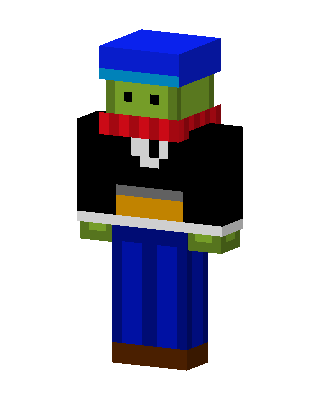 Green Zombie Boy10 views · Worn by 0


