


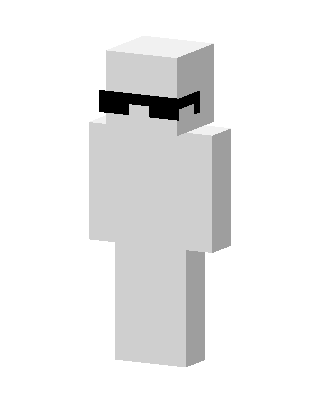
Cool White Guy
Slim arms · mostly white · worn by 1 player · first seen Oct 2026
20 viewsA plain all-white blocky character with black pixelated sunglasses and no other clothing or details.
1 player on BedrockBuddy has worn this
How to use on Bedrock
- Download the skin.
- In Minecraft, open Dressing Room, then Classic skins.
- Choose Import, pick the file, then choose the slim (Alex) arms.
Similar skins
 Goggles Marshmallow2 views · Worn by 0
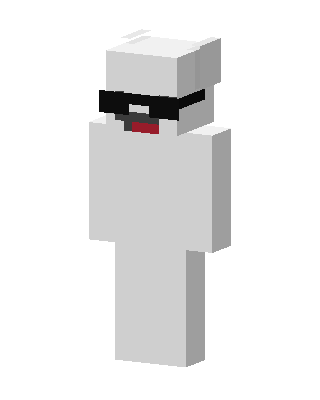 Cool White Bear1 views · Worn by 0
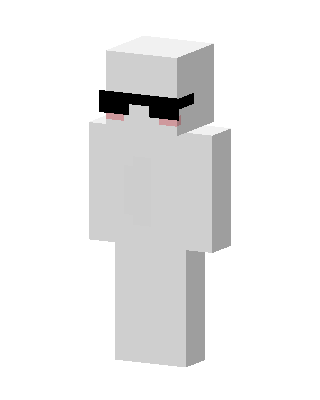 White Mob0 views · Worn by 0
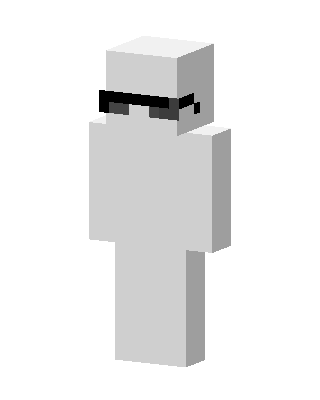 White Mob0 views · Worn by 0
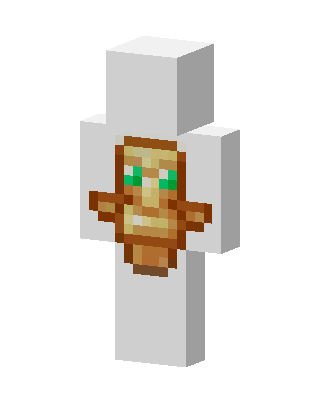 White Masked Mob0 views · Worn by 0
 White Masked Mob0 views · Worn by 0
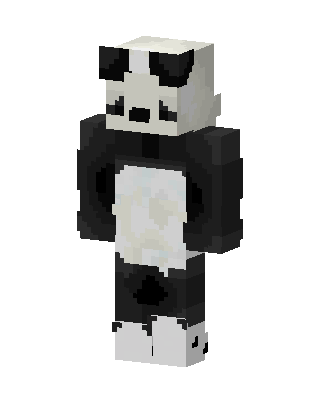 White Panda0 views · Worn by 0
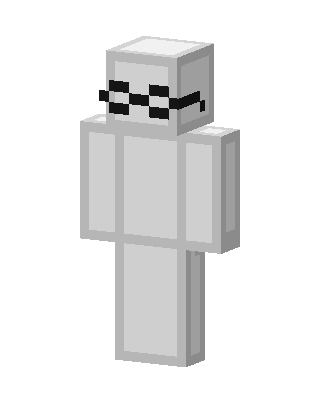 White Mob0 views · Worn by 0
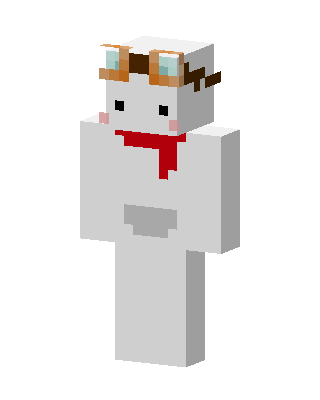 White Mob0 views · Worn by 0
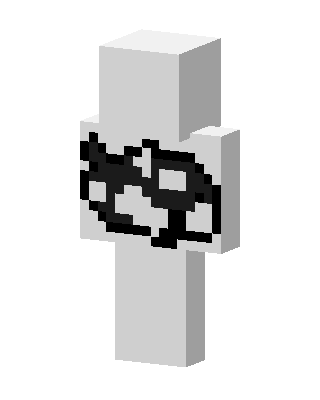 White Mob0 views · Worn by 0
 White Ninja0 views · Worn by 0
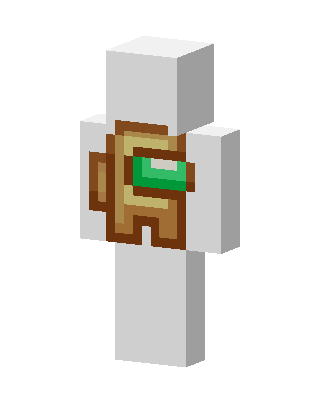 White Crewmate0 views · Worn by 0


