


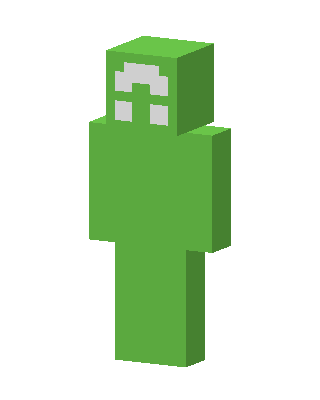
Green Blob
Slim arms · mostly green · first seen Oct 2026
2 viewsA solid bright green humanoid with no clothing details and a plain face marked only by a small white arch and two white squares.
How to use on Bedrock
- Download the skin.
- In Minecraft, open Dressing Room, then Classic skins.
- Choose Import, pick the file, then choose the slim (Alex) arms.
Similar skins
 Creeper6 views · Worn by 0
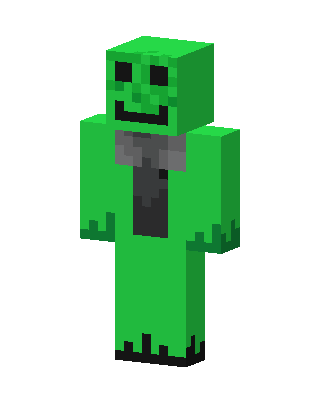 Creeper Hoodie1 views · Worn by 0
 Green Villain Boy0 views · Worn by 0
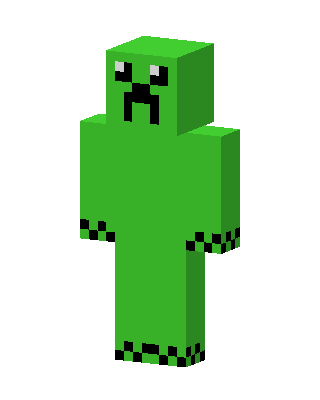 Green Villain0 views · Worn by 0
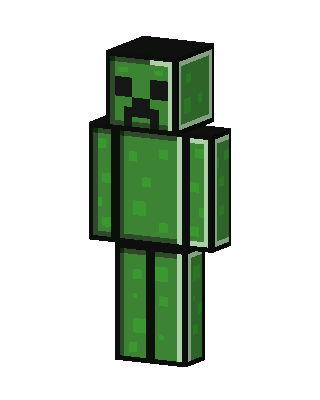 Green Villain0 views · Worn by 0
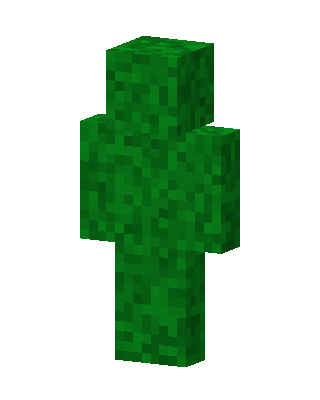 Leaf Block0 views · Worn by 0
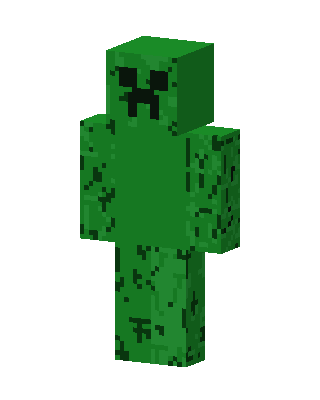 Creeper0 views · Worn by 0
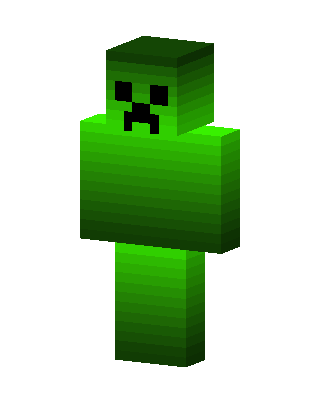 Creeper0 views · Worn by 0
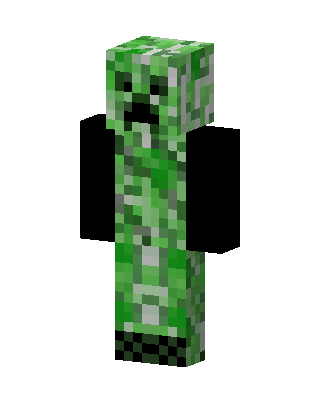 Creeper0 views · Worn by 0
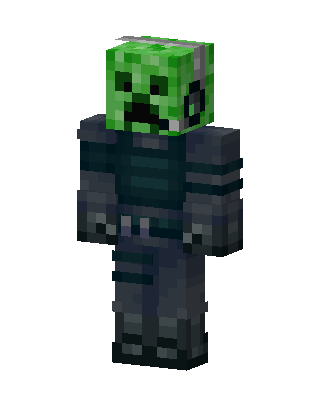 Creeper Knight678 views · Worn by 21
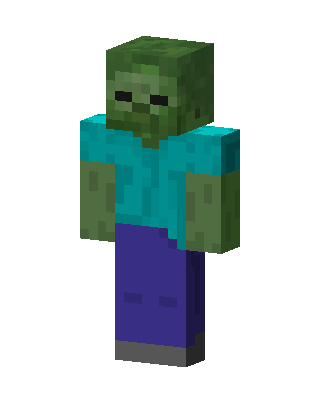 Zombie79 views · Worn by 4
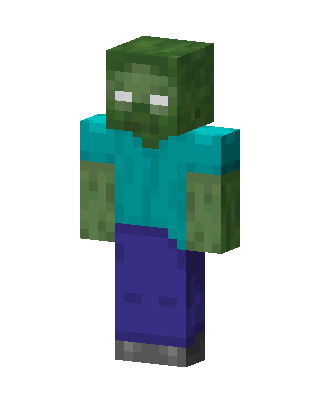 Zombie72 views · Worn by 2


