


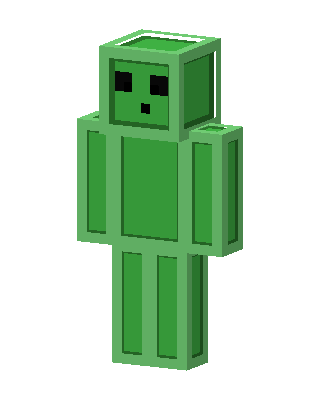
Slime
Classic arms · mostly green · first seen Oct 2026
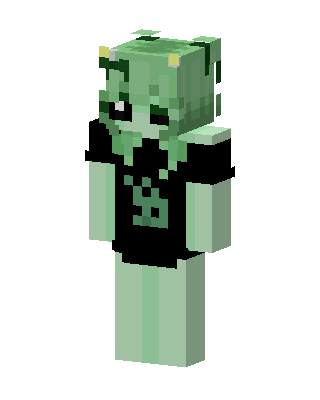
0 viewsA humanoid green Minecraft slime with a translucent outer layer, black square eyes, a tiny mouth, and a bright green body.
How to use on Bedrock
- Download the skin.
- In Minecraft, open Dressing Room, then Classic skins.
- Choose Import, pick the file, then choose the classic (Steve) arms.
Similar skins
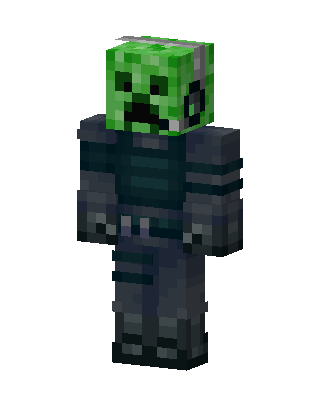 Creeper Knight732 views · Worn by 21
 Dream1.4k views · Worn by 1
 Dream410 views · Worn by 1
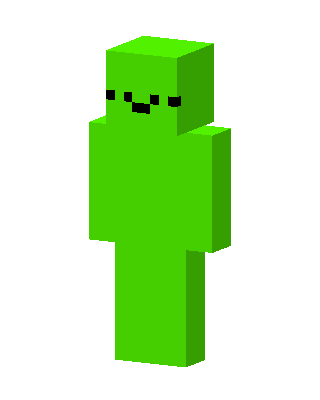 Lime Blob148 views · Worn by 3
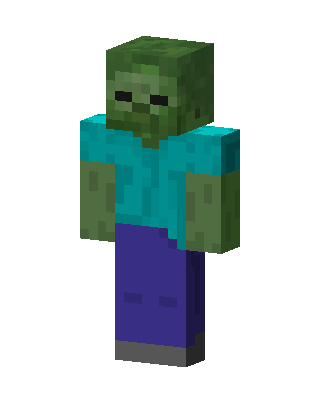 Zombie81 views · Worn by 4
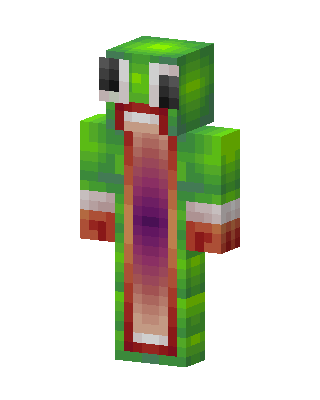 Unspeakable Frog51 views · Worn by 3
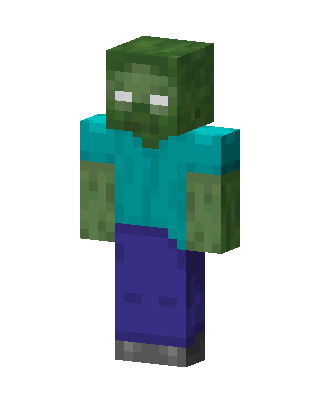 Zombie73 views · Worn by 2
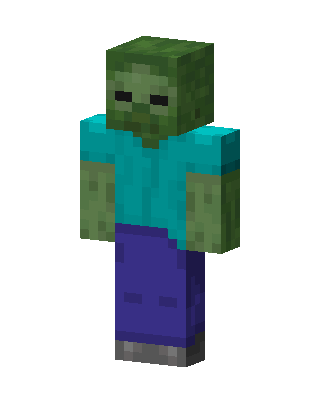 Zombie49 views · Worn by 1
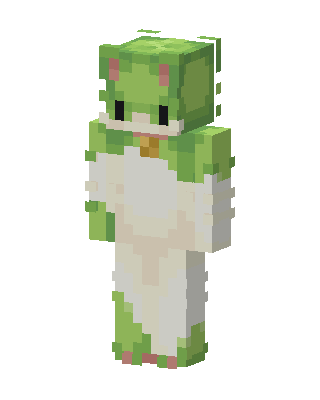 Frog Onesie42 views · Worn by 1
 Frankenstein's Monster37 views · Worn by 1
 Green Clown Boy31 views · Worn by 1
 Green Troll24 views · Worn by 1


