


Warden Knight
Slim arms · mostly teal · first seen Oct 2026
2 viewsA dark armored figure in deep navy and teal with beige bone-like trim, a glowing cyan chest core, a black hood and teal boots.
How to use on Bedrock
- Download the skin.
- In Minecraft, open Dressing Room, then Classic skins.
- Choose Import, pick the file, then choose the slim (Alex) arms.
Similar skins
 Enderman Steve3 views · Worn by 0
 Creeper King3 views · Worn by 0
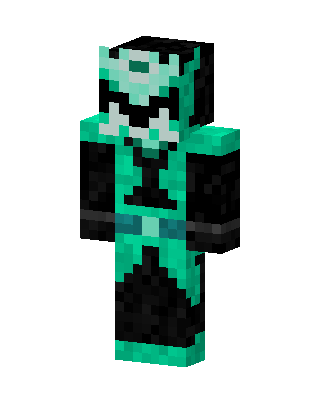 Teal Masked Villain Boy2 views · Worn by 0
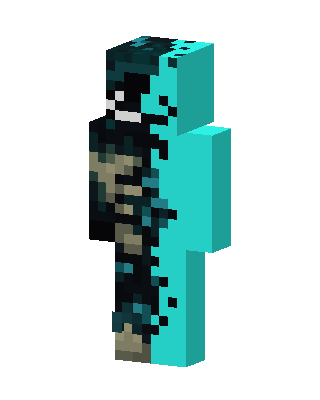 Blue Ninja Boy2 views · Worn by 0
 Warden1 views · Worn by 0
 Deep Dark Warden1 views · Worn by 0
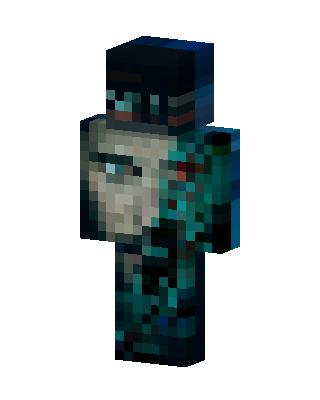 Teal Hero Boy1 views · Worn by 0
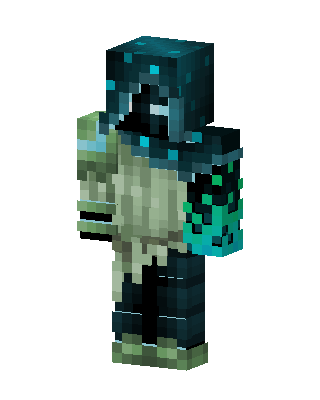 Warden Hood1 views · Worn by 0
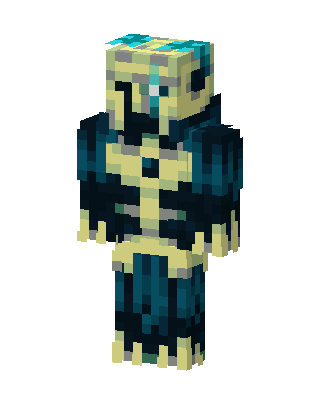 Abyssal Skeleton1 views · Worn by 0
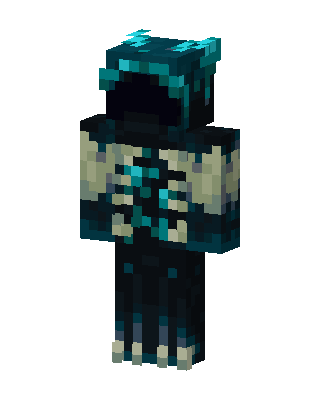 Warden1 views · Worn by 0
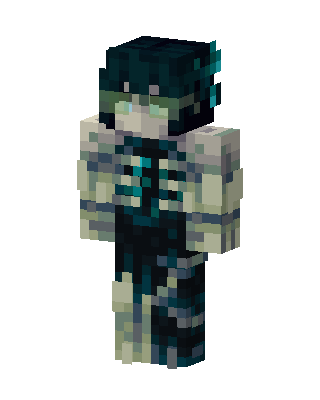 Sculk Warden1 views · Worn by 0
 Skeleton Garfield1 views · Worn by 0


