


Frost Crown Robot
Slim arms · mostly white · first seen Oct 2026
4 viewsA white robot-like character with glowing cyan eyes, a blue lightning bolt on the chest, blue outlined limbs and an icy blue crown.
How to use on Bedrock
- Download the skin.
- In Minecraft, open Dressing Room, then Classic skins.
- Choose Import, pick the file, then choose the slim (Alex) arms.
Similar skins
 Slime King8 views · Worn by 1
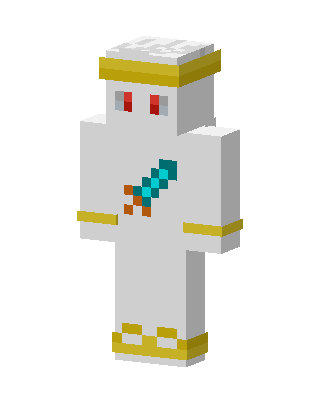 Diamond Sword Angel2 views · Worn by 0
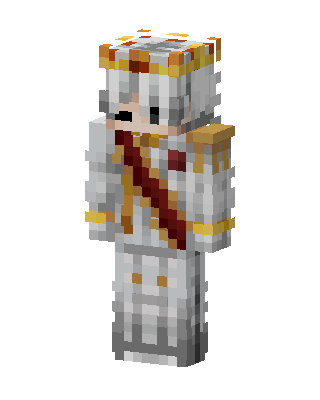 Royal Monarch2 views · Worn by 0
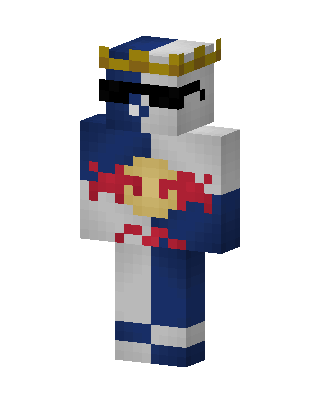 Red Bull Racer1 views · Worn by 0
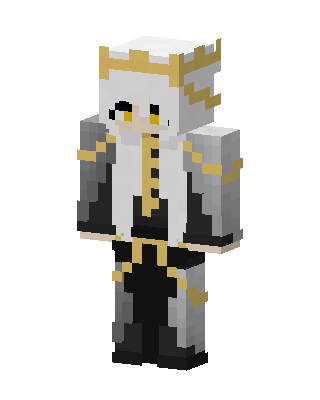 Gilded Monarch1 views · Worn by 0
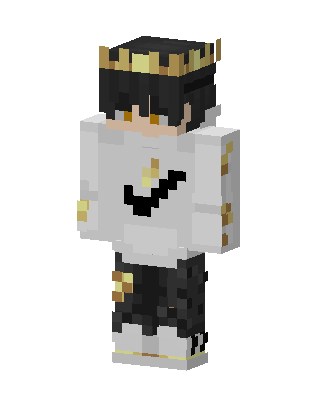 Golden Crown Boy1 views · Worn by 0
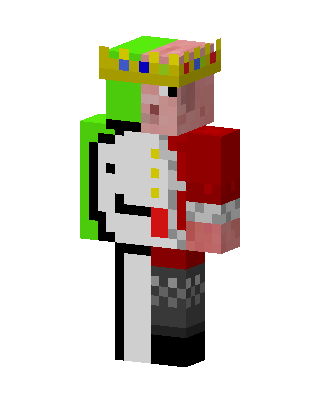
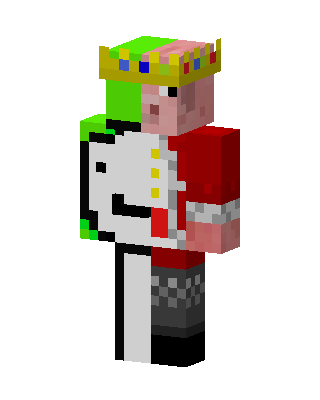 Piglin King1 views · Worn by 0
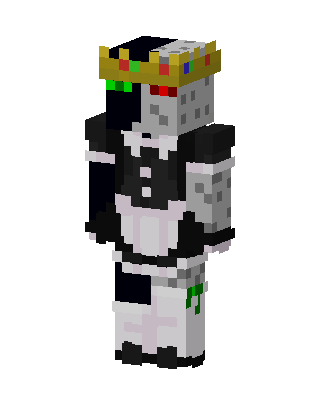 Ranboo Maid1 views · Worn by 0
 White King1 views · Worn by 0
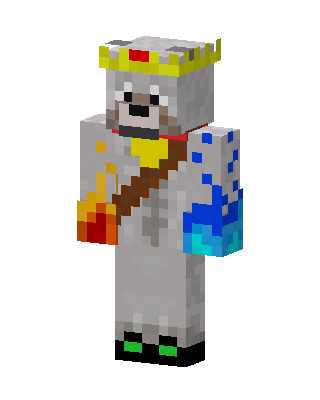 White Royal0 views · Worn by 0
 White Royal0 views · Worn by 0
 White King0 views · Worn by 0


