


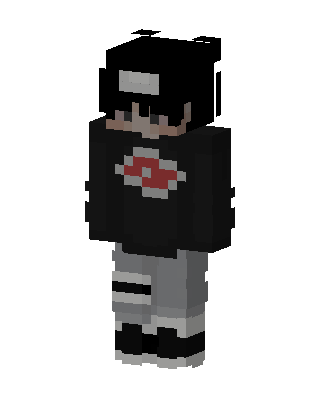
Akatsuki Itachi
Slim arms · mostly black · first seen Oct 2026
0 viewsBlack hair with a white forehead protector, black sweater with a red cloud emblem, gray pants with white bandage wraps, black and white shoes.
How to use on Bedrock
- Download the skin.
- In Minecraft, open Dressing Room, then Classic skins.
- Choose Import, pick the file, then choose the slim (Alex) arms.
Similar skins
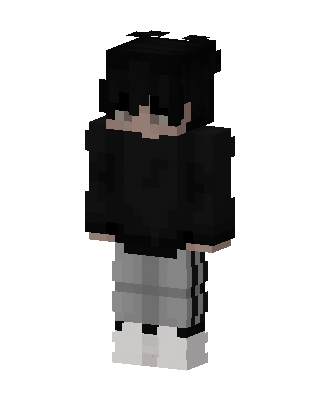 Shadow Streetwear112 views · Worn by 1
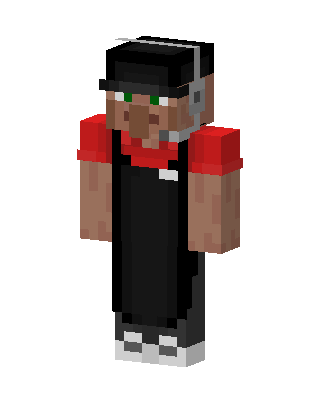 Villager Barista42 views · Worn by 2
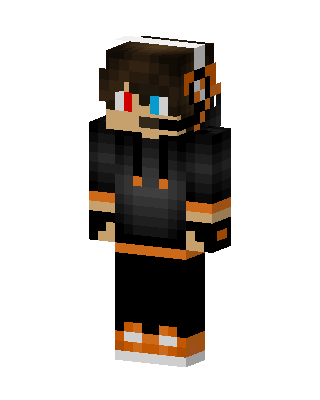 Orange Hoodie Gamer36 views · Worn by 1
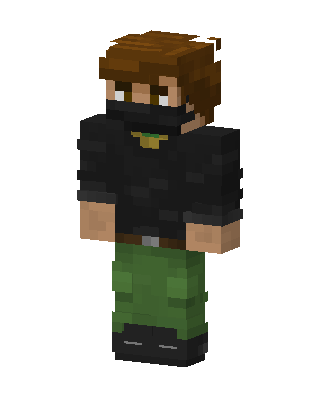 Masked Survivor11 views · Worn by 1
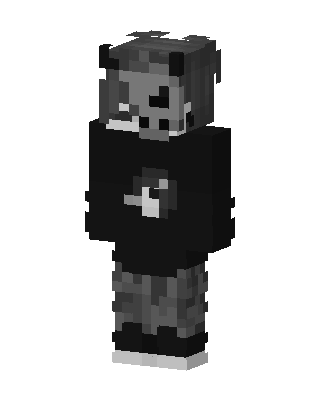 Gray Gamer Boy10 views · Worn by 1
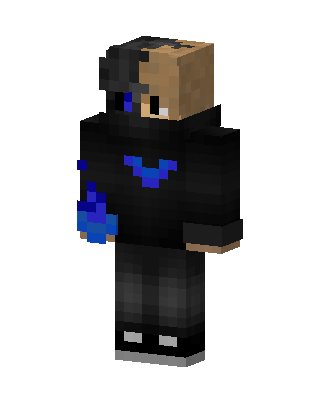 Blue Flame Hoodie6 views · Worn by 1
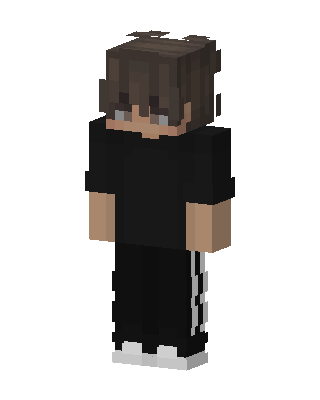 Streetwear Boy2 views · Worn by 1
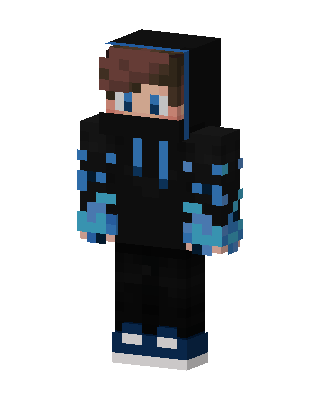 Blue Flame Hoodie28 views · Worn by 0
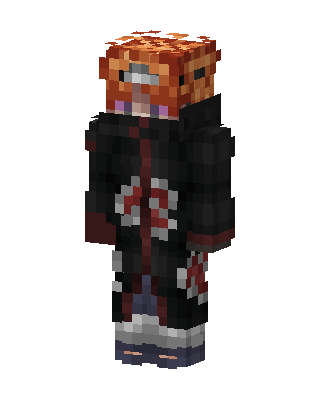 Obito Uchiha16 views · Worn by 0
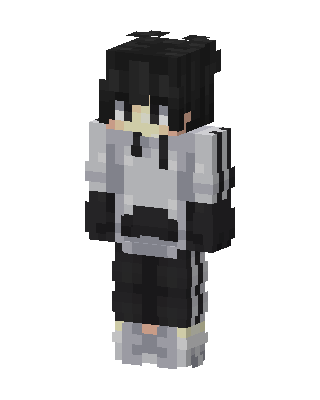 Monochrome Hoodie11 views · Worn by 0
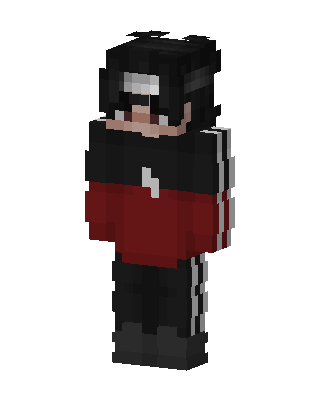 Crimson Tracksuit9 views · Worn by 0
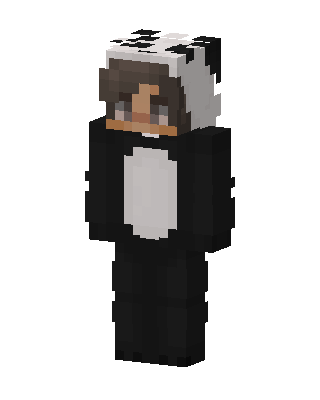 Panda Onesie6 views · Worn by 0


