



Crowned Red Eyes
Classic arms · mostly white · first seen Oct 2026
0 viewsBlack-haired boy with red eyes wearing a gold crown with a red gem, a white jacket over a black tie, black pants and white and red sneakers.
How to use on Bedrock
- Download the skin.
- In Minecraft, open Dressing Room, then Classic skins.
- Choose Import, pick the file, then choose the classic (Steve) arms.
Similar skins
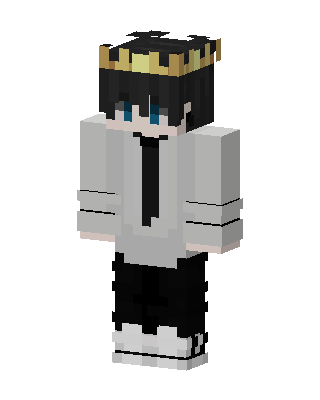 Crowned Prince22 views · Worn by 0
 Crowned Prince3 views · Worn by 0
 Crowned Prince2 views · Worn by 0
 Crowned Hoodie Boy1 views · Worn by 0
 White King0 views · Worn by 0
 White King0 views · Worn by 0
 Crowned Boy0 views · Worn by 0
 White King0 views · Worn by 0
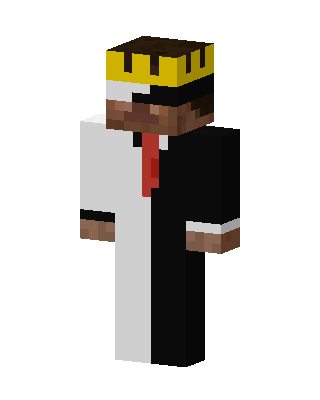 White King0 views · Worn by 0
 White King0 views · Worn by 0
 White King0 views · Worn by 0
 White King0 views · Worn by 0


