


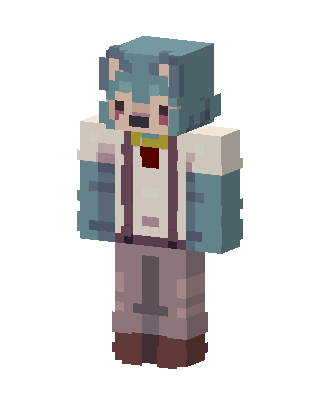
Teal Wolf Boy
Classic arms · mostly teal · first seen Oct 2026
0 viewsA wolf-eared character with teal hair, a teal jacket over a white shirt with a red vest and yellow bow tie, purple suspenders, and gray pants.
How to use on Bedrock
- Download the skin.
- In Minecraft, open Dressing Room, then Classic skins.
- Choose Import, pick the file, then choose the classic (Steve) arms.
Similar skins
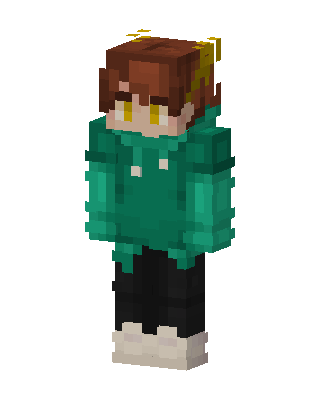 Green Hoodie Boy6 views · Worn by 1
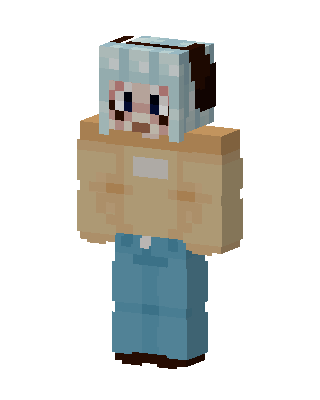 Brown Anime0 views · Worn by 0
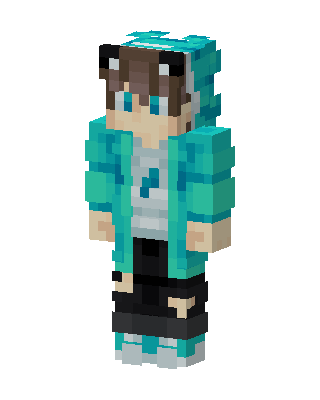 Teal Anime Girl0 views · Worn by 0
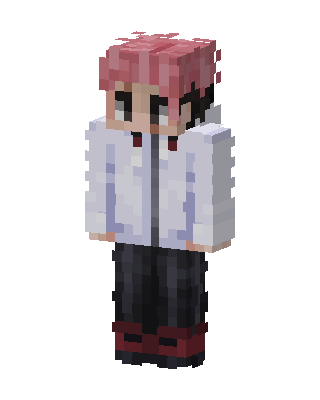 White Anime0 views · Worn by 0
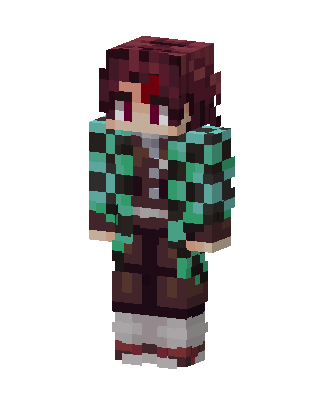 Tanjiro Kamado0 views · Worn by 0
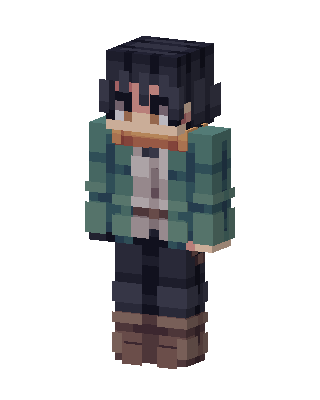 Teal Jacket Wanderer0 views · Worn by 0
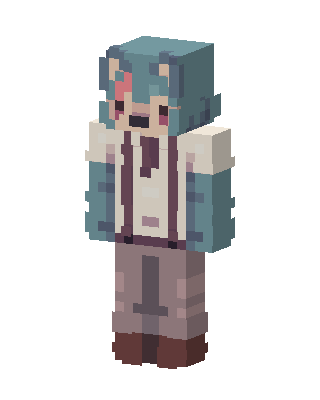 Teal Cat Girl0 views · Worn by 0
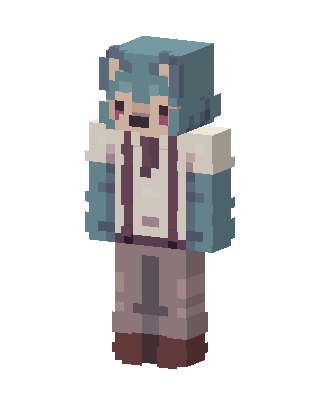 Teal Wolf Boy0 views · Worn by 0
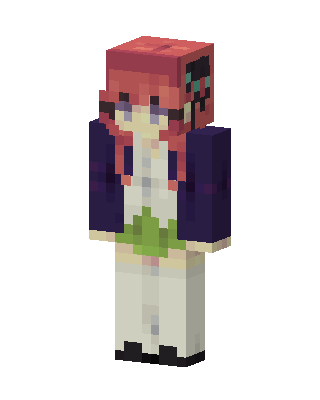 Nino Nakano20 views · Worn by 1
 Sunflower Hoodie16 views · Worn by 1
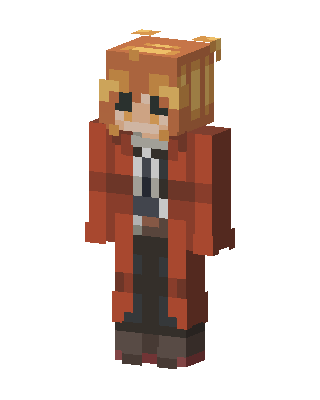 Edward Elric12 views · Worn by 1
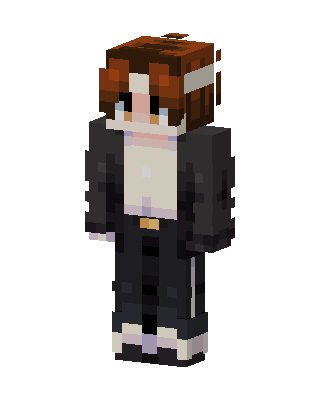 Auburn Streetwear10 views · Worn by 1


