


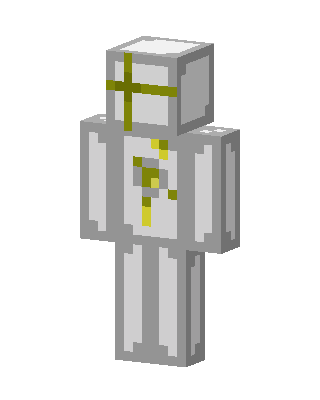
Golden Cross Knight
Classic arms · mostly white · first seen Oct 2026
0 viewsA white and light gray armored figure with a yellow cross across the helmet and golden cross markings down the chest.
How to use on Bedrock
- Download the skin.
- In Minecraft, open Dressing Room, then Classic skins.
- Choose Import, pick the file, then choose the classic (Steve) arms.
Similar skins
 Golden Angel Knight2 views · Worn by 0
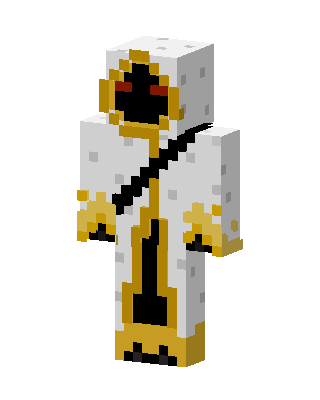 White Masked Angel Boy0 views · Worn by 0
 Golden Angel16 views · Worn by 1
 Peach Bunny8 views · Worn by 0
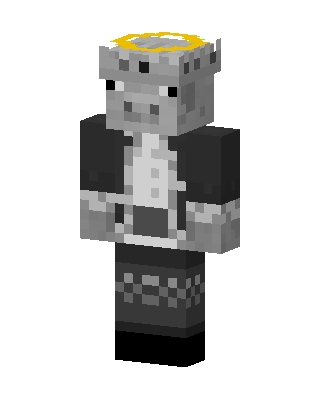 Angel Pig6 views · Worn by 0
 Golden Goddess4 views · Worn by 0
 Streetwear Boy3 views · Worn by 0
 Wise Old Sage1 views · Worn by 0
 White Angel Girl1 views · Worn by 0
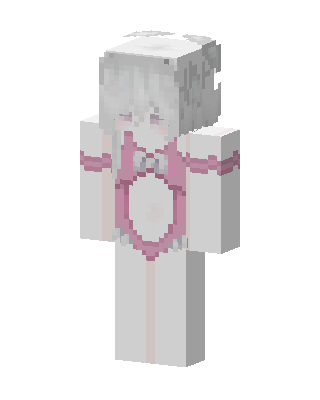 Pink Angel1 views · Worn by 0
 Calico Cat Girl1 views · Worn by 0
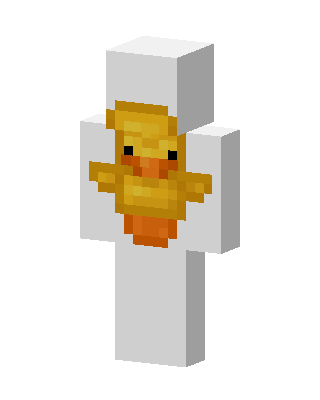 Rubber Duck1 views · Worn by 0


