


Dark Hoodie Boy
Slim arms · mostly black · first seen Oct 2026
0 viewsA character with messy black hair and a face mask, wearing a black hoodie with a small red logo, black pants with a strap, and gray sneakers.
How to use on Bedrock
- Download the skin.
- In Minecraft, open Dressing Room, then Classic skins.
- Choose Import, pick the file, then choose the slim (Alex) arms.
Similar skins
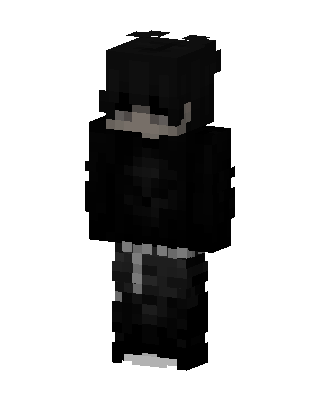 Shadow Hoodie1.6k views · Worn by 5
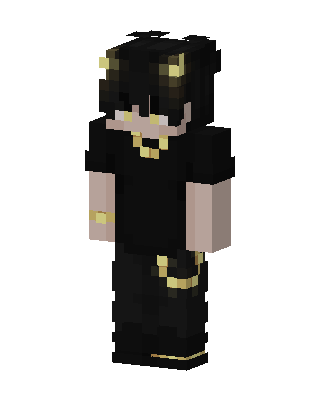 Golden Horn Demon665 views · Worn by 19
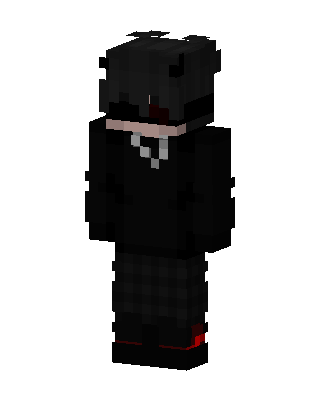 Black Ninja Boy141 views · Worn by 7
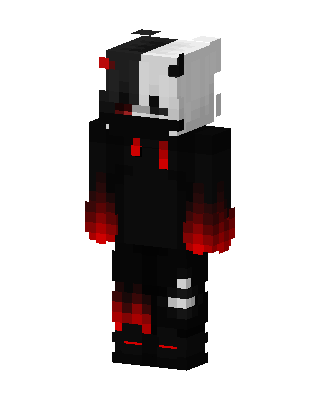 Monokuma Hoodie148 views · Worn by 6
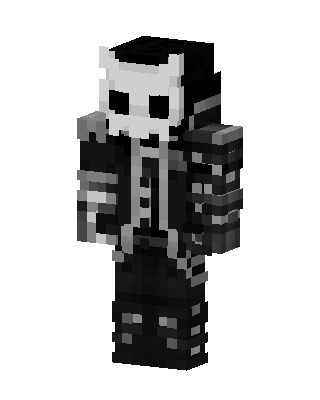 Skull Knight387 views · Worn by 1
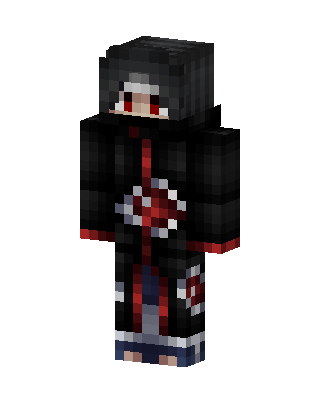 Itachi Uchiha324 views · Worn by 1
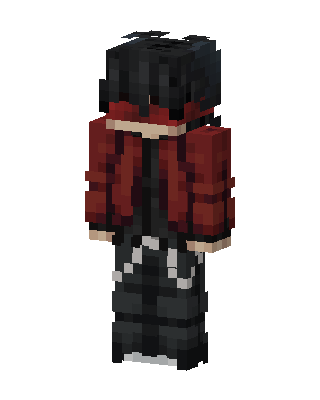 Crimson Hoodie180 views · Worn by 2
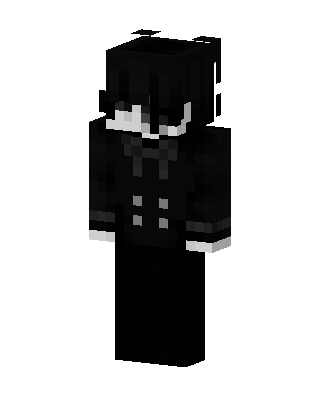 Monochrome Butler145 views · Worn by 2
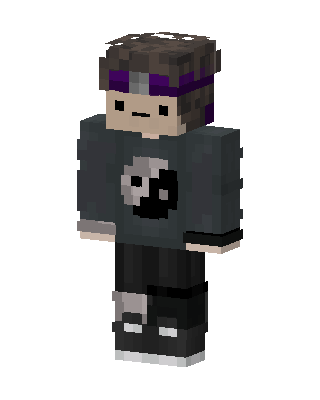 Yin Yang Hoodie134 views · Worn by 2
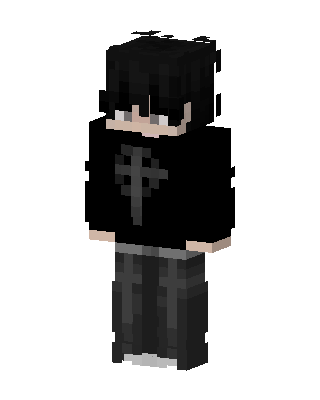 Gothic Cross77 views · Worn by 2
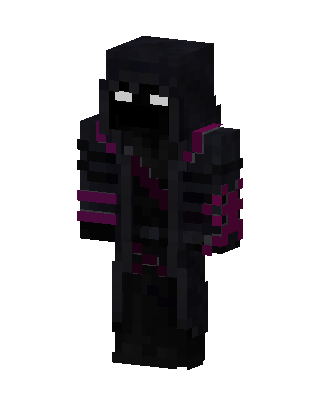 Void Reaper120 views · Worn by 1
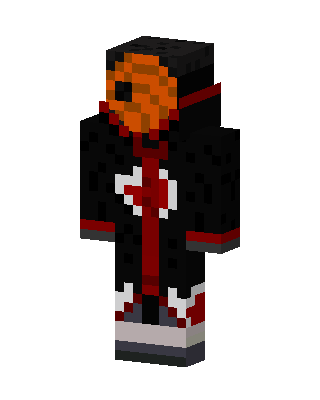 Tobi118 views · Worn by 1


