


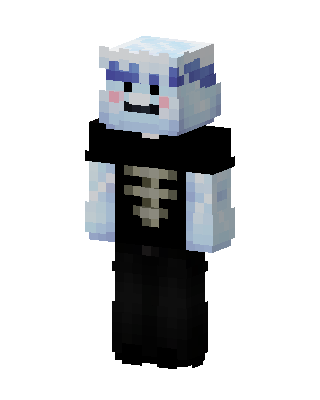
Frost Skeleton
Slim arms · mostly white · first seen Oct 2026
1 viewPale icy blue character with blue frosty brows, rosy cheeks and a smile, wearing a black shirt with a bone ribcage print and black pants.
How to use on Bedrock
- Download the skin.
- In Minecraft, open Dressing Room, then Classic skins.
- Choose Import, pick the file, then choose the slim (Alex) arms.
Similar skins
 Frost Wraith2 views · Worn by 0
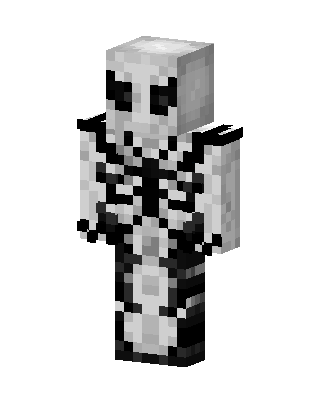 Anti-Venom18 views · Worn by 0
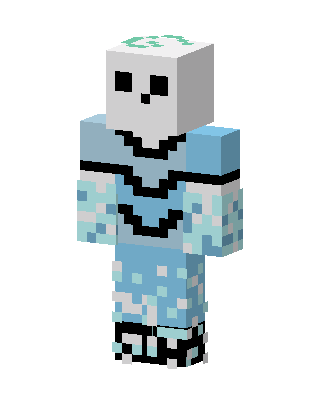 Frost Skull13 views · Worn by 0
 Monochrome Guy5 views · Worn by 0
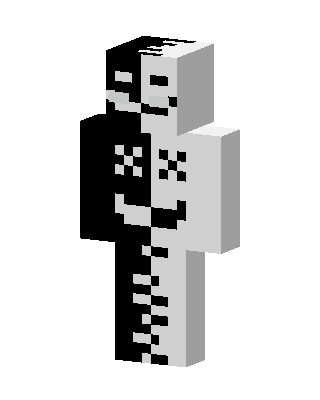 Split Skeleton4 views · Worn by 0
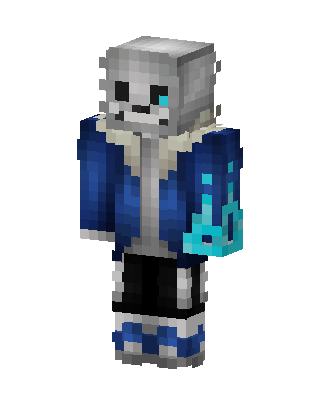 Sans2 views · Worn by 0
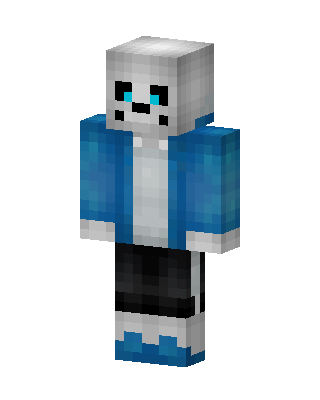 Sans2 views · Worn by 0
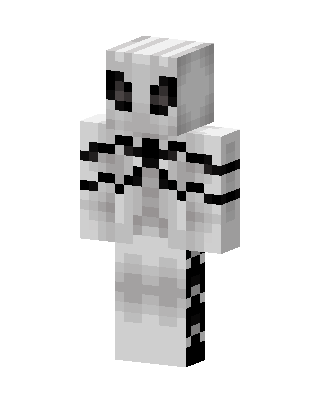 Pale Specter2 views · Worn by 0
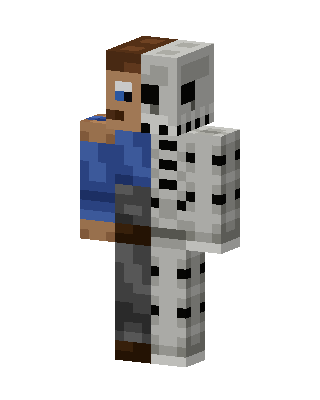 White Fighter Boy2 views · Worn by 0
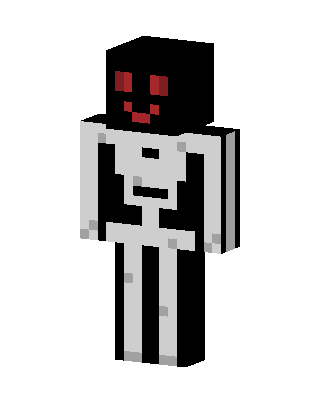 White Mob2 views · Worn by 0
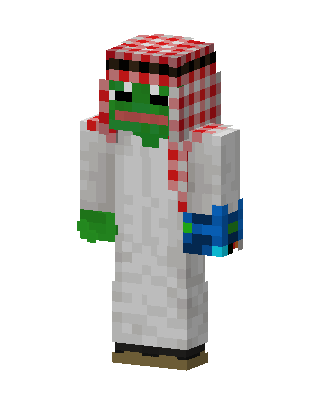 Pepe The Frog2 views · Worn by 0
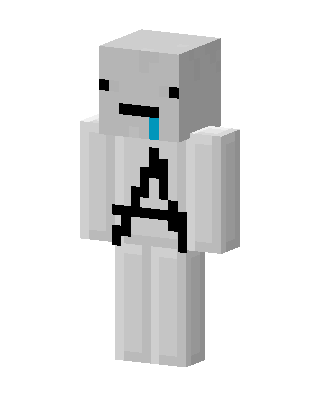 White Skeleton1 views · Worn by 0


