



Creepy Smiler
Classic arms · mostly white · first seen Oct 2026
0 viewsA plain white blocky character with purple square eyes and a red crooked smile, with no clothing or other details.
How to use on Bedrock
- Download the skin.
- In Minecraft, open Dressing Room, then Classic skins.
- Choose Import, pick the file, then choose the classic (Steve) arms.
Similar skins
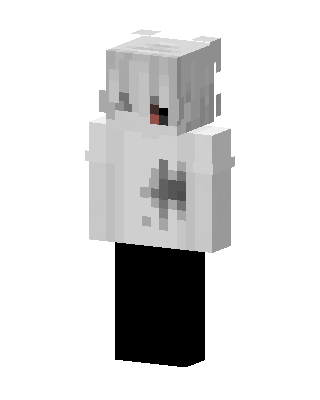 Ghost Boy141 views · Worn by 2
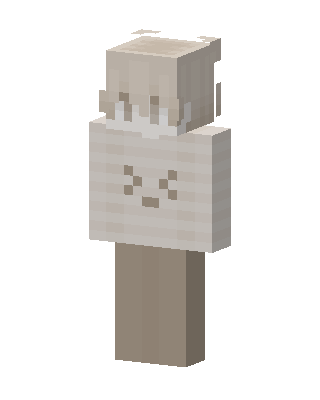 Cream Bunny48 views · Worn by 1
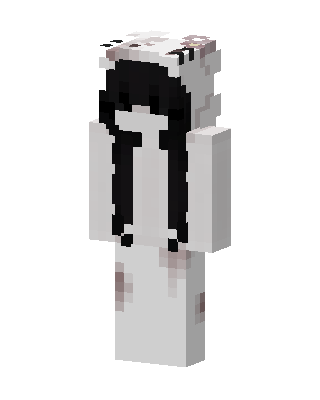 Ghost Girl41 views · Worn by 1
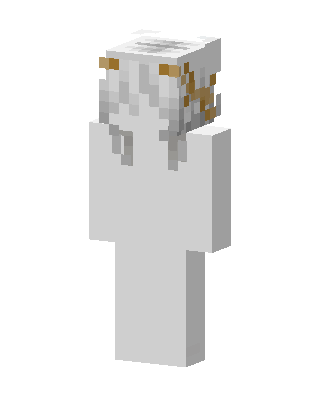 Ghost Maiden28 views · Worn by 1
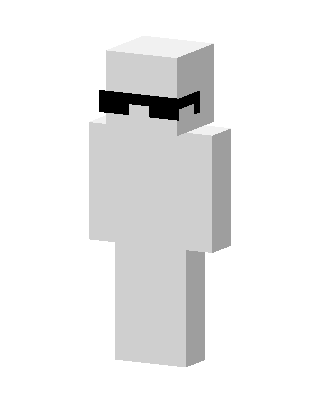 Cool White Guy20 views · Worn by 1
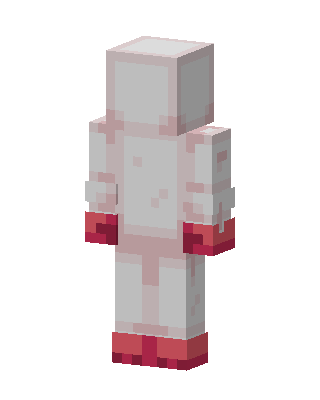 White Mob16 views · Worn by 1
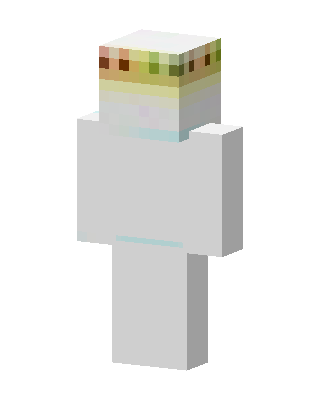 Flower Crown Ghost16 views · Worn by 1
 Monochrome Girl13 views · Worn by 1
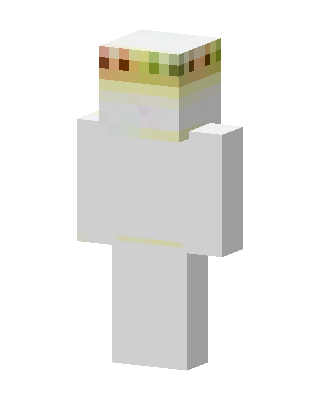 Flower Crown Ghost10 views · Worn by 1
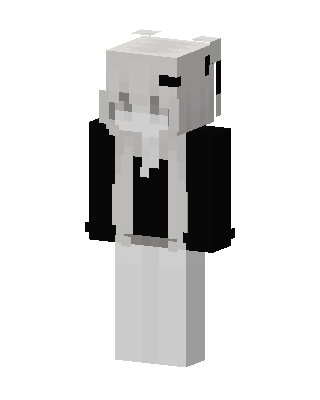 Panda Hoodie8 views · Worn by 1
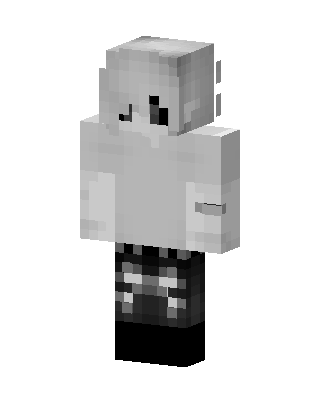 Monochrome Hoodie6 views · Worn by 1
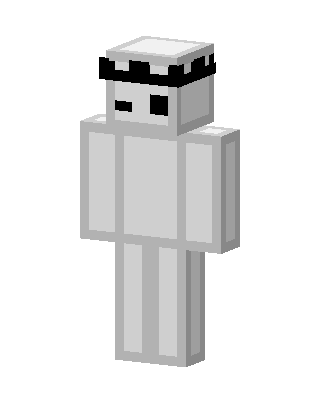 Crowned Ghost5 views · Worn by 1


