


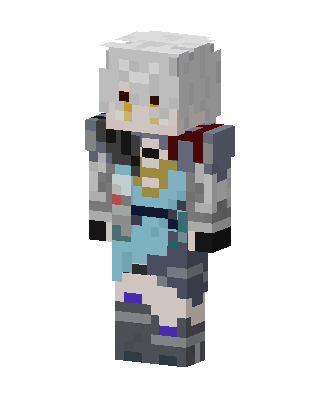
Armored Silver Knight
Slim arms · mostly gray · first seen Oct 2026
0 viewsWhite-haired character with amber eyes wearing gray and silver armor over a light blue tunic, with dark red shoulder pads and purple accents on the boots.
How to use on Bedrock
- Download the skin.
- In Minecraft, open Dressing Room, then Classic skins.
- Choose Import, pick the file, then choose the slim (Alex) arms.
Similar skins
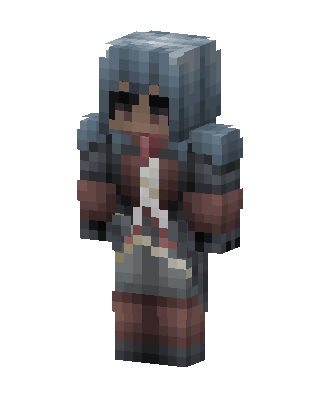 Gray Knight Girl0 views · Worn by 0
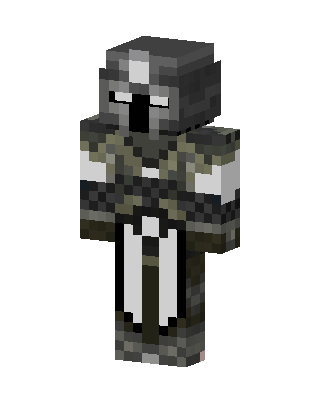 Armored Knight5 views · Worn by 0
 Blue Knight3 views · Worn by 0
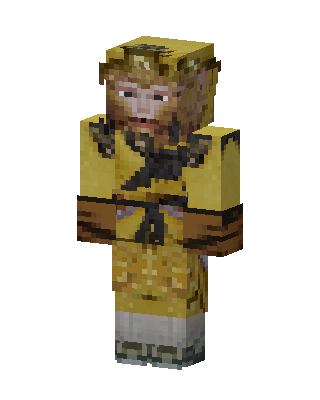 Sun Wukong3 views · Worn by 0
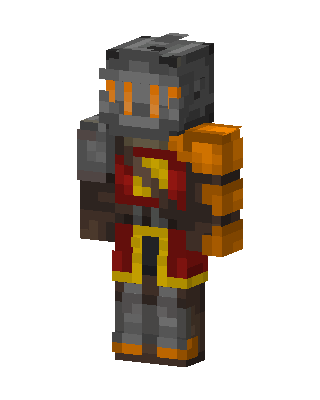 Ember Knight3 views · Worn by 0
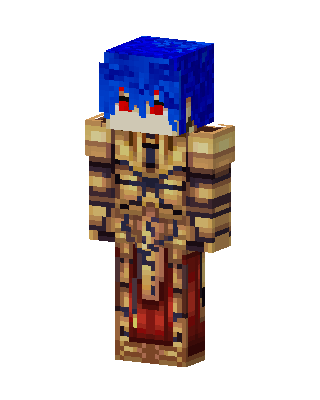 Golden Armor Knight2 views · Worn by 0
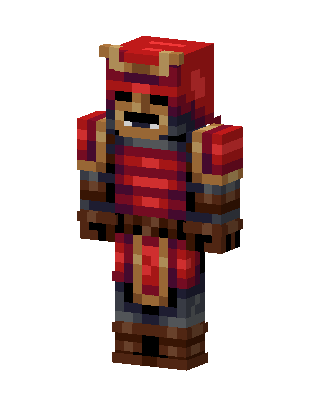 Red Samurai2 views · Worn by 0
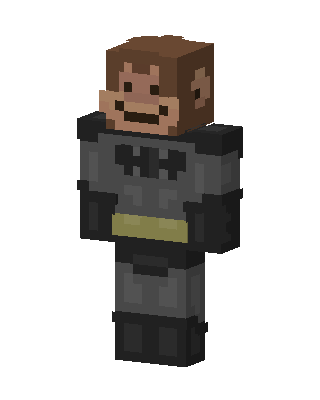 Monkey Batman1 views · Worn by 0
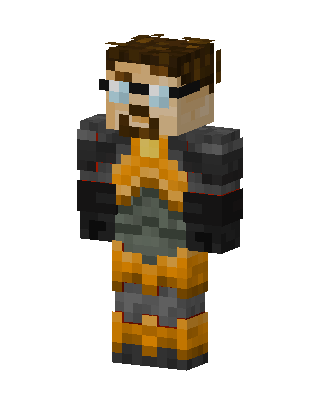 Gordon Freeman1 views · Worn by 0
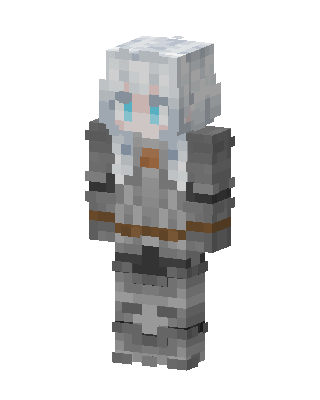 Silver Knight1 views · Worn by 0
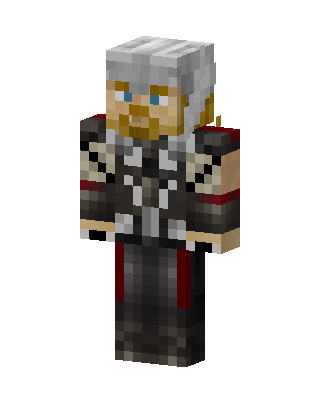 Thor1 views · Worn by 0
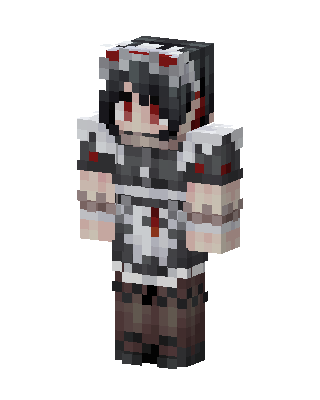 Gray Knight Girl1 views · Worn by 0


