


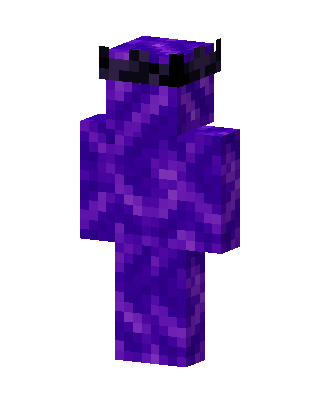
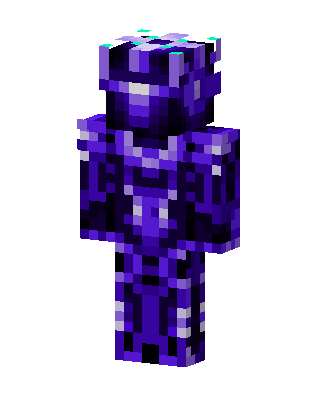
Crying Obsidian King
Classic arms · mostly purple · first seen Oct 2026
1 viewA full body skin made of purple crying obsidian texture, topped with a dark black spiked crown on its head.
How to use on Bedrock
- Download the skin.
- In Minecraft, open Dressing Room, then Classic skins.
- Choose Import, pick the file, then choose the classic (Steve) arms.
Similar skins
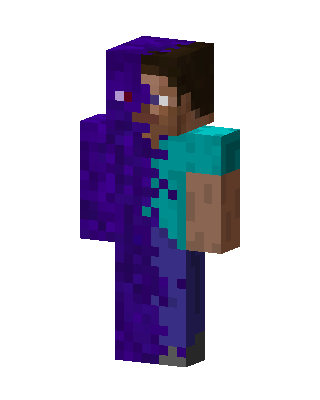 Corrupted Steve6 views · Worn by 0
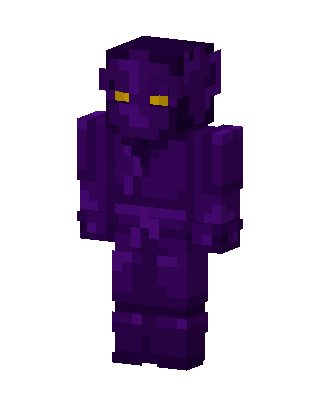 Shadow Imp5 views · Worn by 0
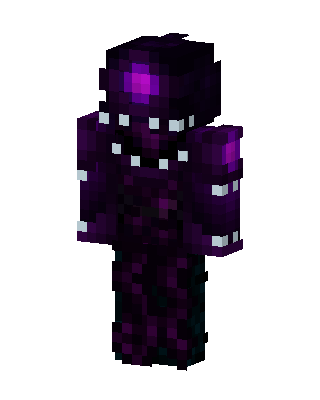 Void Walker4 views · Worn by 0
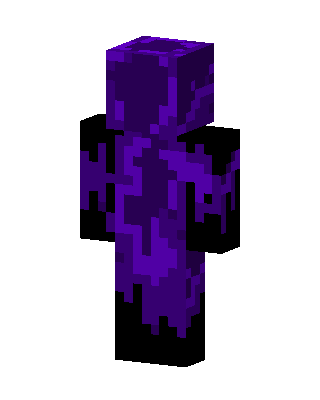 Purple Villain3 views · Worn by 0
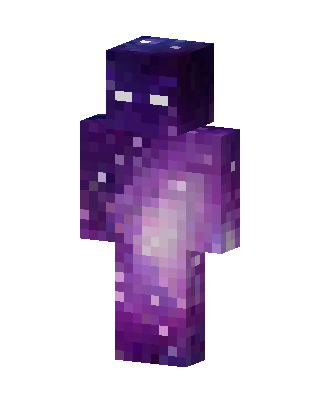 Galaxy Walker1 views · Worn by 0
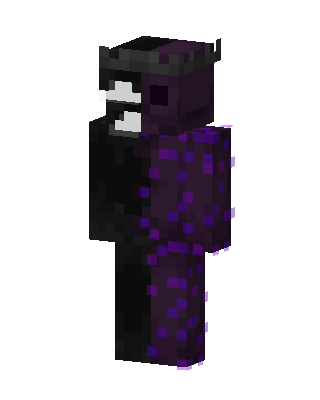 Obsidian Ranboo1 views · Worn by 0
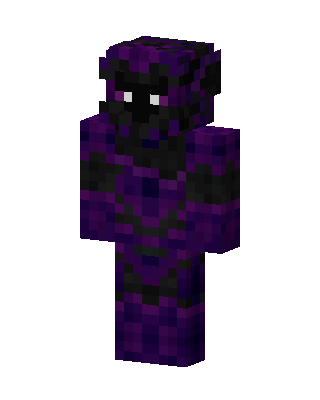 Purple Ninja Boy1 views · Worn by 0
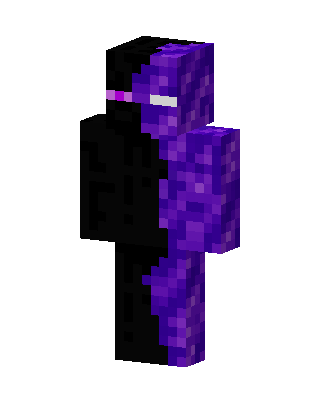 Ender Obsidian1 views · Worn by 0
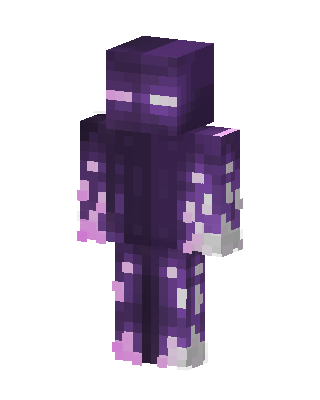 Amethyst Enderman1 views · Worn by 0
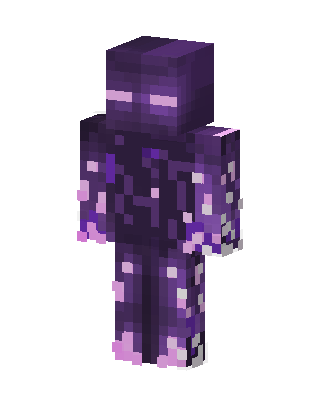 Amethyst Enderman1 views · Worn by 0
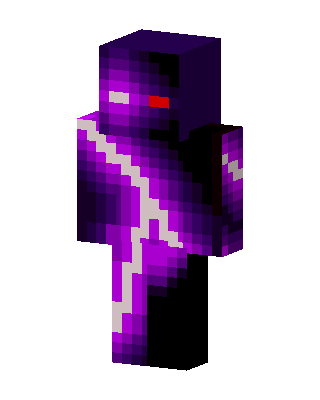 Void Lightning1 views · Worn by 0
 Void Knight1 views · Worn by 0


