


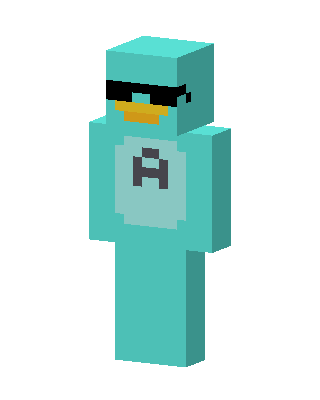
Cool Teal Duck
Slim arms · mostly teal · first seen Oct 2026
0 viewsA teal duck character with an orange bill, black sunglasses, and a teal body with a light circle on the chest showing a dark letter A.
How to use on Bedrock
- Download the skin.
- In Minecraft, open Dressing Room, then Classic skins.
- Choose Import, pick the file, then choose the slim (Alex) arms.
Similar skins
 Shades Bear15 views · Worn by 0
 Enderman Steve3 views · Worn by 0
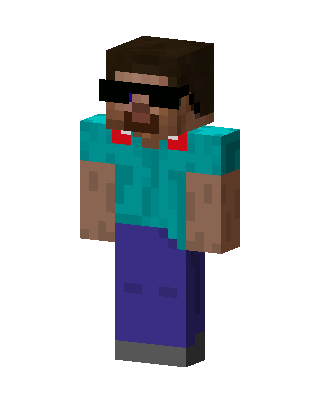 Steve With Shades2 views · Worn by 0
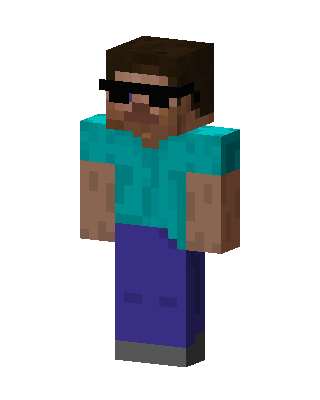 Cool Steve2 views · Worn by 0
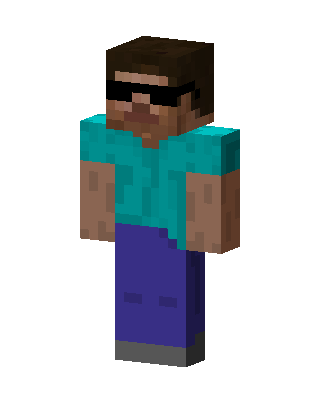 Cool Steve2 views · Worn by 0
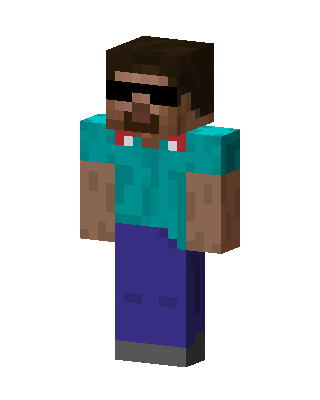 Cool Steve2 views · Worn by 0
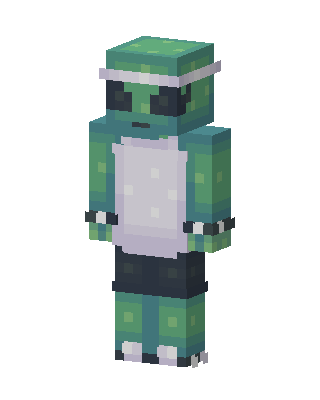 Teal Mob Boy0 views · Worn by 0
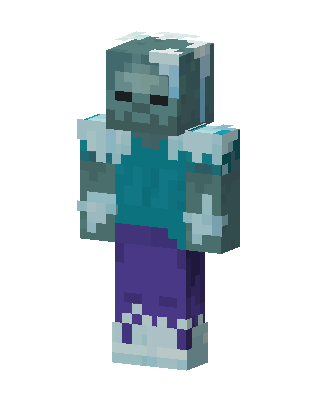 Frozen Zombie85 views · Worn by 2
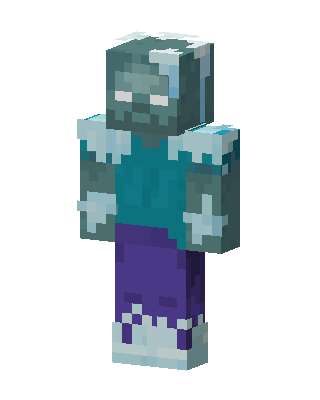 Frozen Zombie12 views · Worn by 1
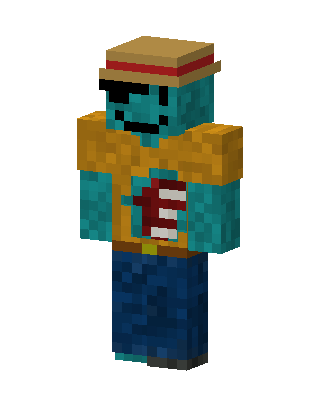 Pirate Zombie11 views · Worn by 1
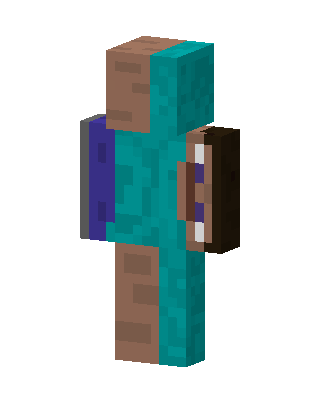 Half Steve7 views · Worn by 1
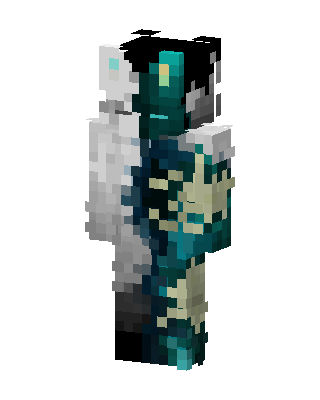 Teal Split Spirit6 views · Worn by 1


